One calm screen for every child. Real limits and bedtime that hold, fun questions to earn a little more, and you in charge from your phone.
You set the rules. The TV keeps them, even when your phone is in another room.
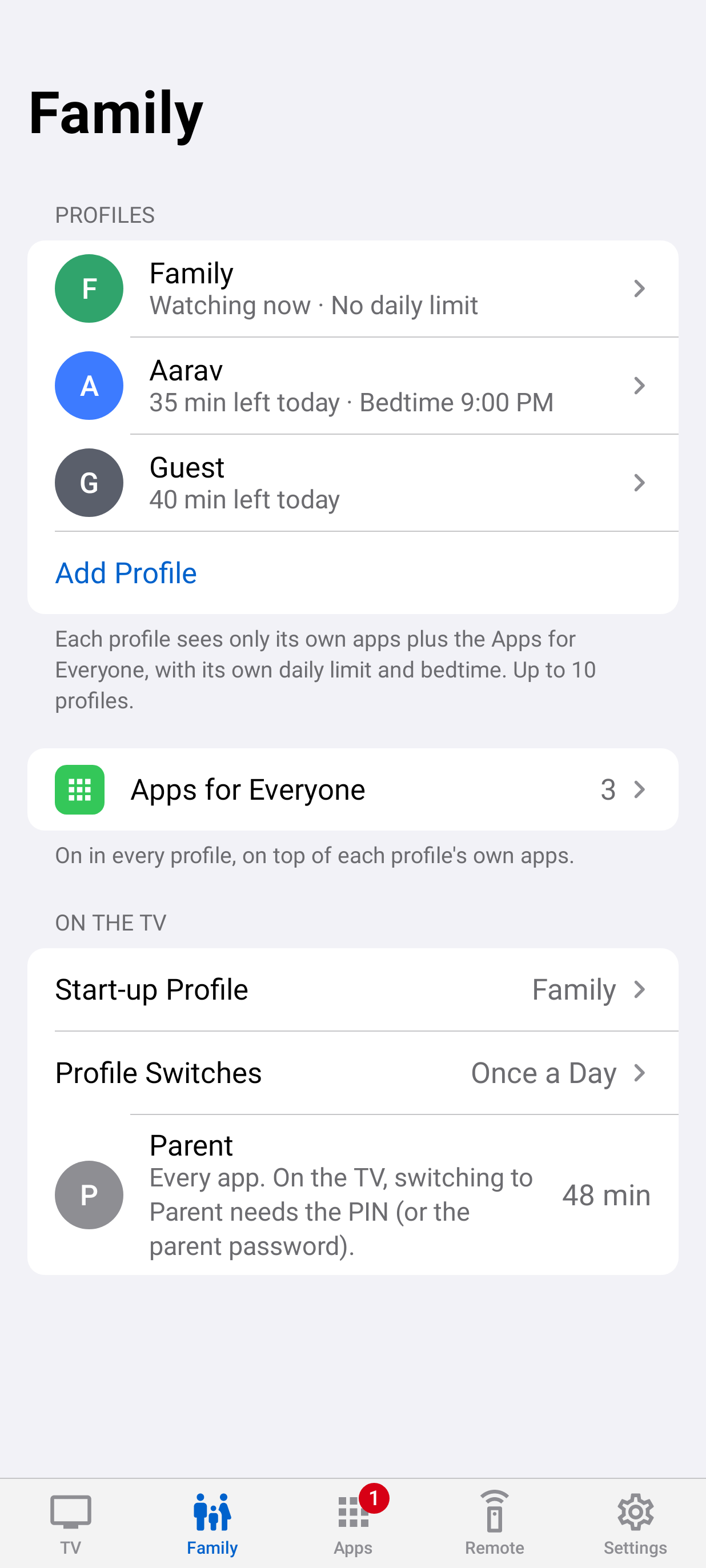
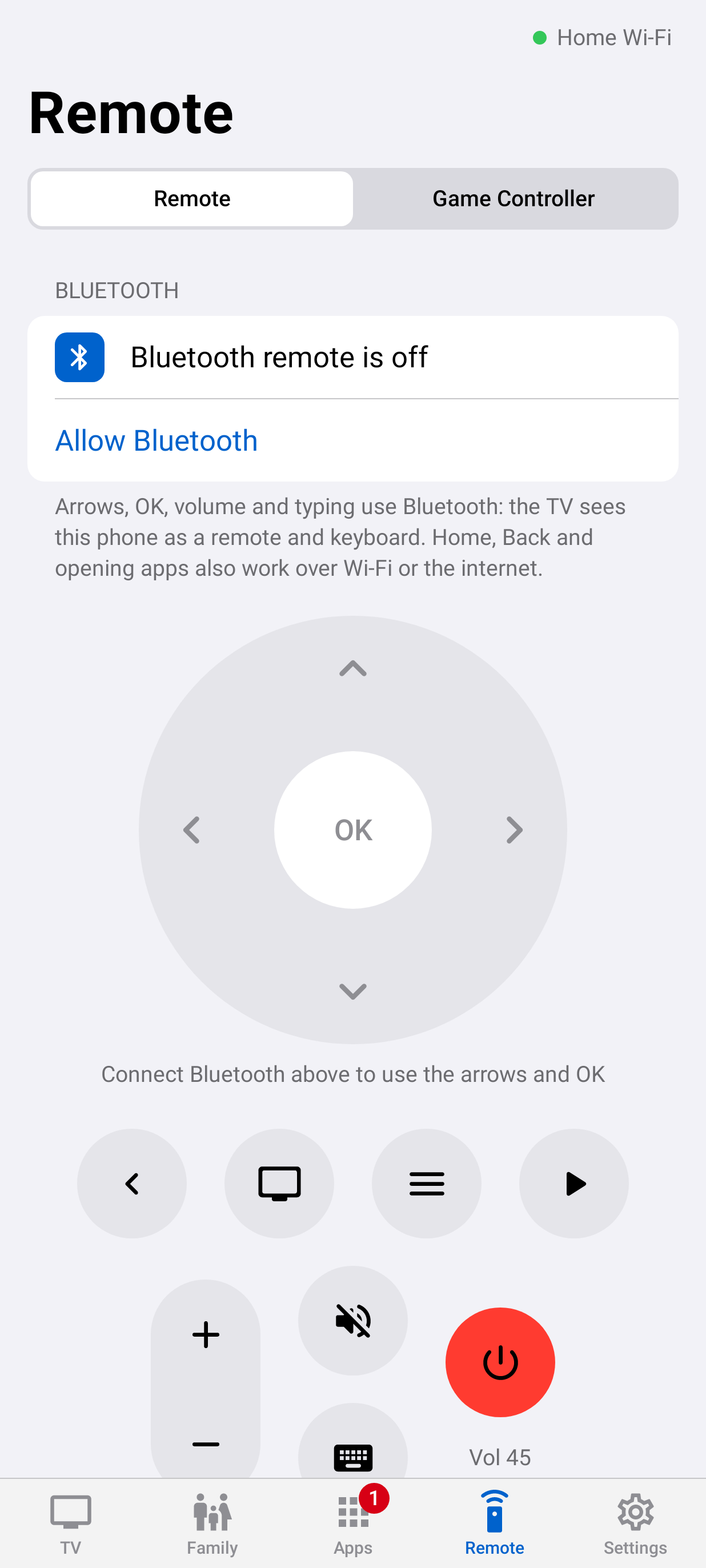
The remote for the rules.
Profiles, time, bedtime and requests, over your home Wi-Fi or the internet when you allow it.
Where the rules live.
A calm Home screen and a guard that keeps limits, bedtime and approved apps, online or not.
Fair, clear, and fun.
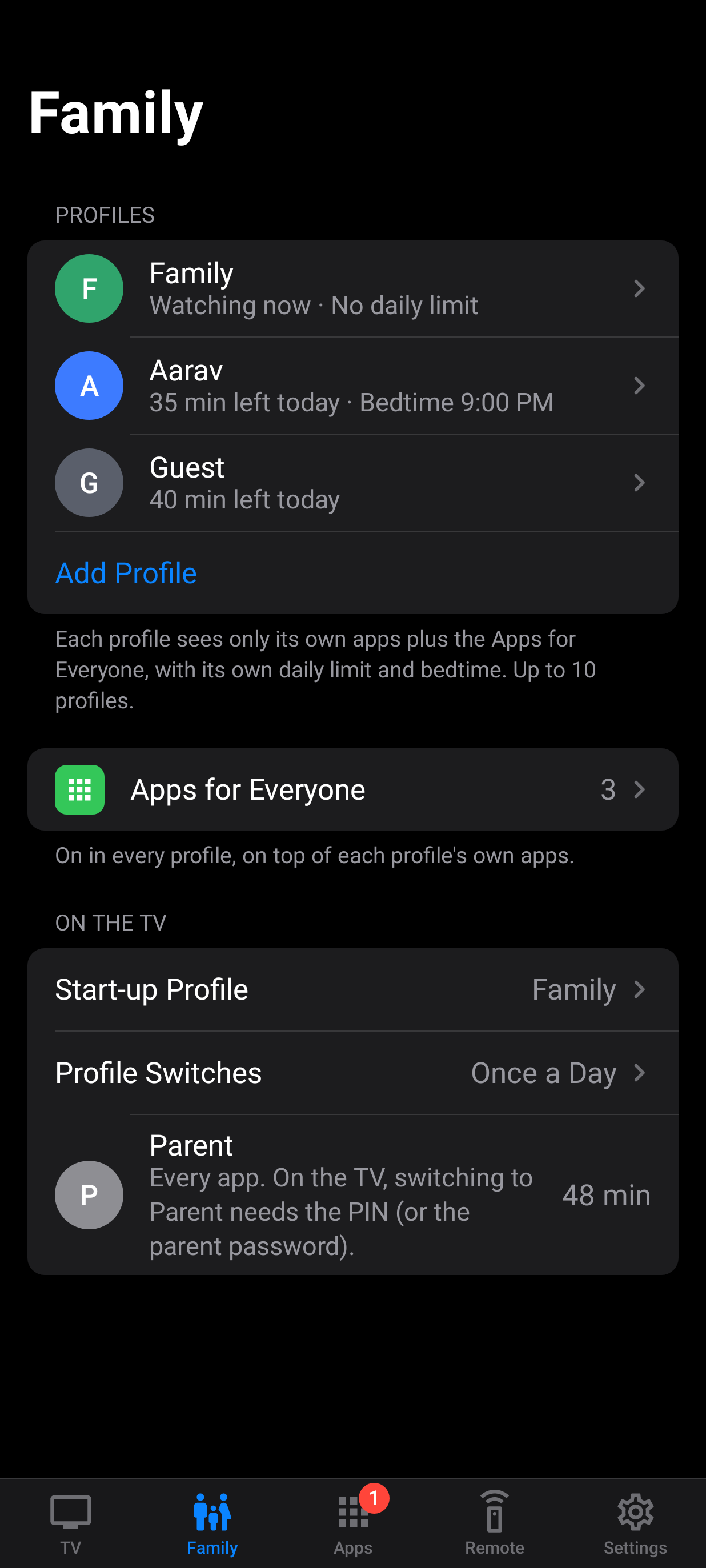
Their apps, their time, and a way to earn more by answering questions on the big screen.
Calm, and awake to your family.
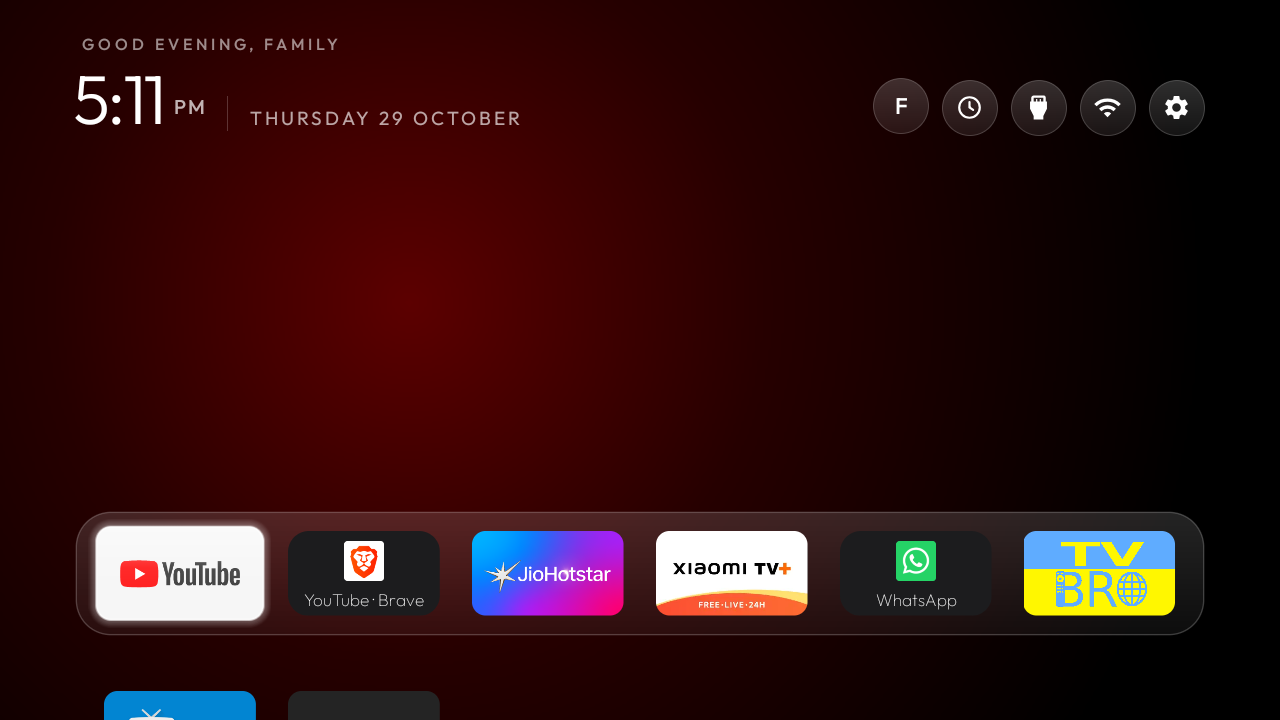
No ads, no autoplay rows, no feeds. A clock, a greeting, your apps, and a line about what you're on: what you watched there lately, or what a button does.

Out of time? Earn some more.
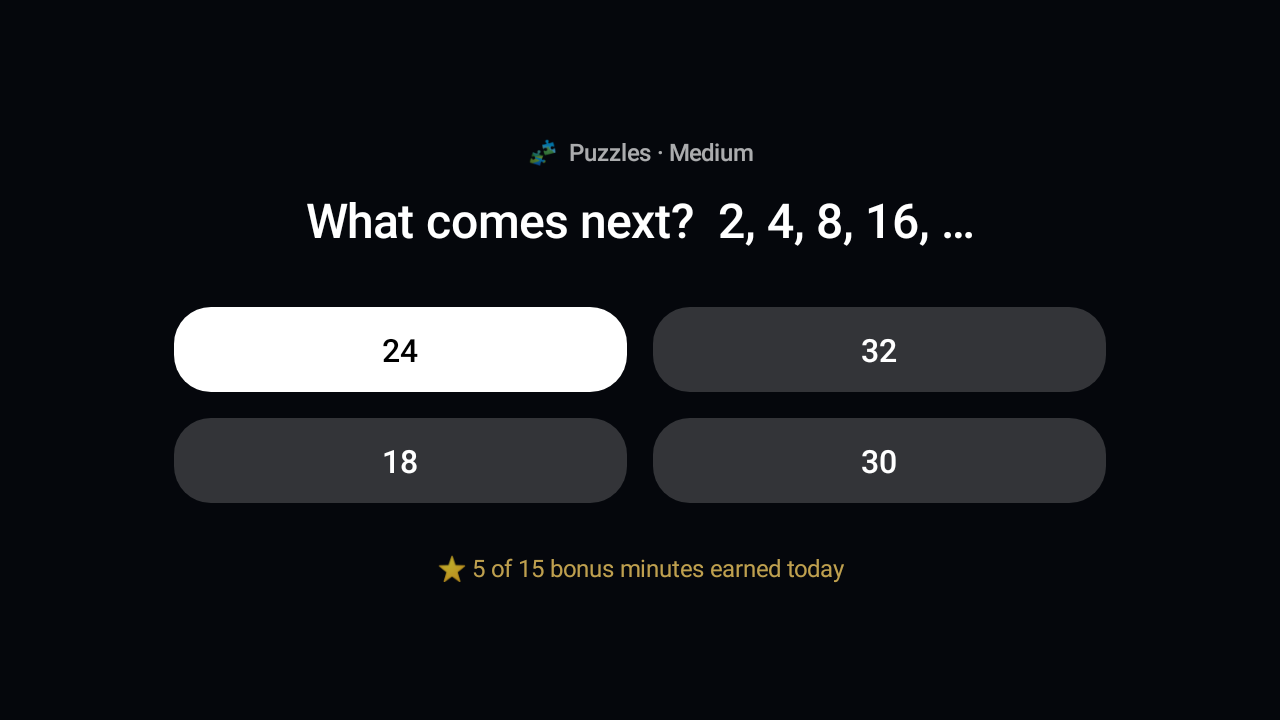
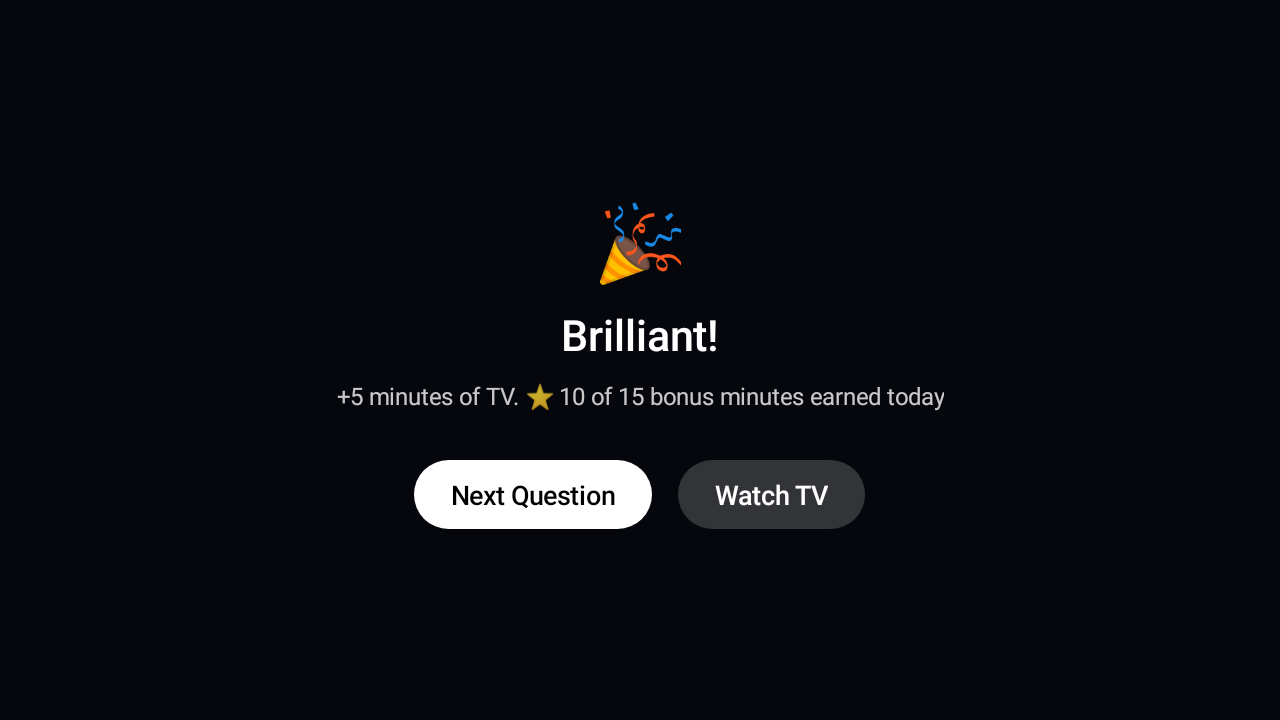
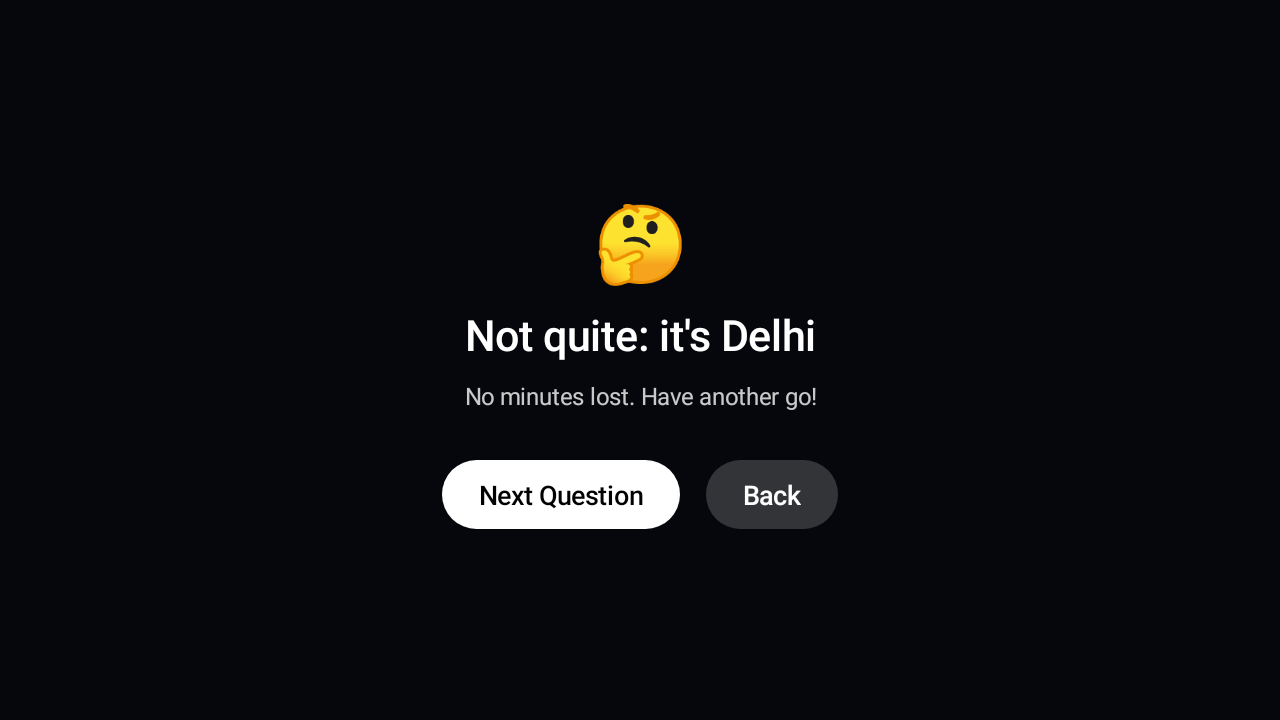
When the day's TV is used up, kids press Earn Time and answer questions on the big screen. Each right answer adds minutes, up to a daily maximum you choose. A wrong answer costs nothing, but three in a row means a short break, so guessing doesn't pay.
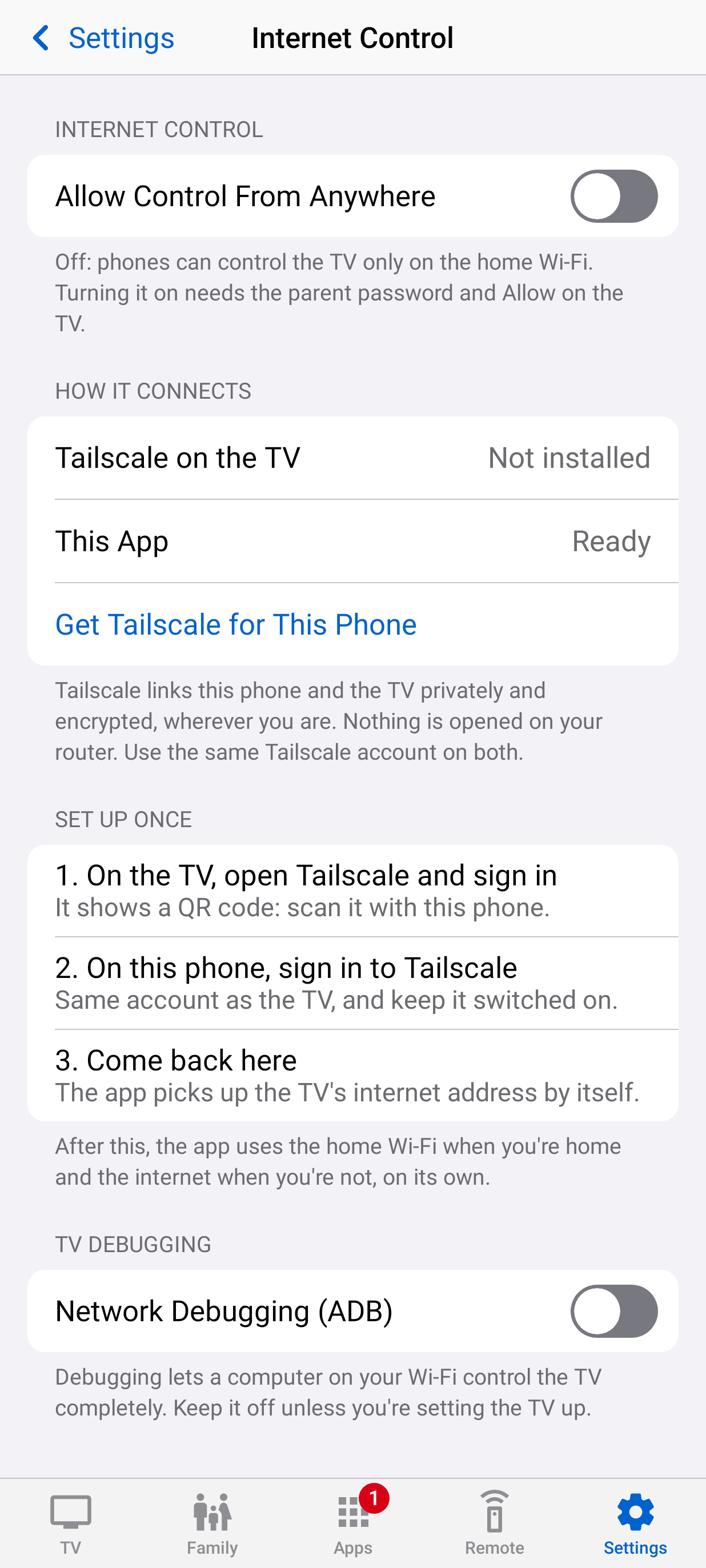
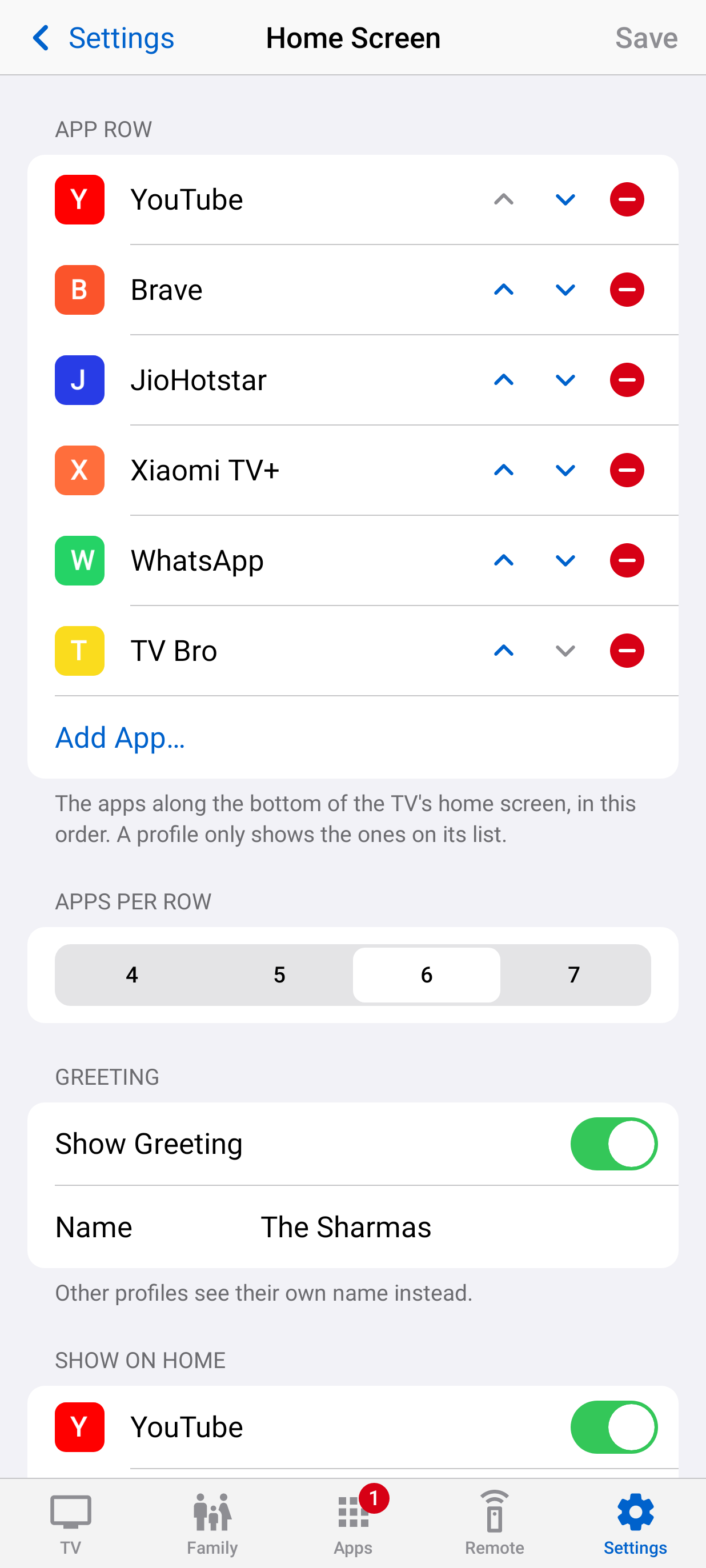
Everything, from the sofa or the office.
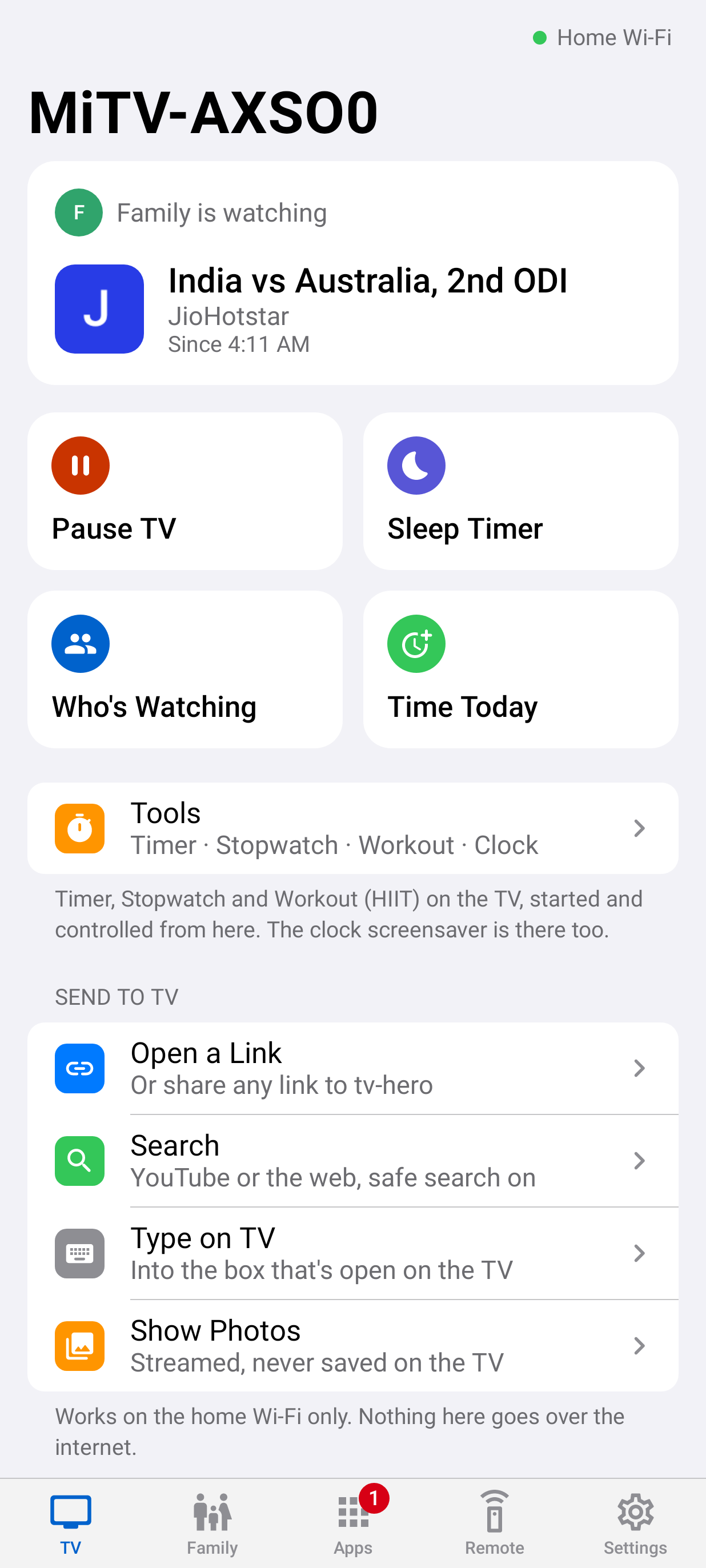
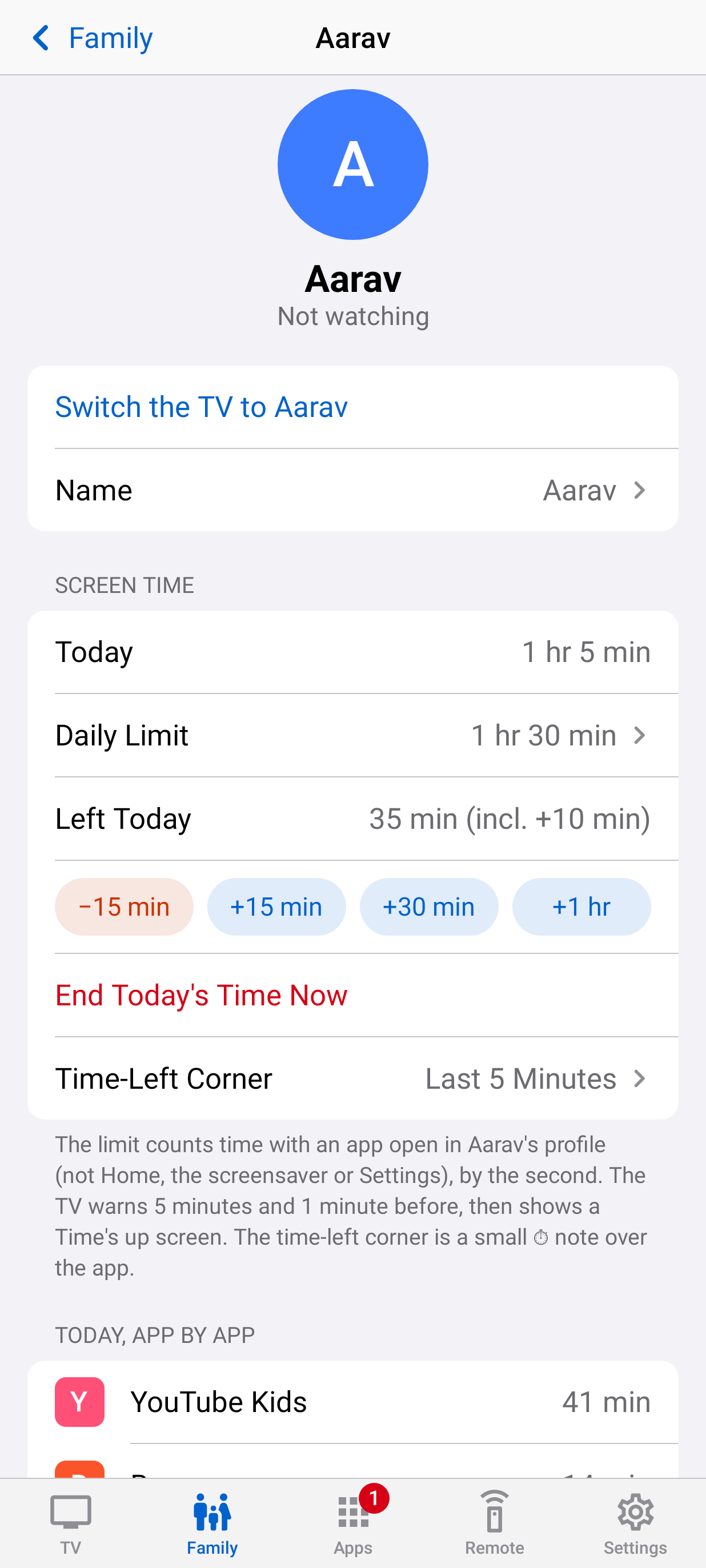
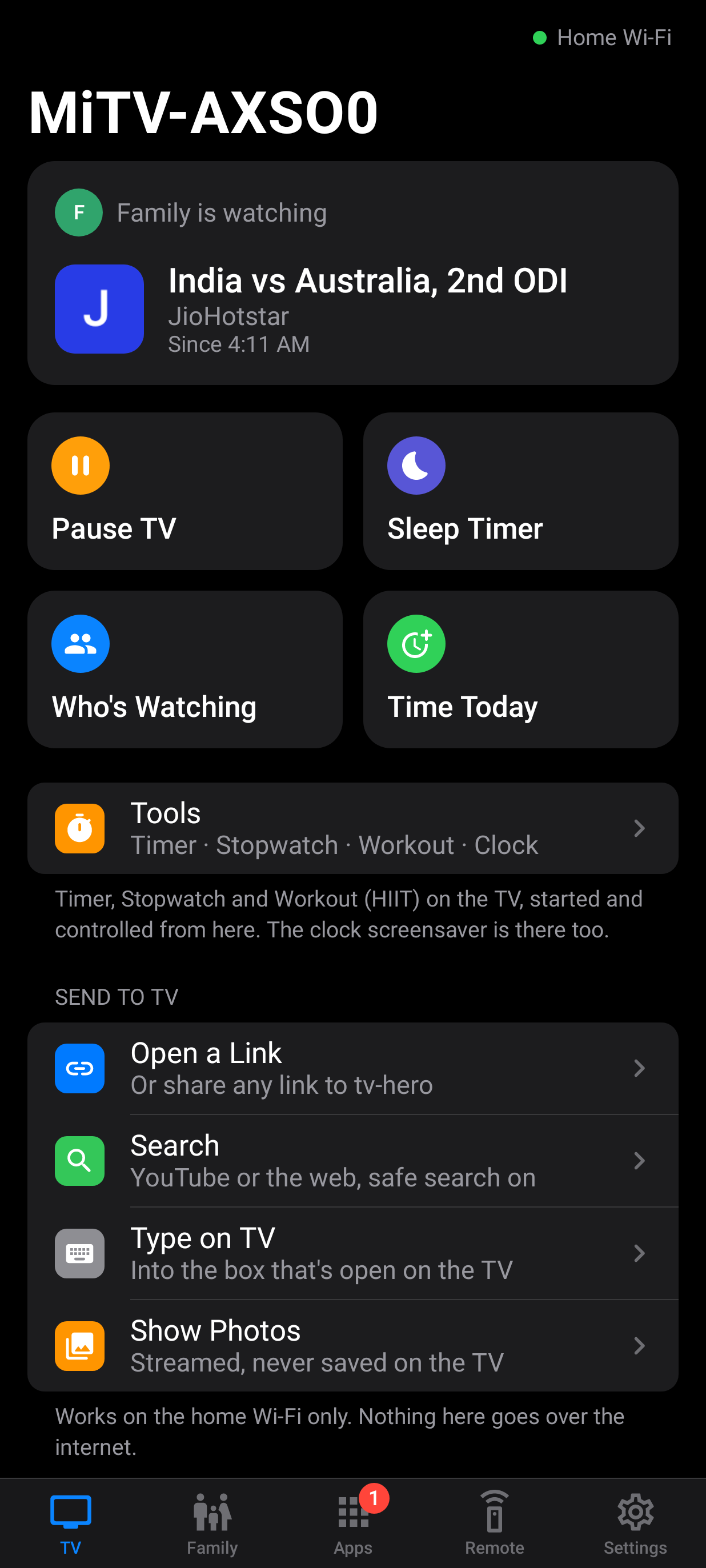
What's on now, who's watching and how much time is left. Kids' requests arrive under Needs You; approve them with a tap.
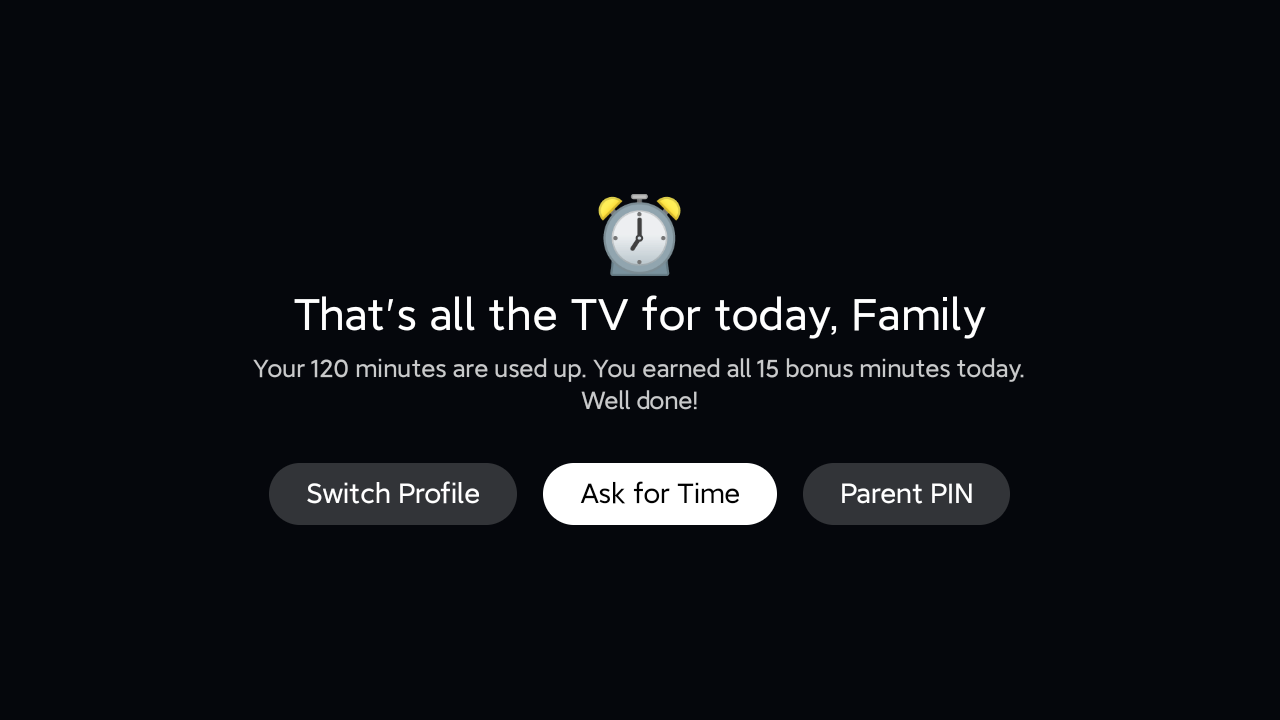
Time's up means stop.
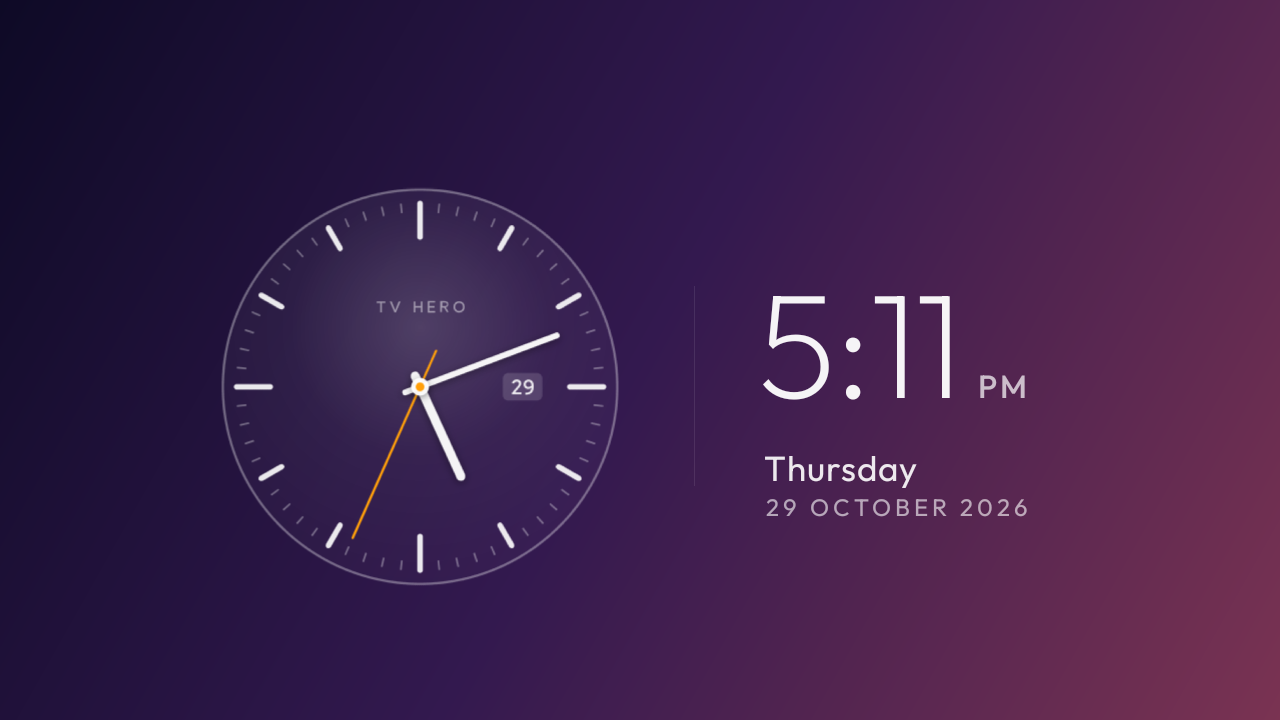
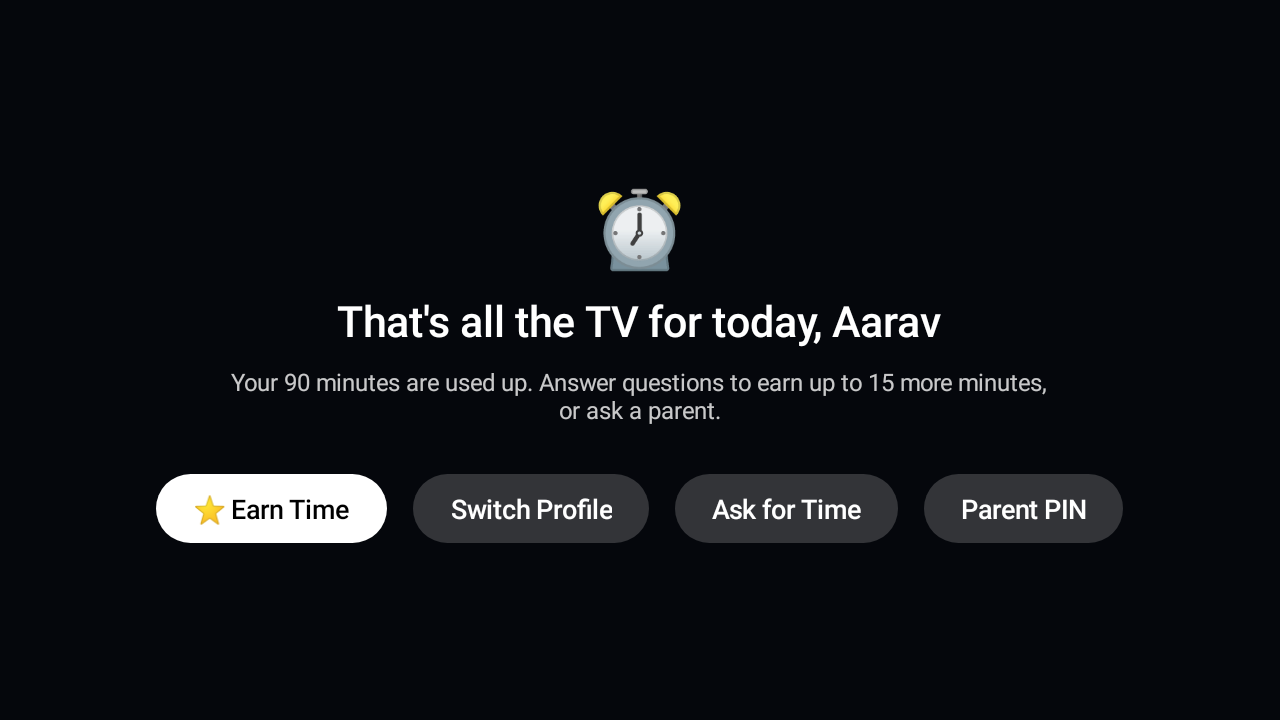
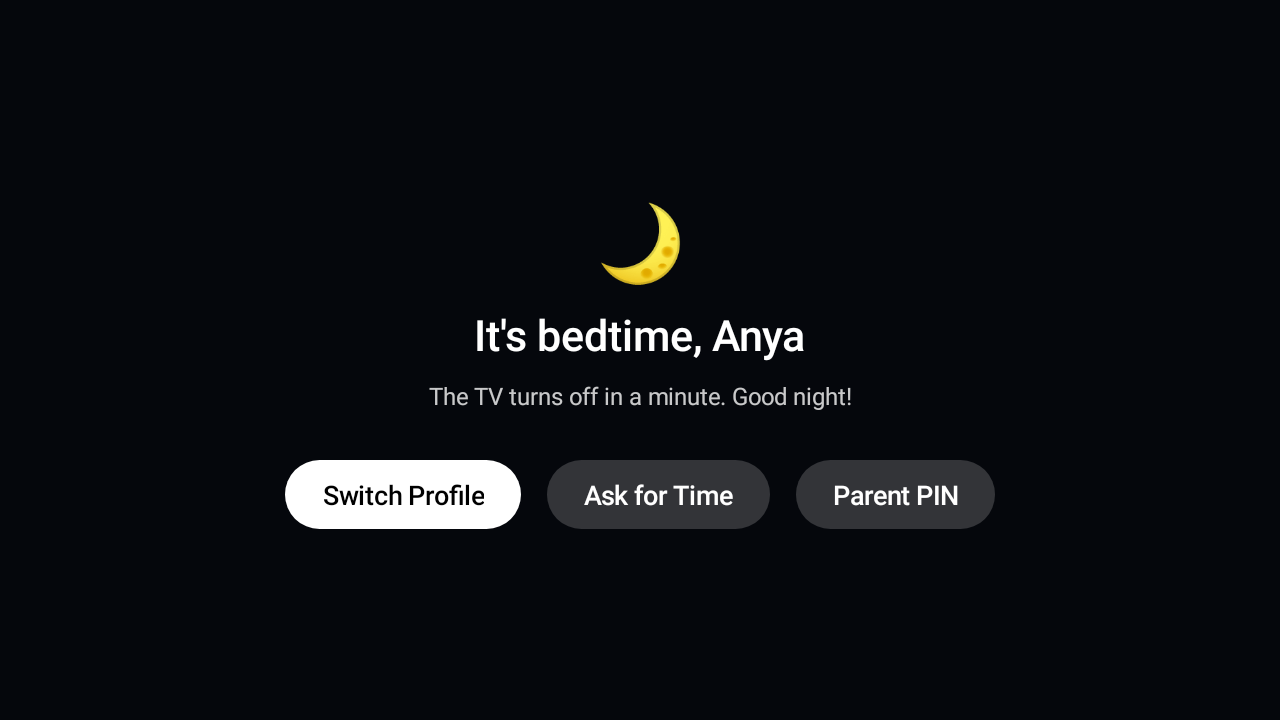
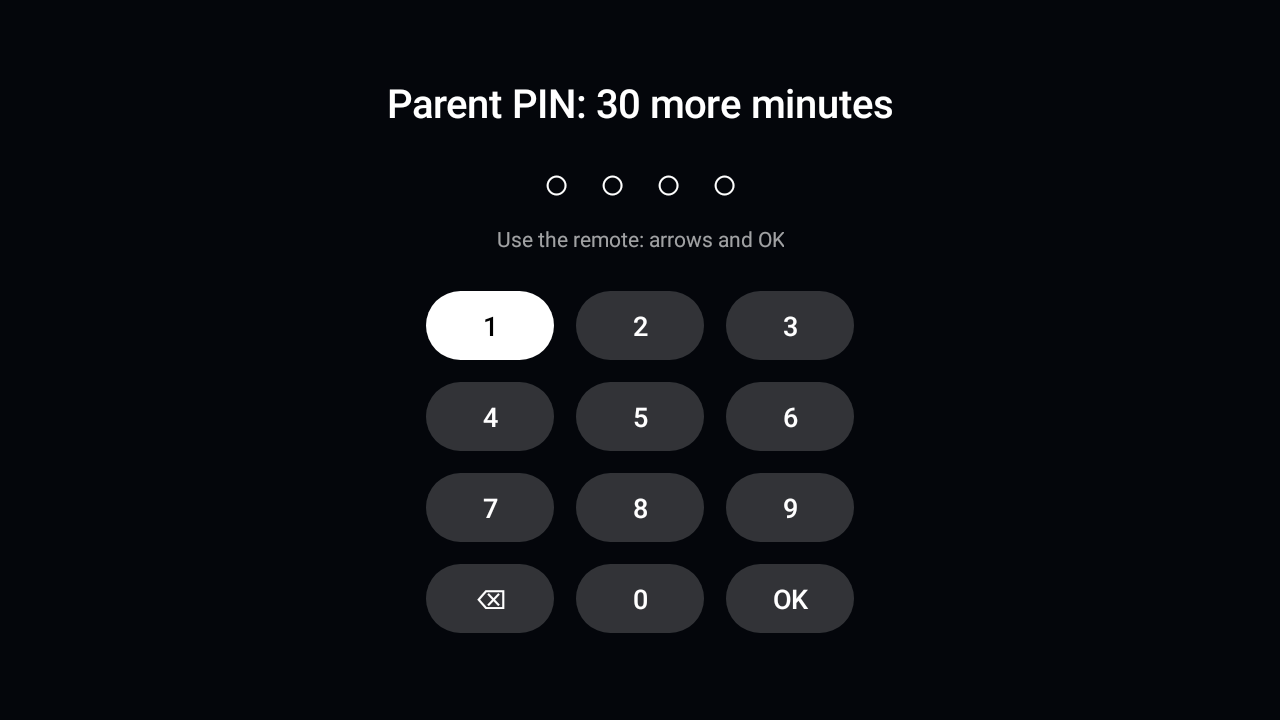
The video pauses, the app closes and nothing opens behind the screen. The only ways on: ask you, earn time, or your PIN. At bedtime, a good-night screen, then standby.


The living room, put to work.
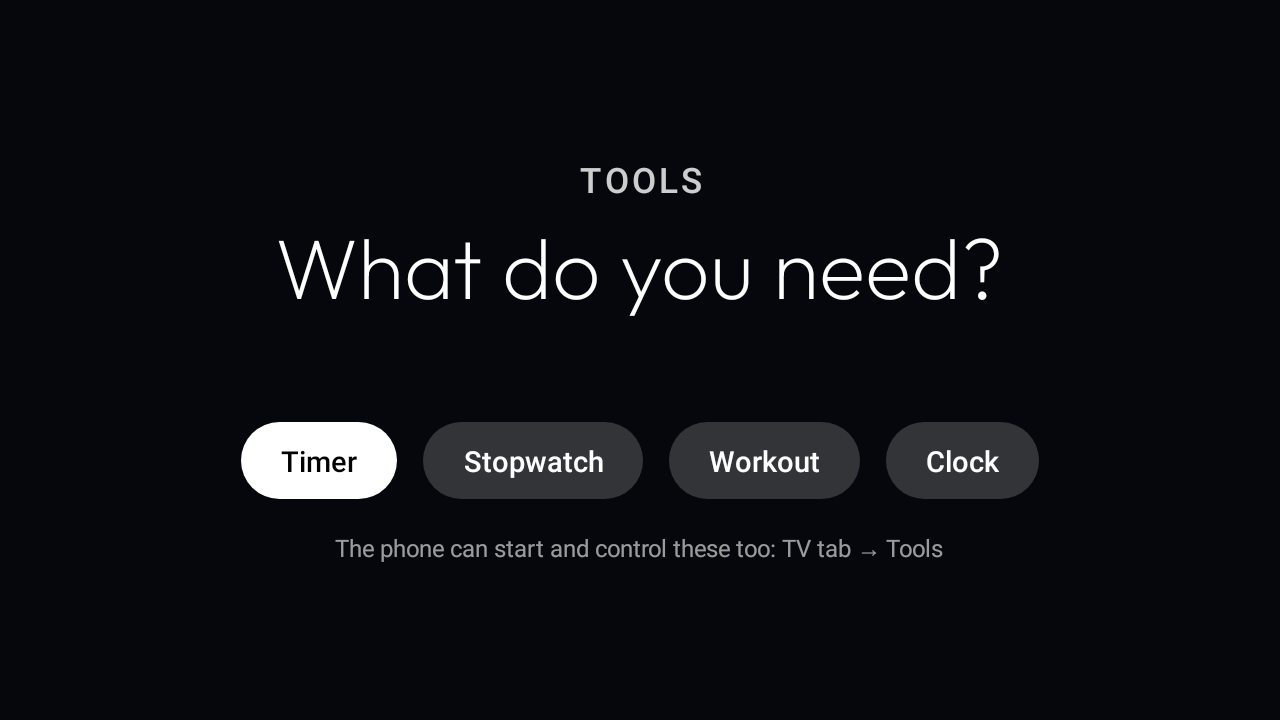
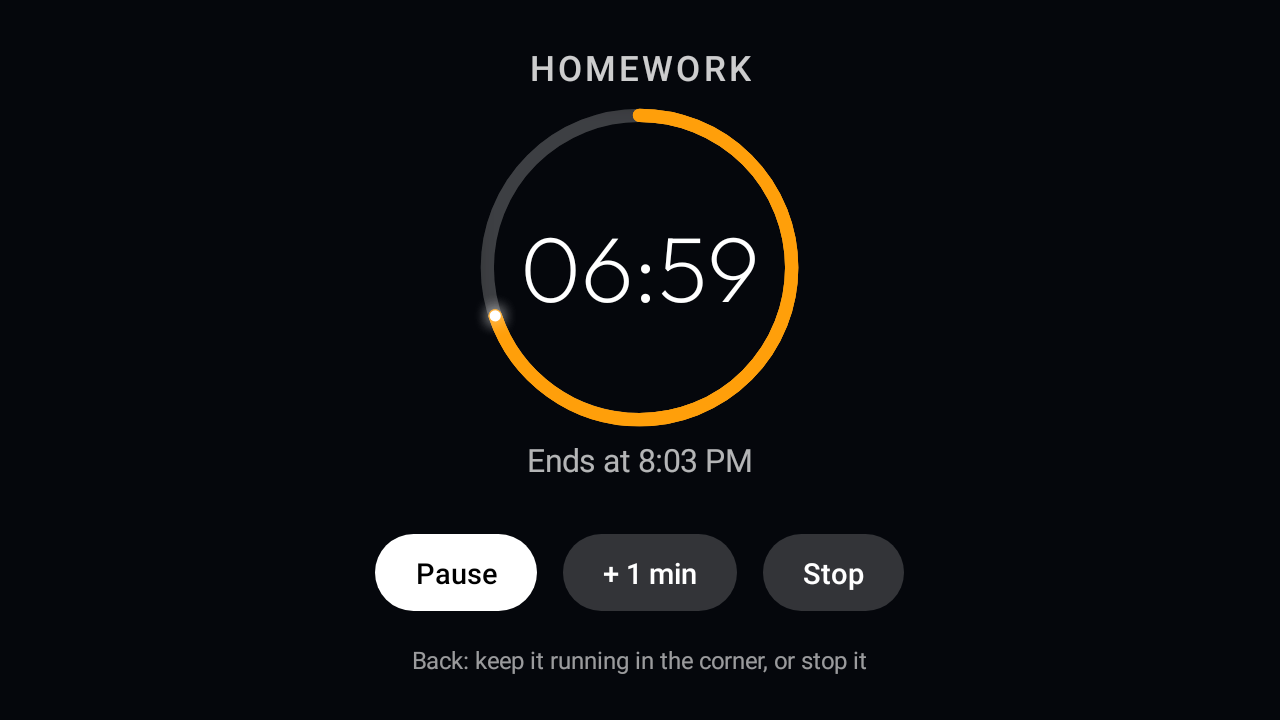
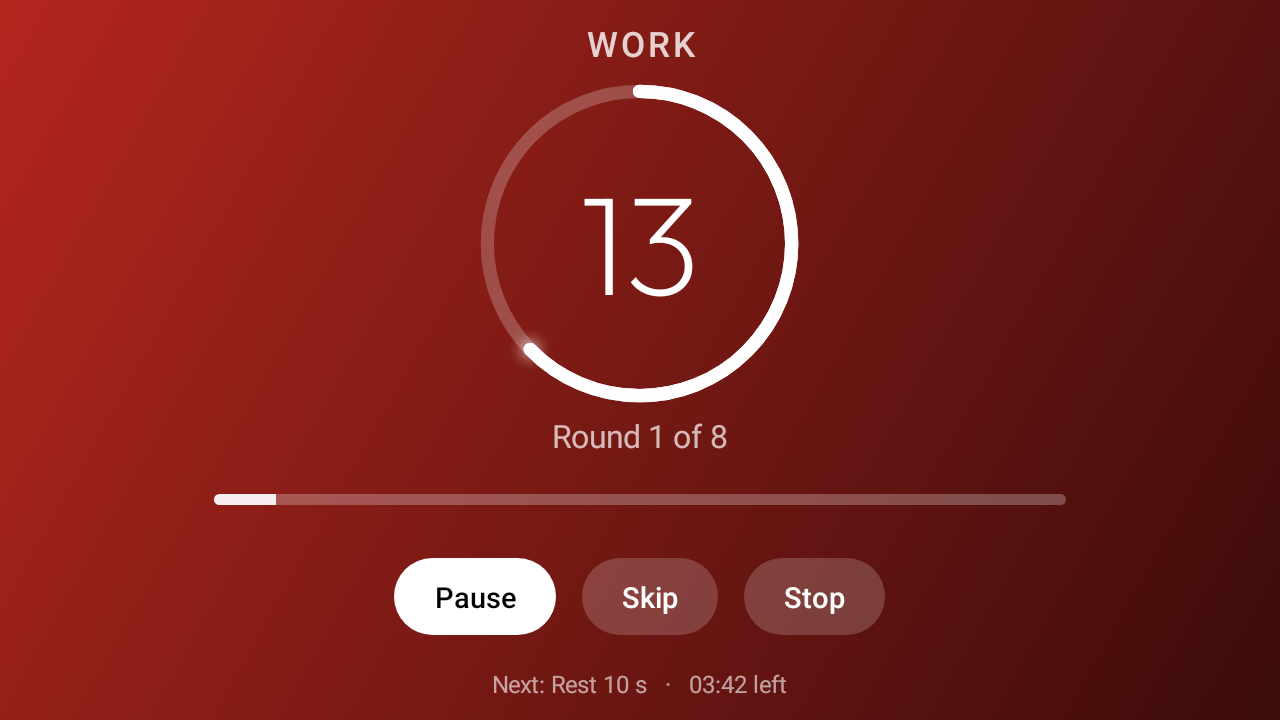
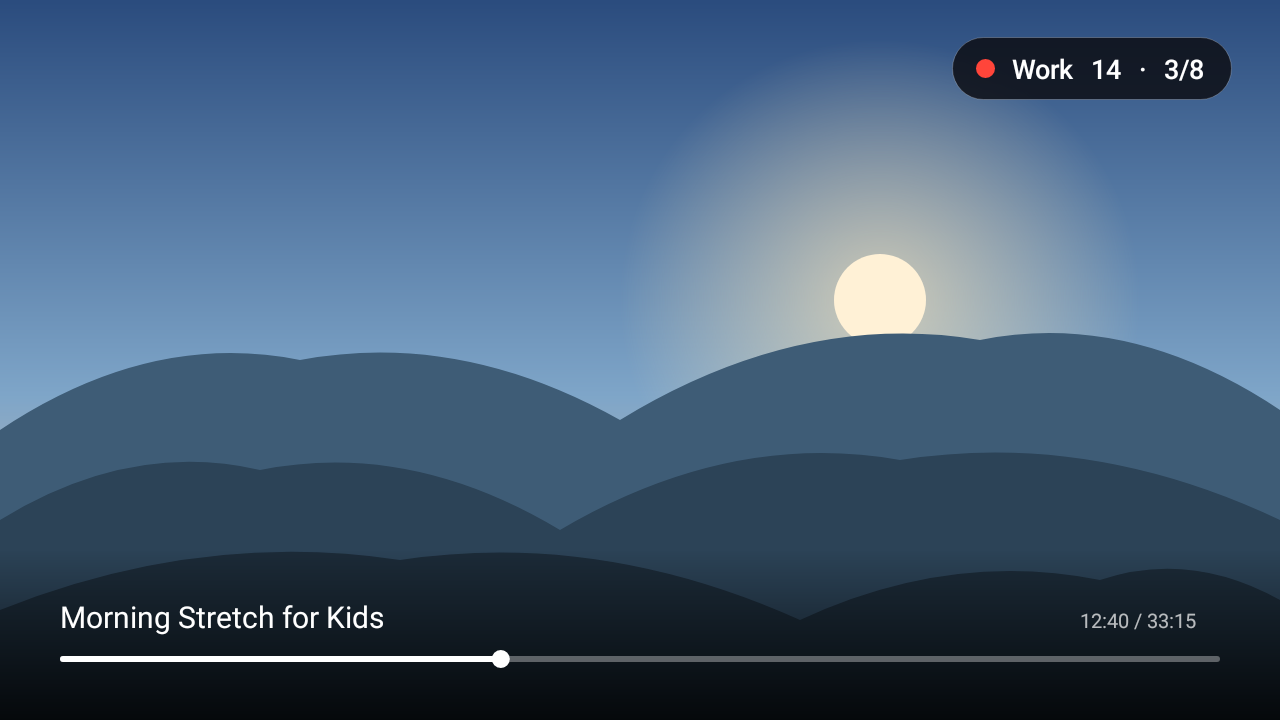
Timer, Stopwatch and Workout with big digits and progress rings for the whole room. Start a Tabata, open YouTube, and a small timer stays in the corner.
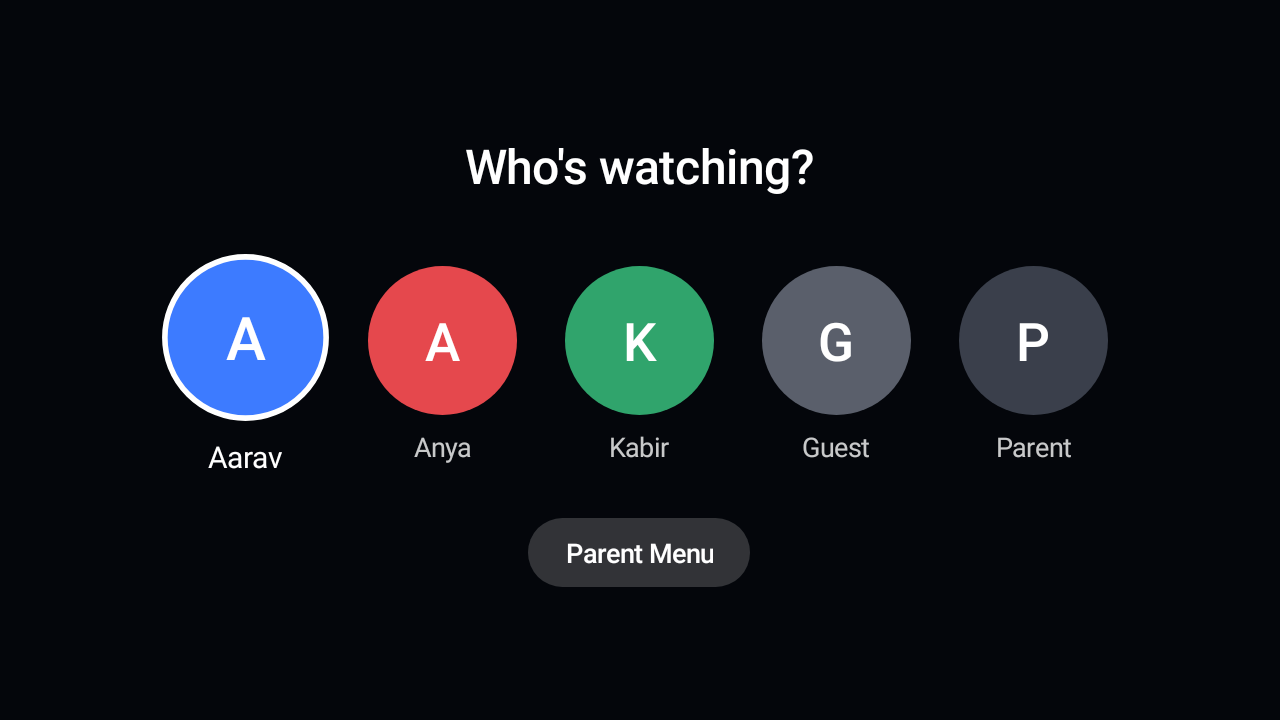
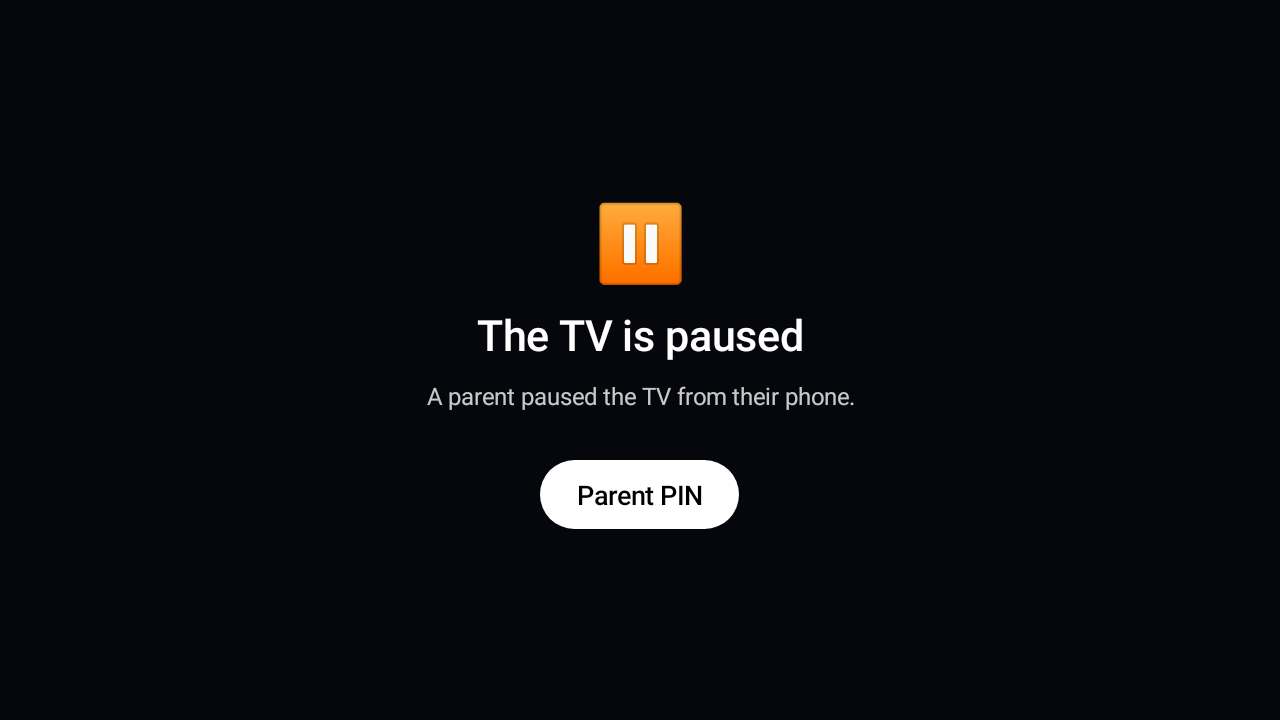
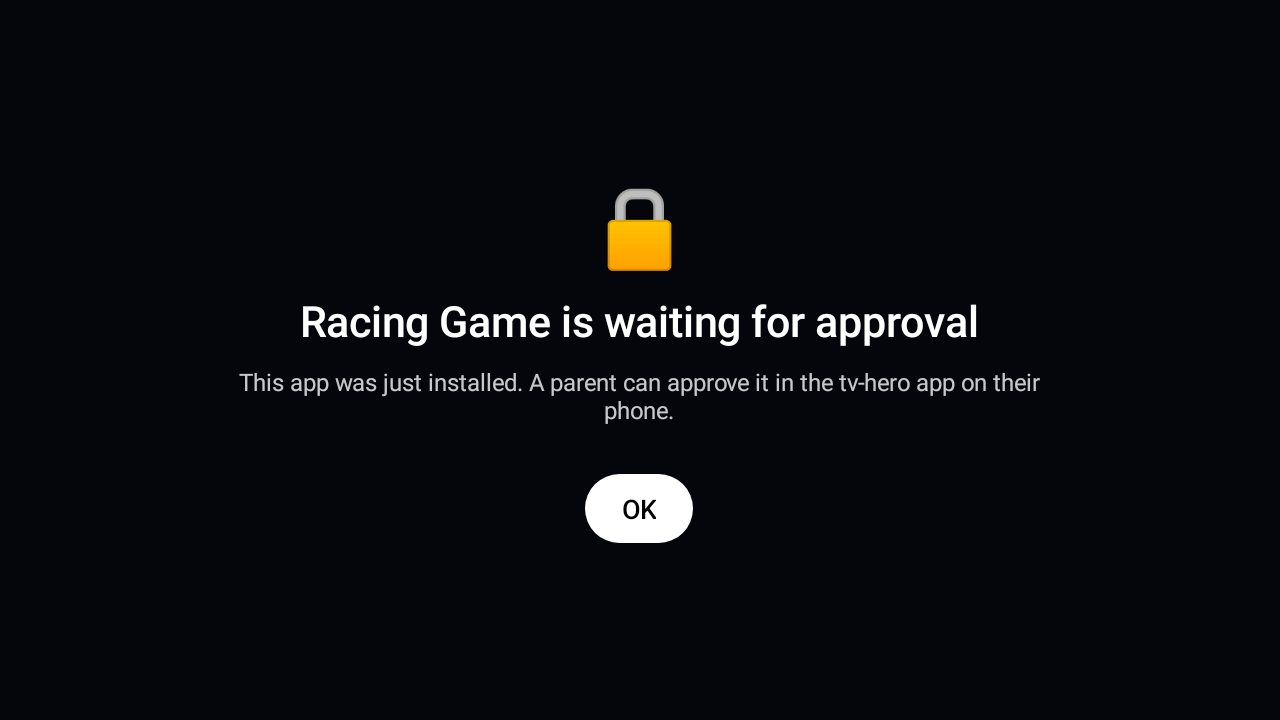
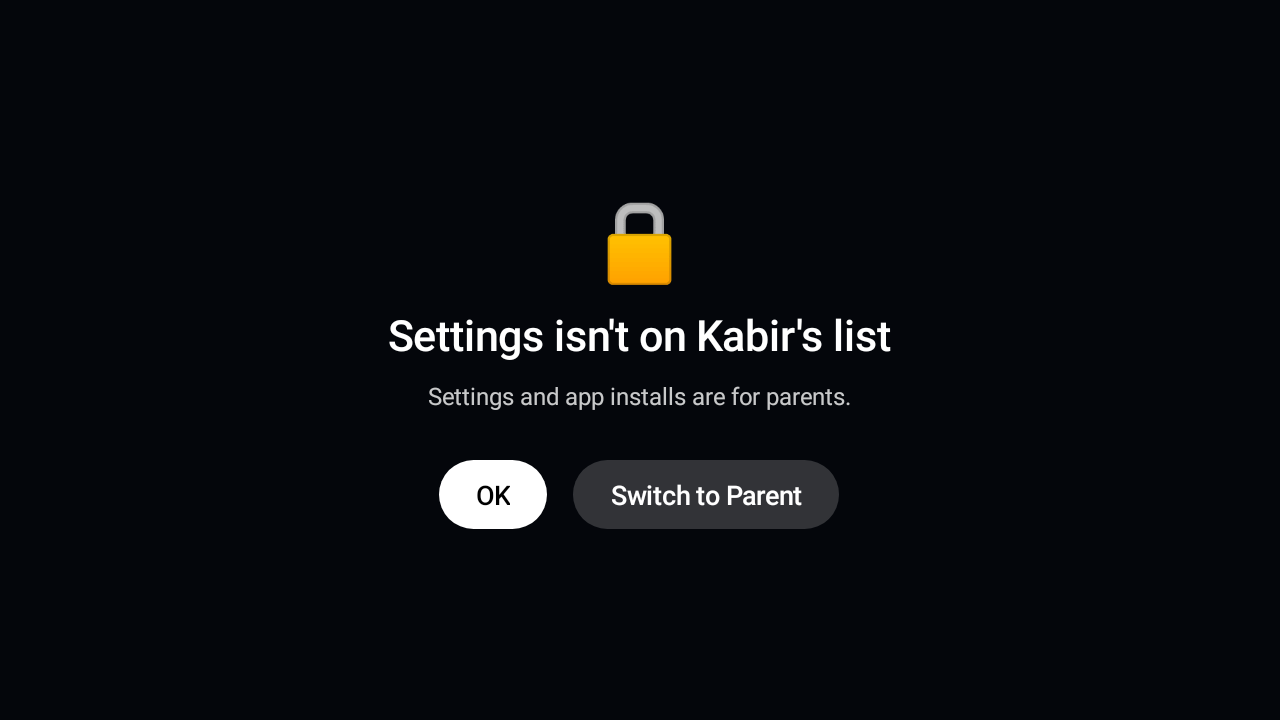
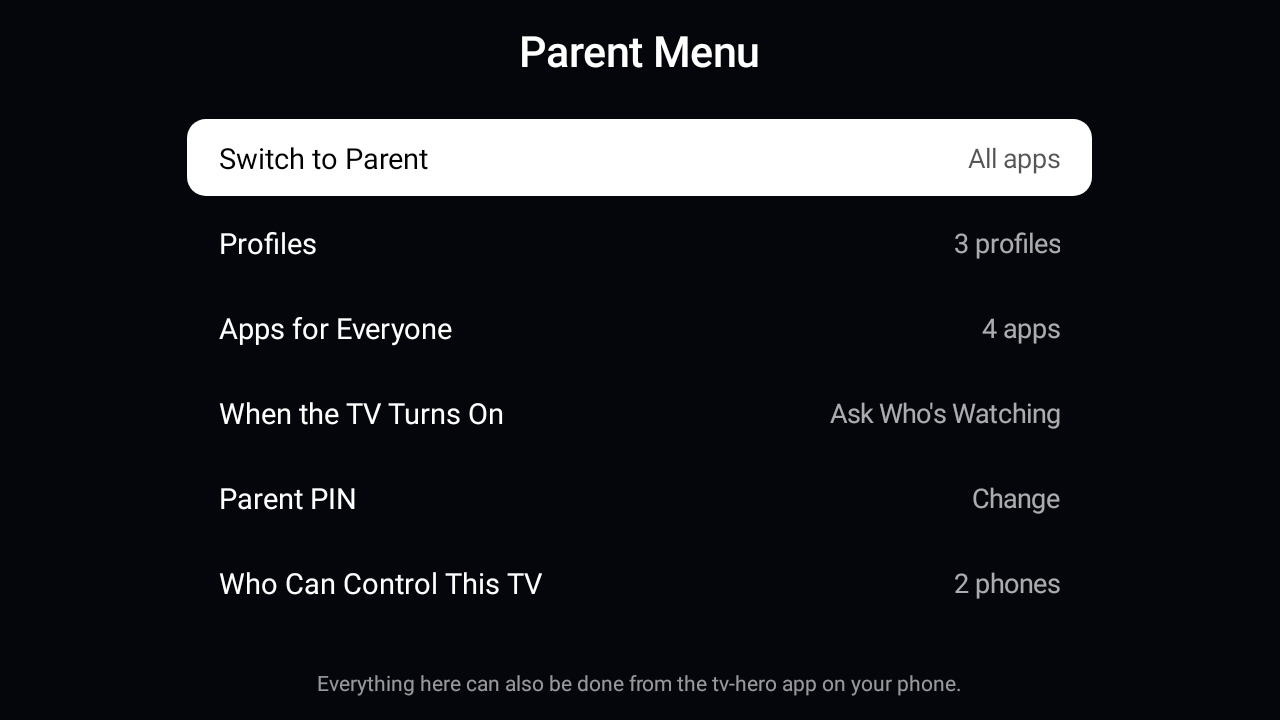
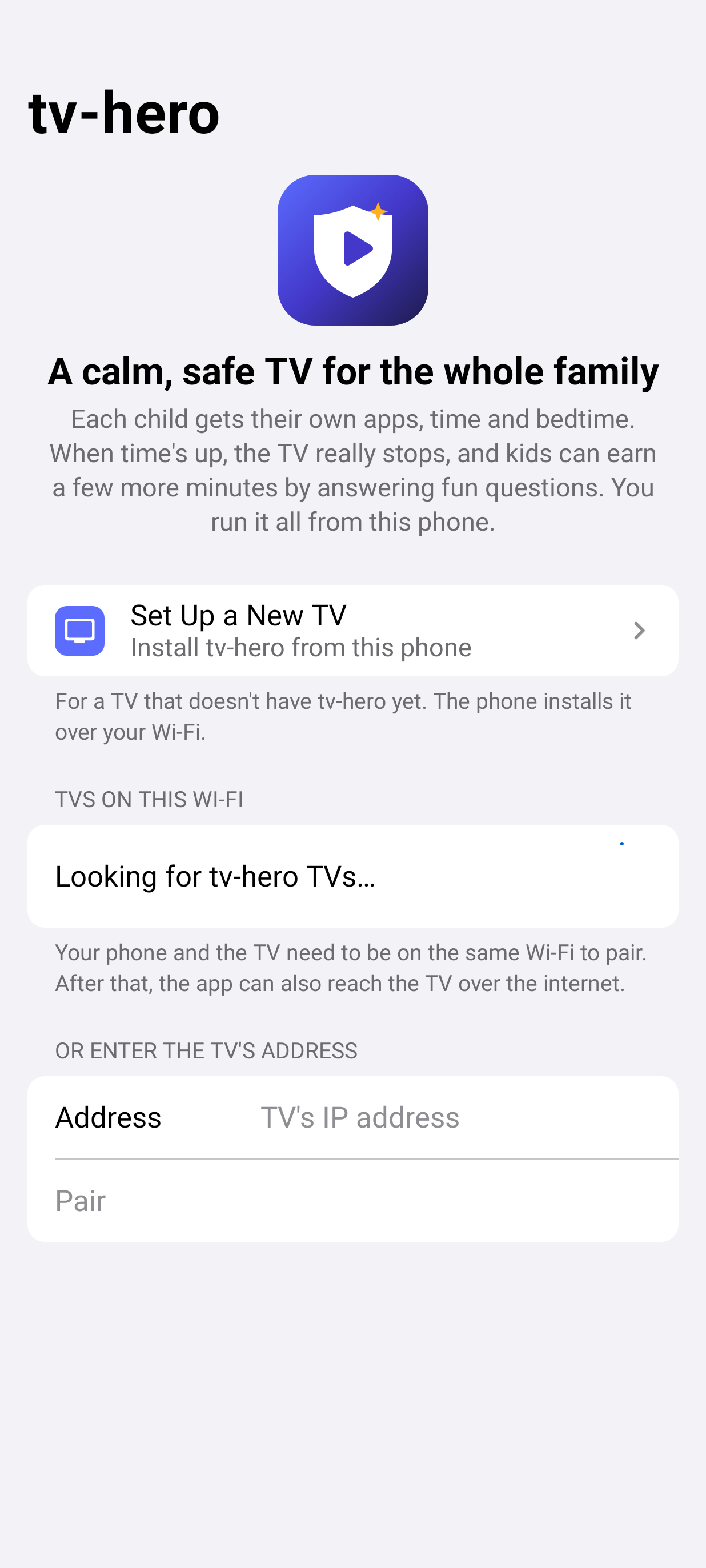
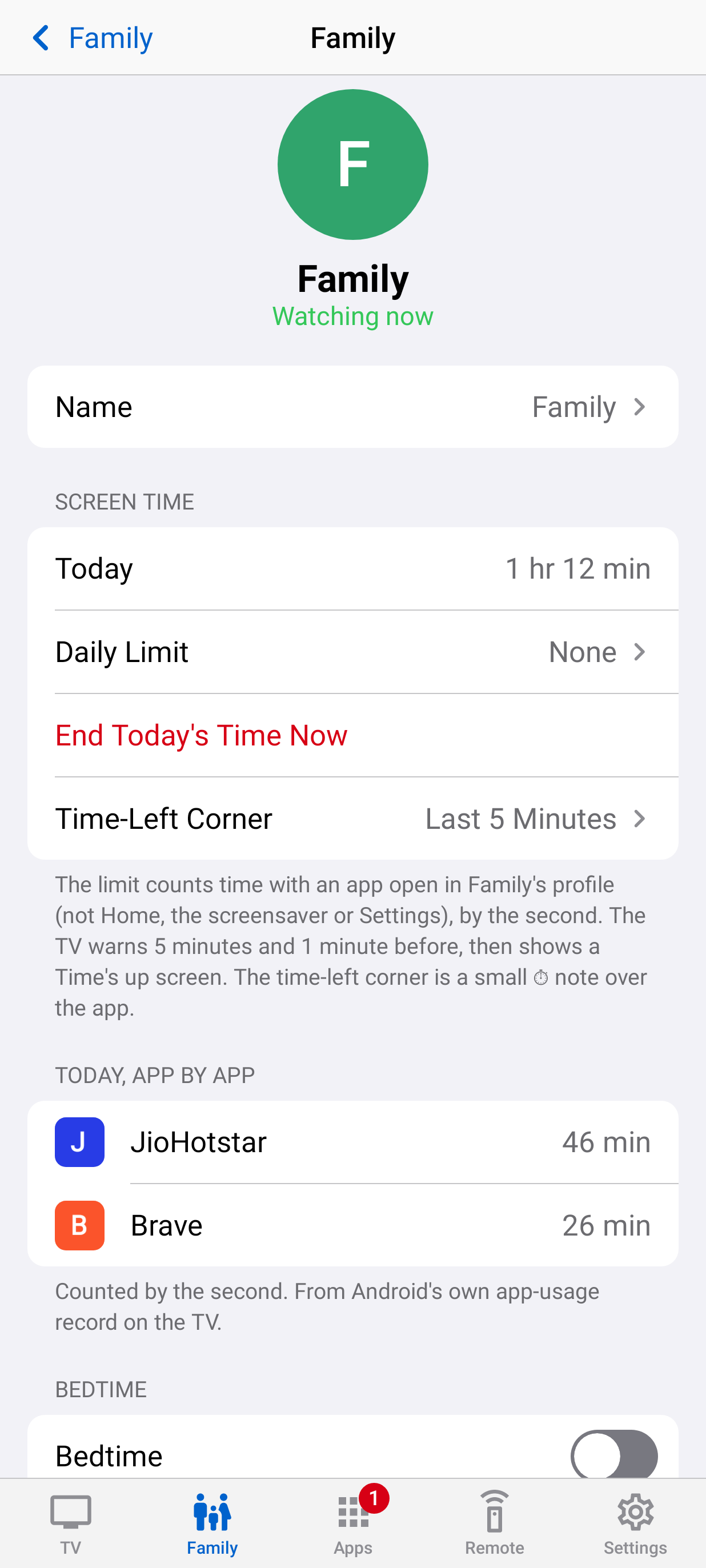
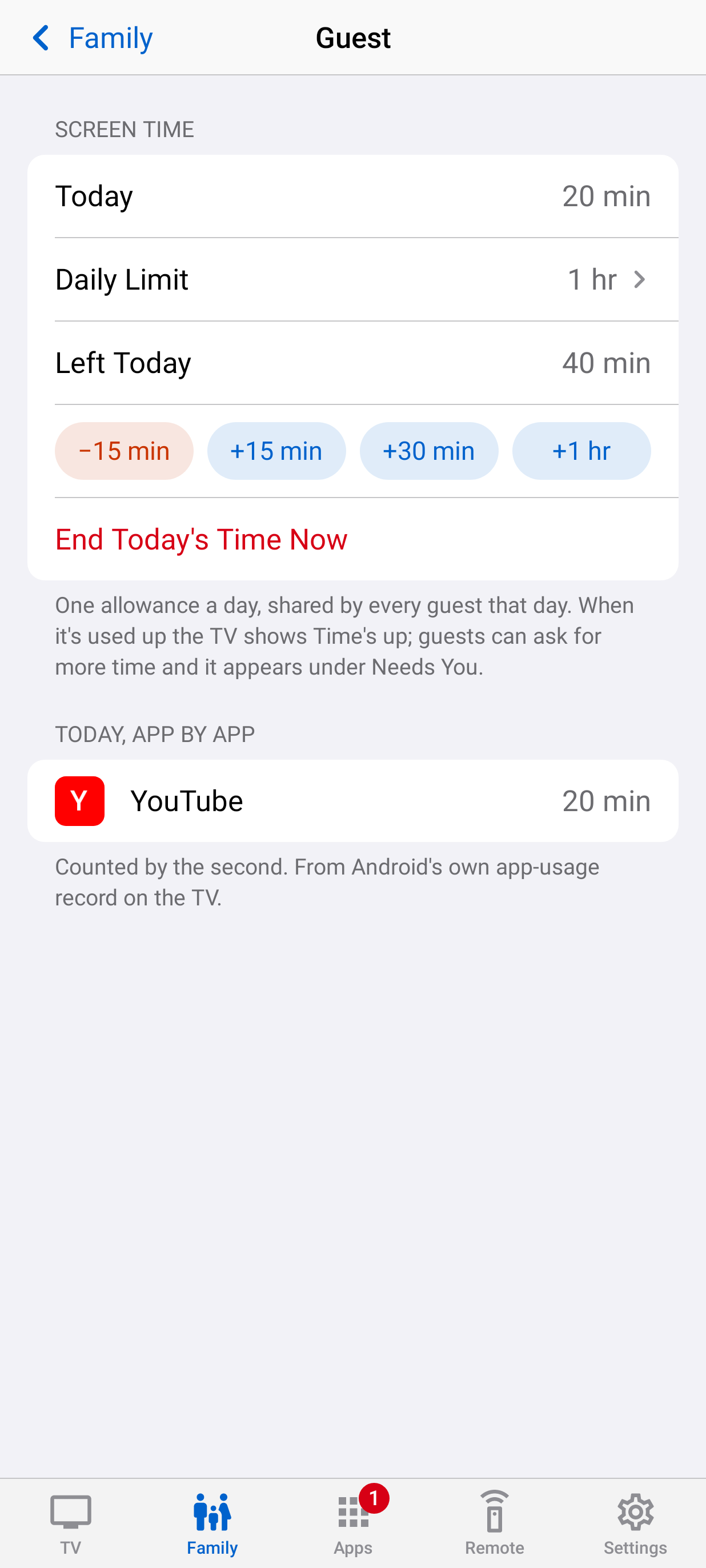
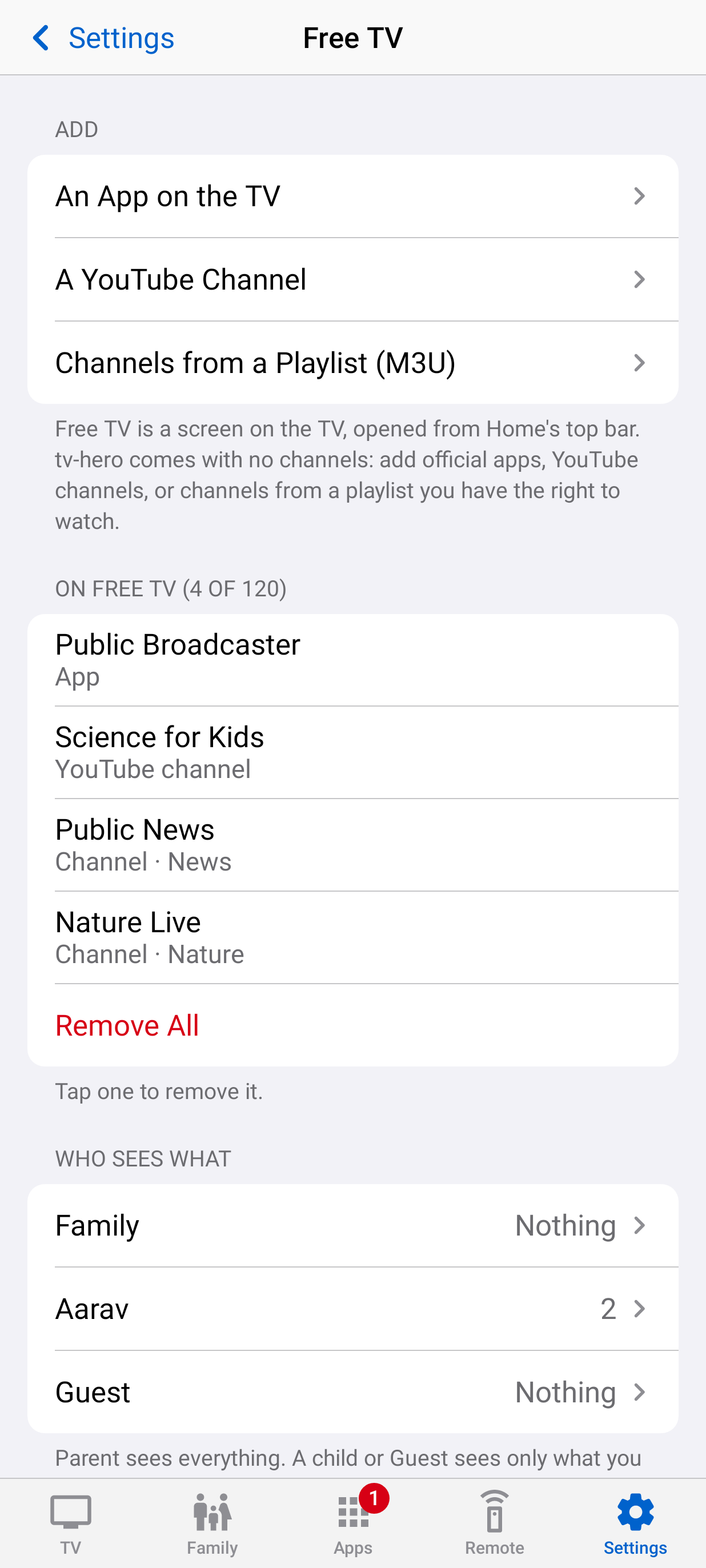
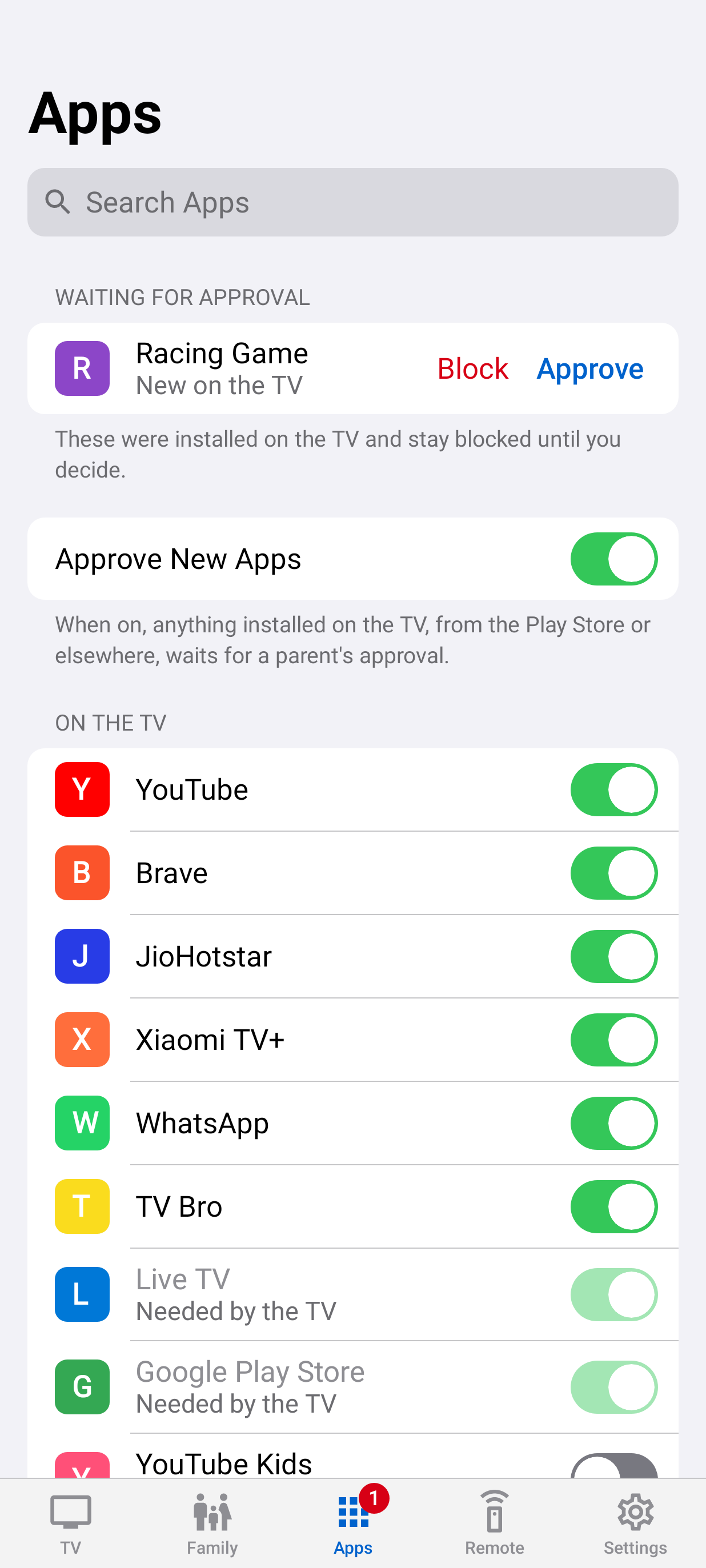
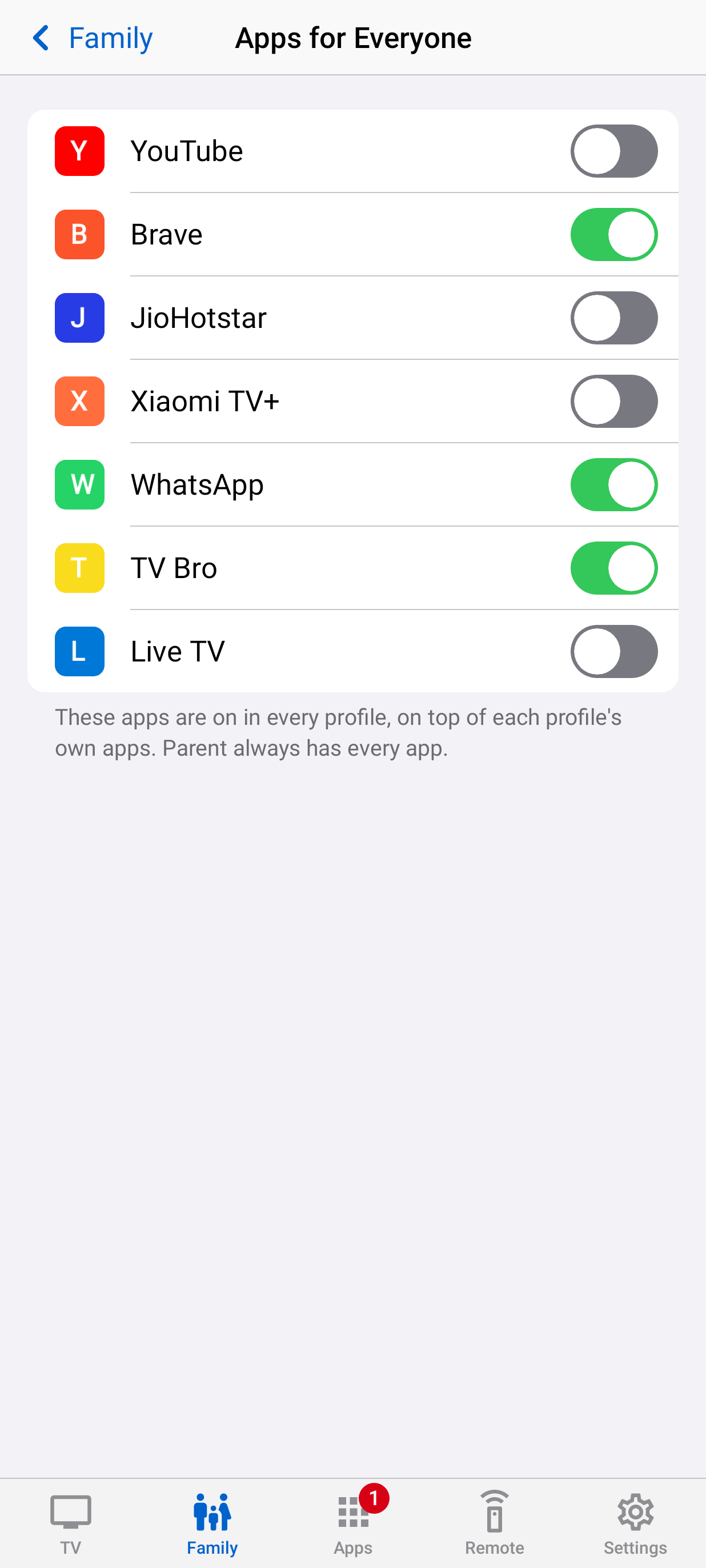
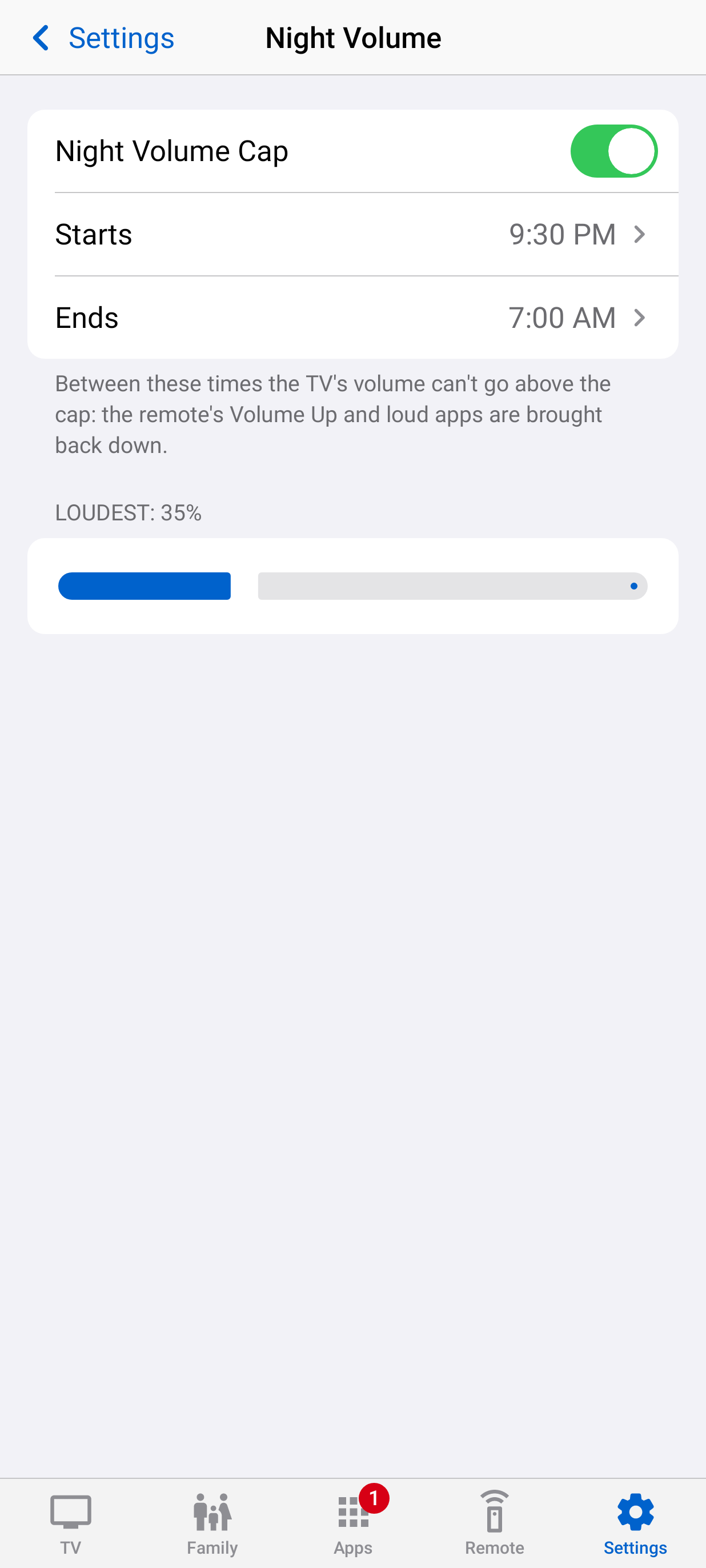
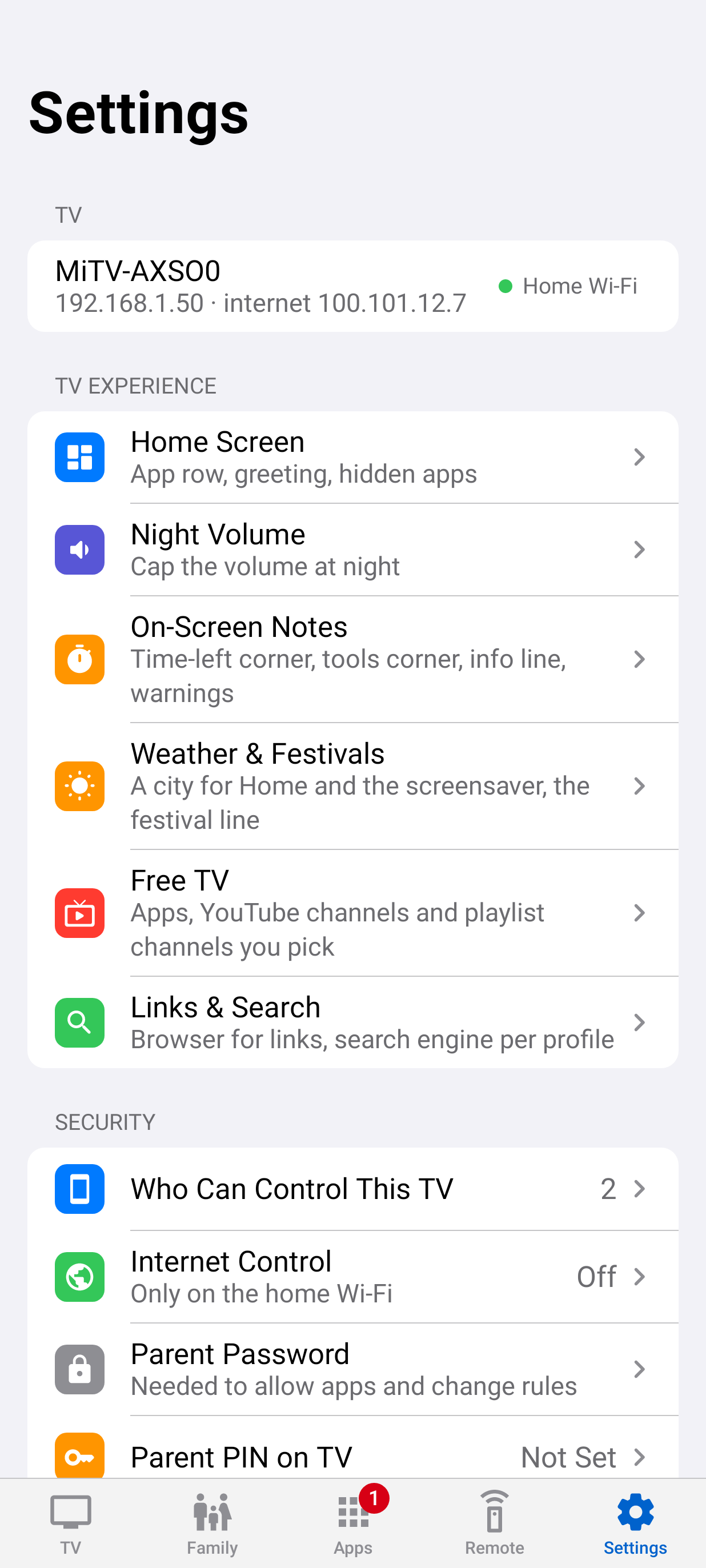
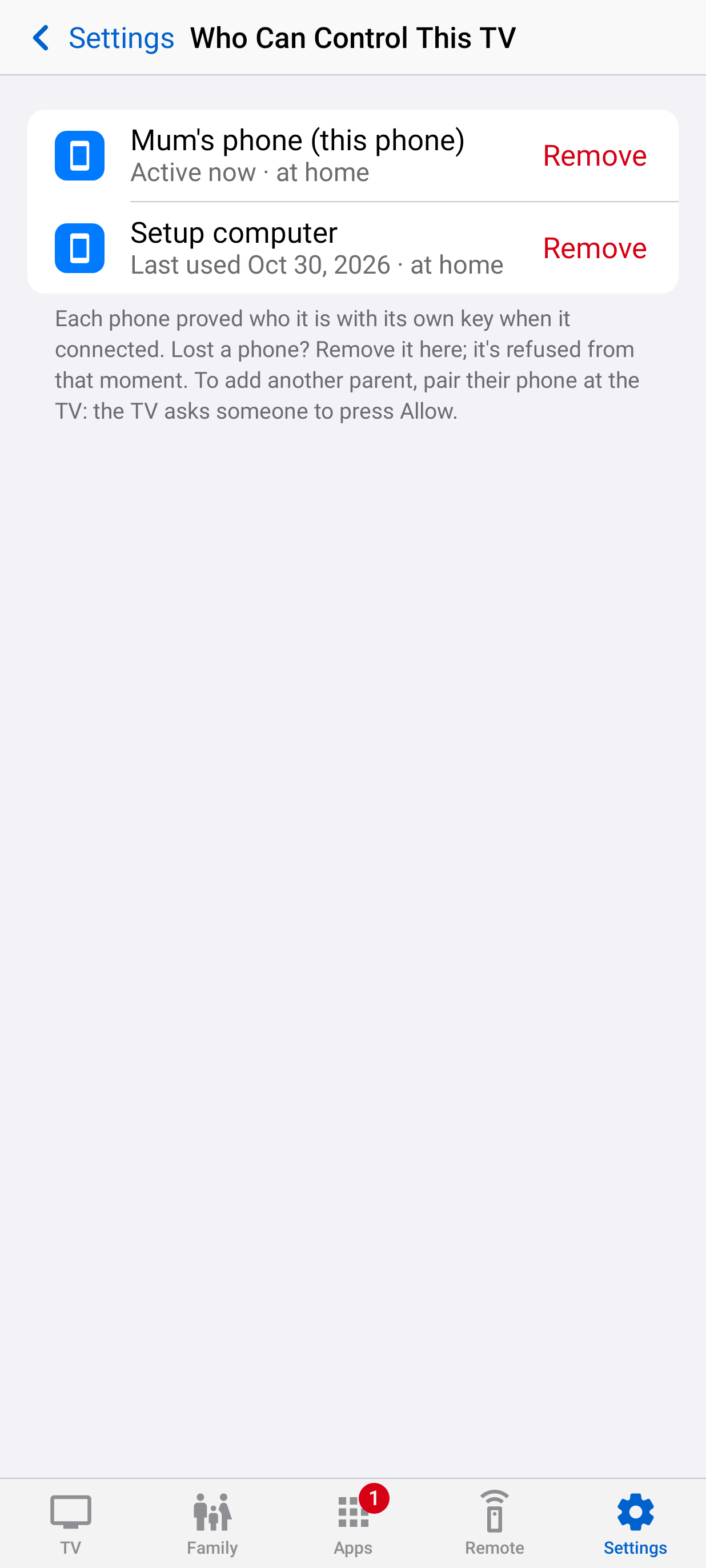
Lock screens, Earn Time, the Parent Menu, tools and the parents' app. Tap any screen to see it full size.
Download tv-hero for your phone from the latest release.
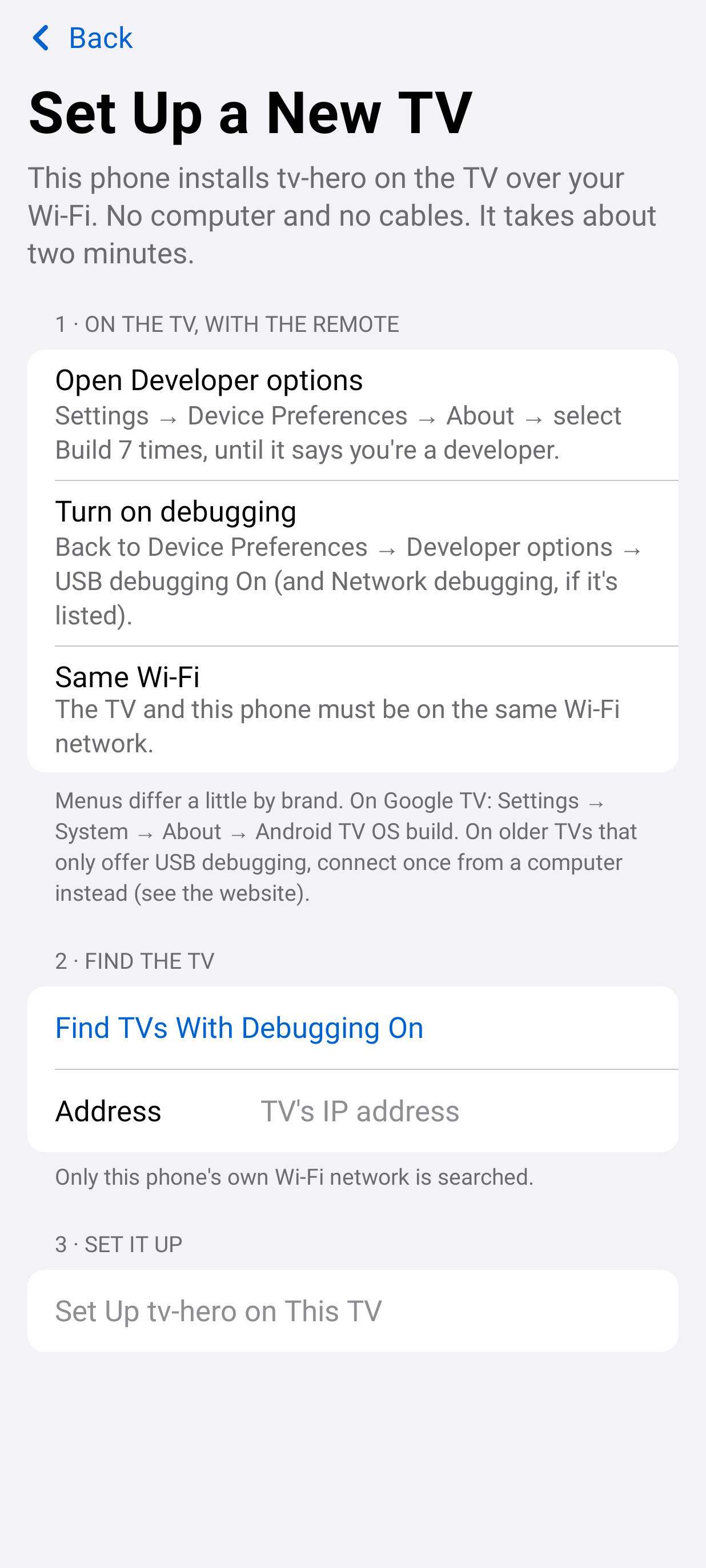
Switch on TV debugging (the app shows you where). The phone finds the TV, you press Allow, and it installs and sets up tv-hero.
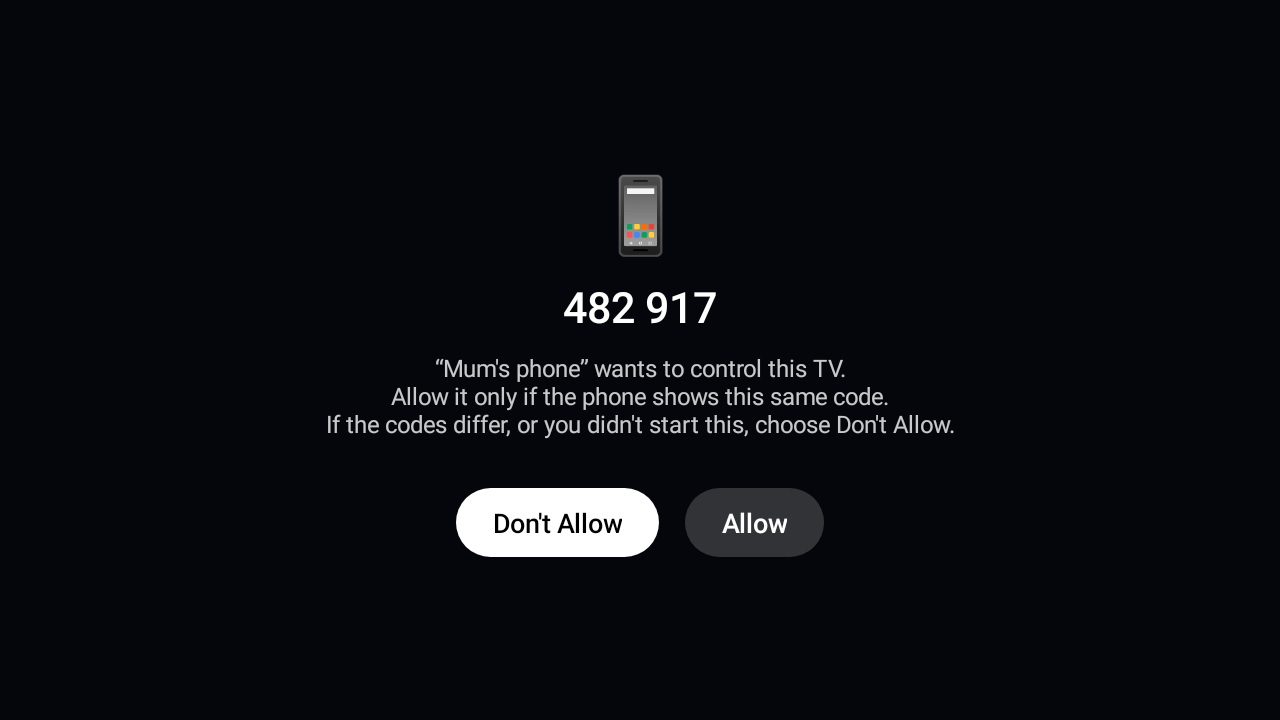
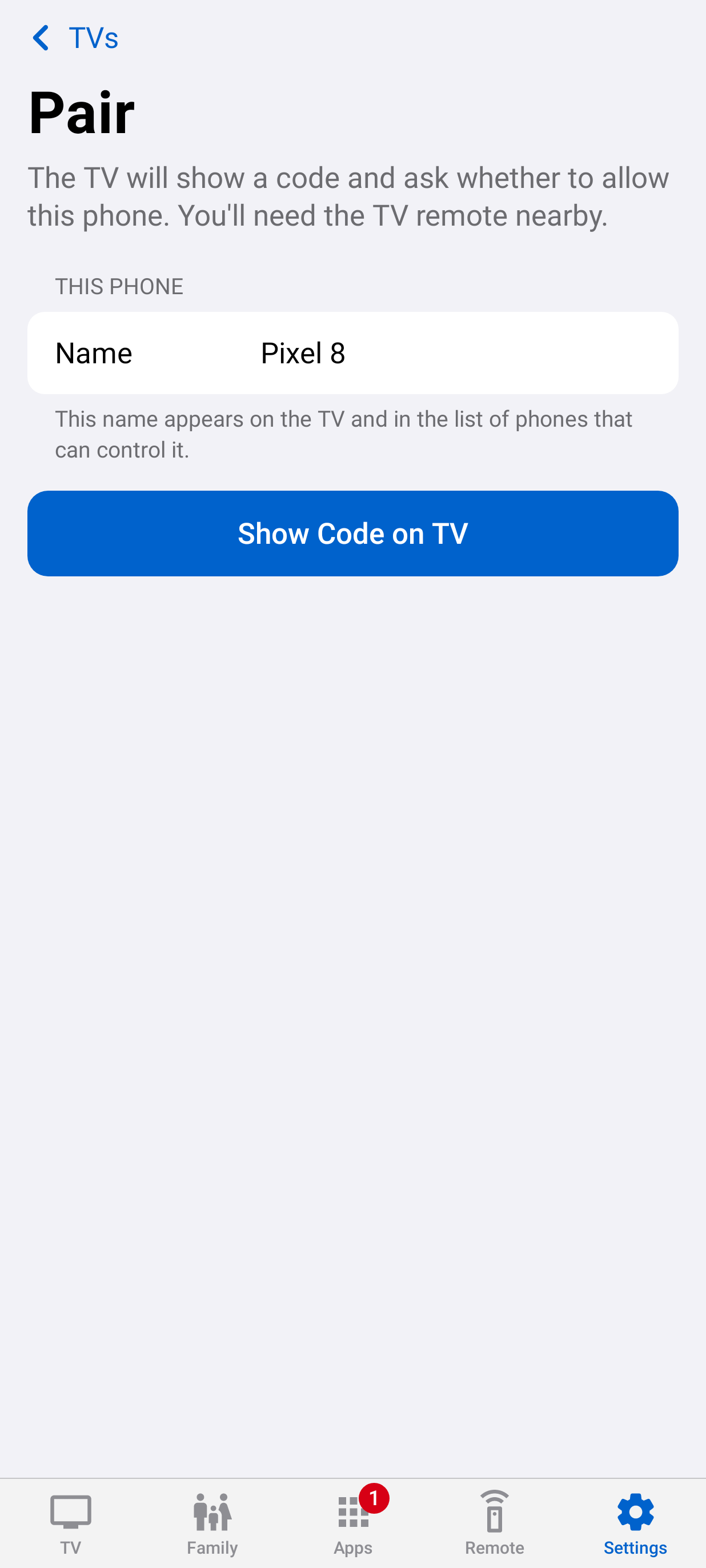
Compare a six-digit code on both screens, press Allow on the TV, and create profiles.
Nothing about your family leaves your home.
Mutual TLS between phone and TV, with keys that can't leave either device.
Pairing shows the same code on both screens and needs Allow on the TV.
Control over the internet stays off until you turn it on at home.
Checksums, versions and the release signature are checked before anything installs.
Each step ships as its own release. Tell us what your family needs, or vote for the ideas you want first.
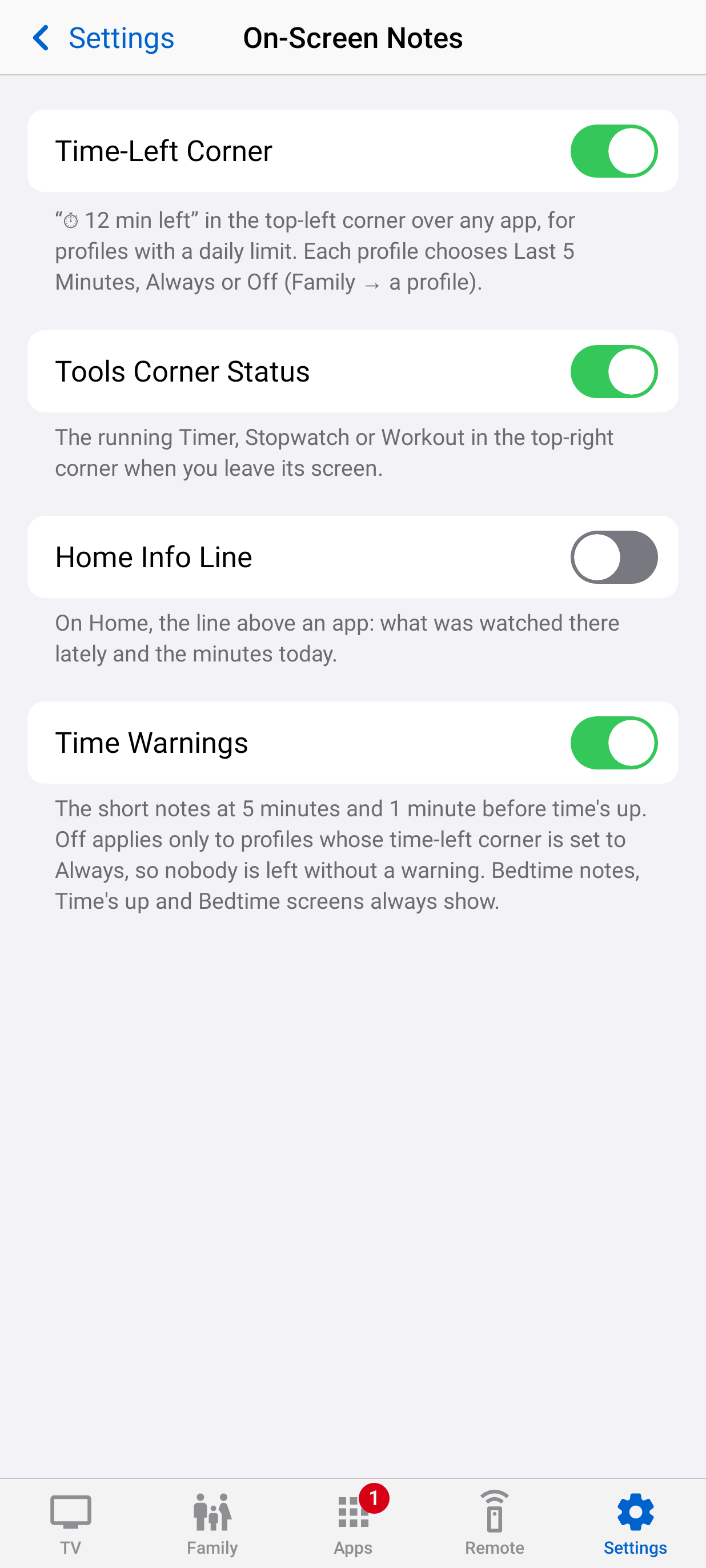
Screen time that's exact to the second, an optional time-left corner, and on-screen notes you can switch off.
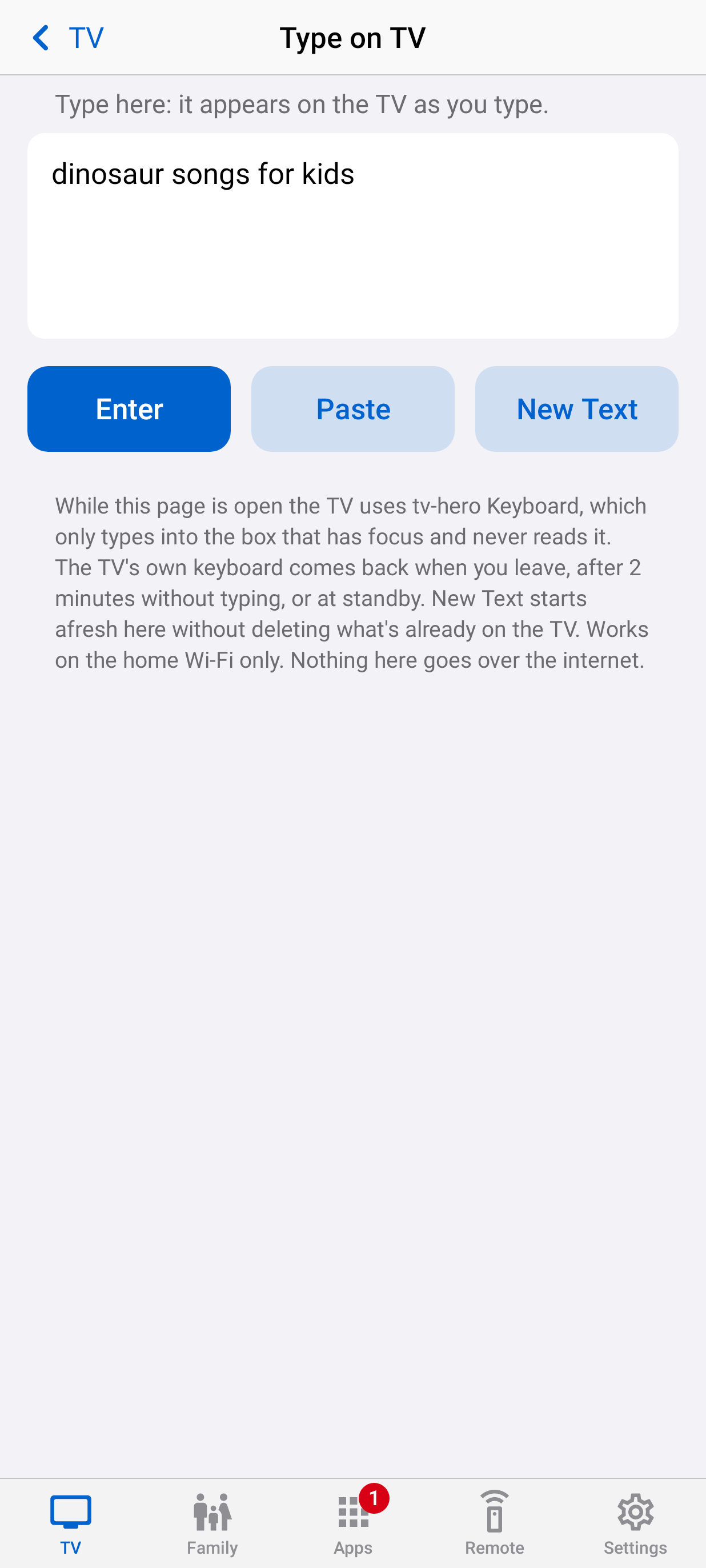
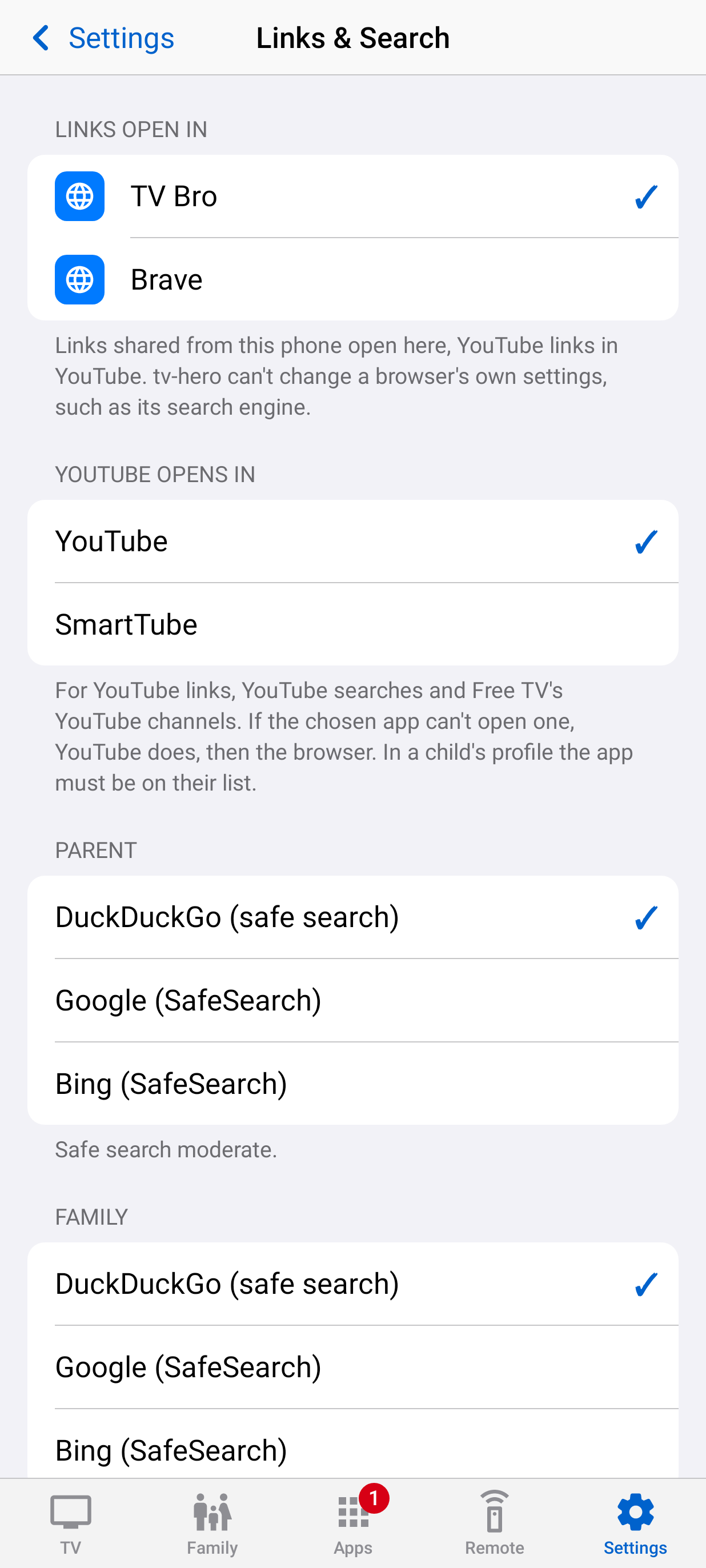
Send a link, show photos without saving them on the TV, and search with a safe default for each child.
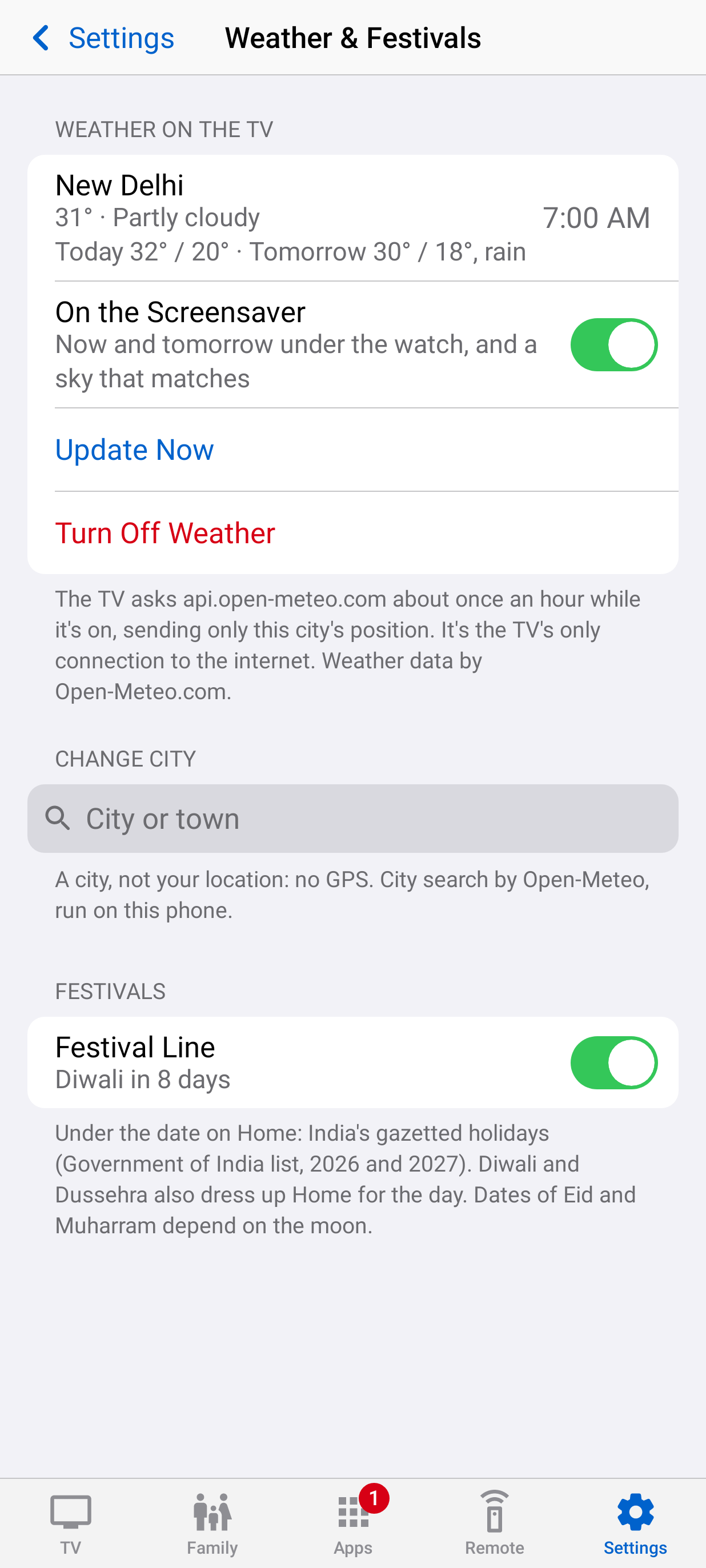
Weather on Home and as a screensaver, and a Free TV row of channels you choose.
tv-hero started as one dad's fix for one family TV. The code is public, so you can see exactly what runs in your living room, and every release is built and signed by its public pipeline.
Android TV and Google TV from Android 9 on. It was built on a Xiaomi Mi TV 4A Pro and is being tested on more. On Google TV devices that insist on their own Home screen, tv-hero runs as a guard: profiles, limits and lock screens still work.
No. The rules live on the TV and work without the phone. A Parent Menu on the TV, behind your PIN, does the essentials too.
Settings and the Play Store are parent-only in kid profiles, new apps wait for approval, and switching to a profile without limits needs a parent. Someone with access to Settings in the Parent profile could switch the guard off, which is why Parent is behind a PIN.
Nothing. No accounts, analytics or ads. The only outside connection is the phone app's update check to GitHub, which you can switch off.
Yes. Free and open source under the MIT licence.