tv-hero · Gallery

Every screen

Every screen of tv-hero, on the TV and on the phone. Tap one to see it full size; filter by what you care about.

On the TV
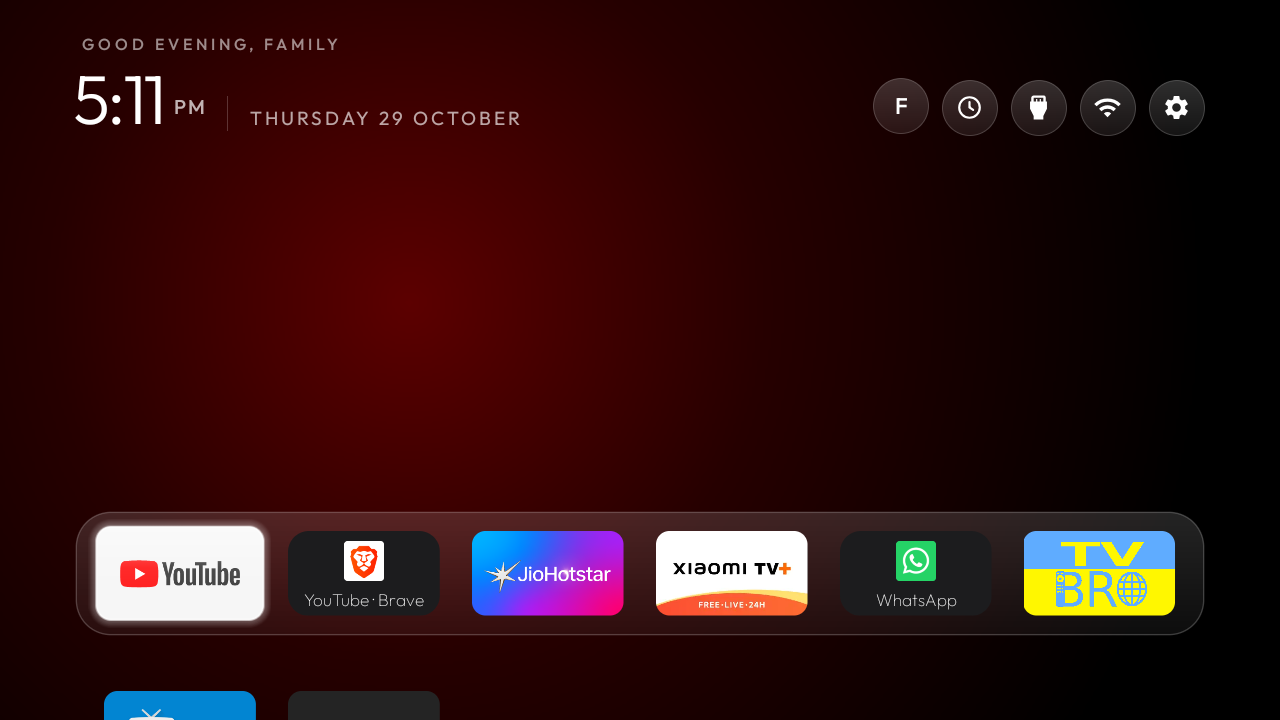
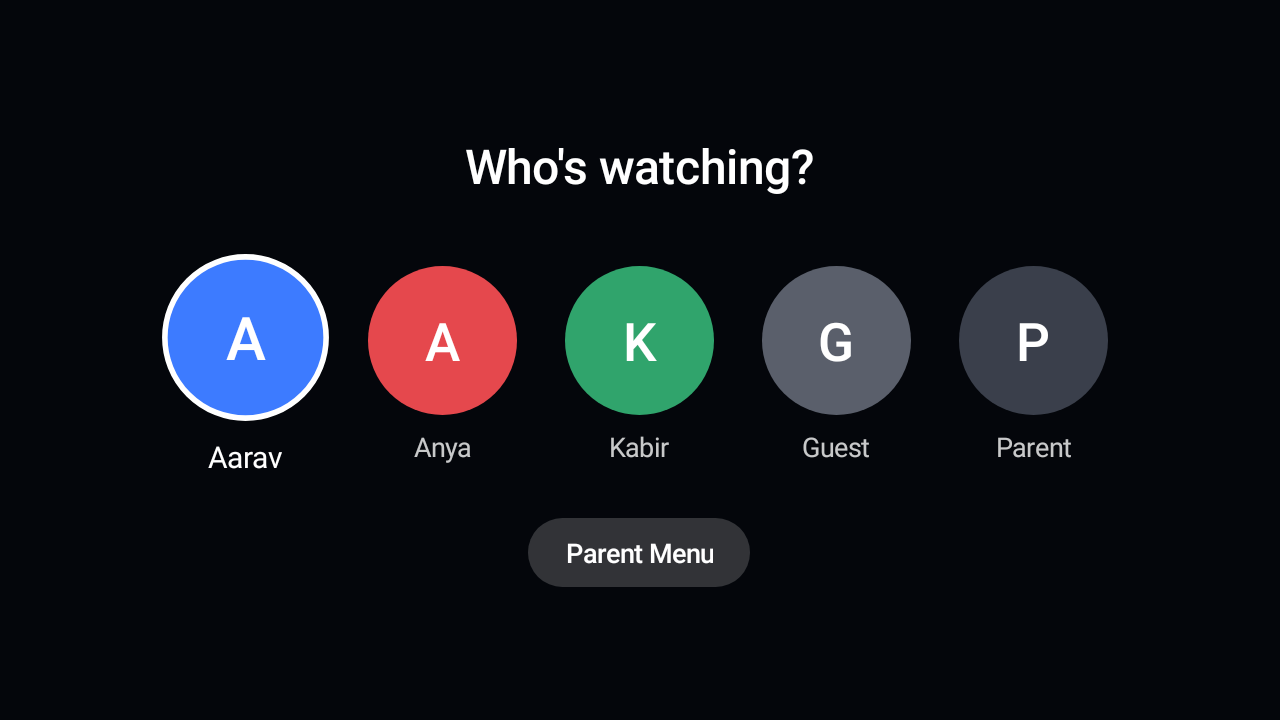
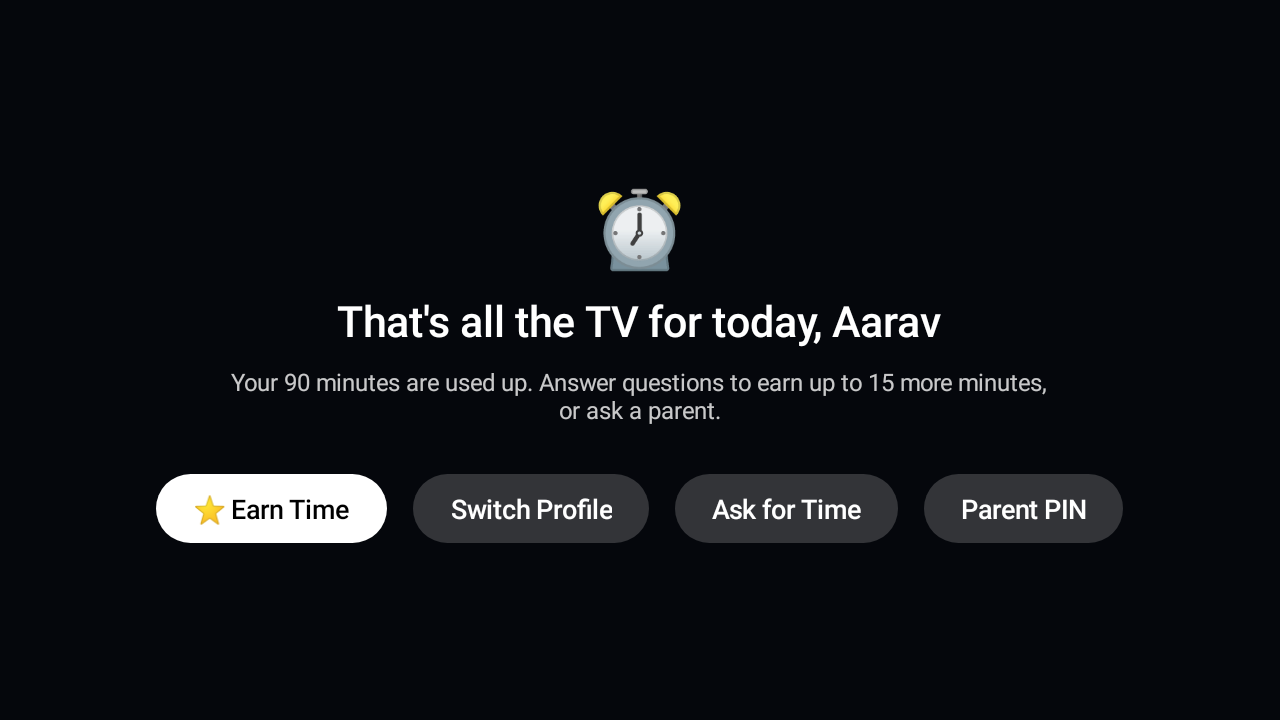
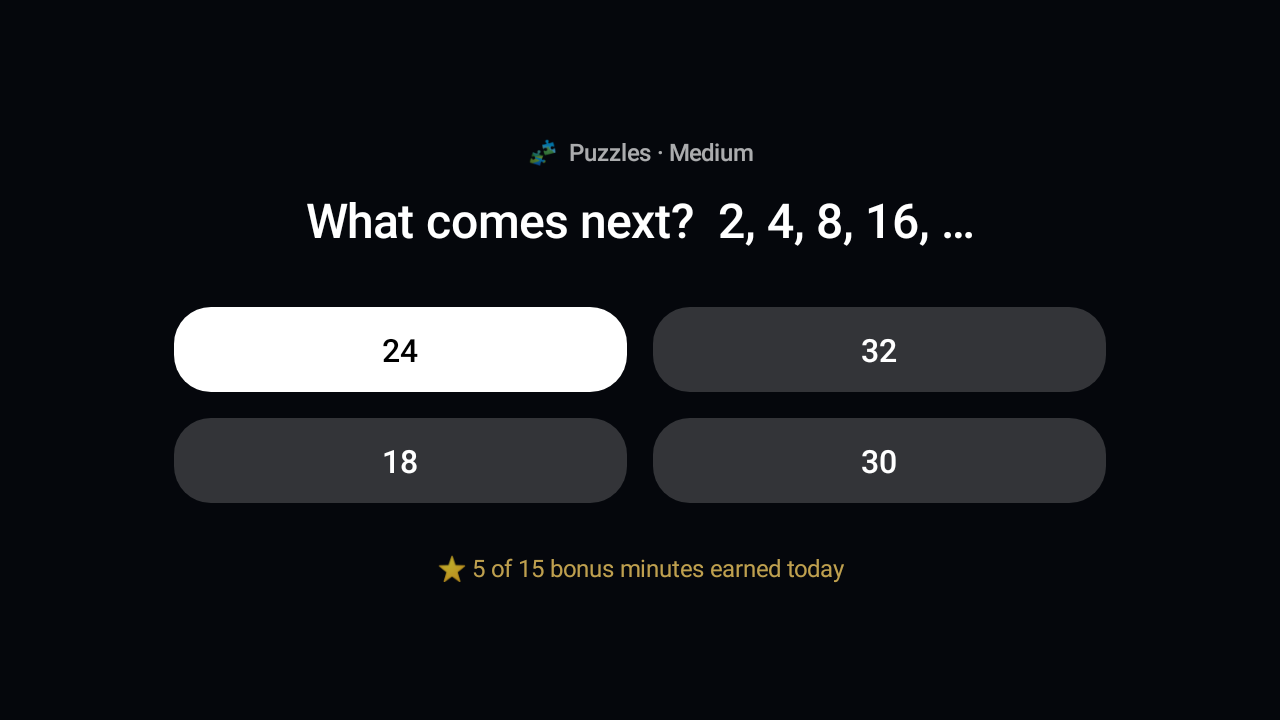
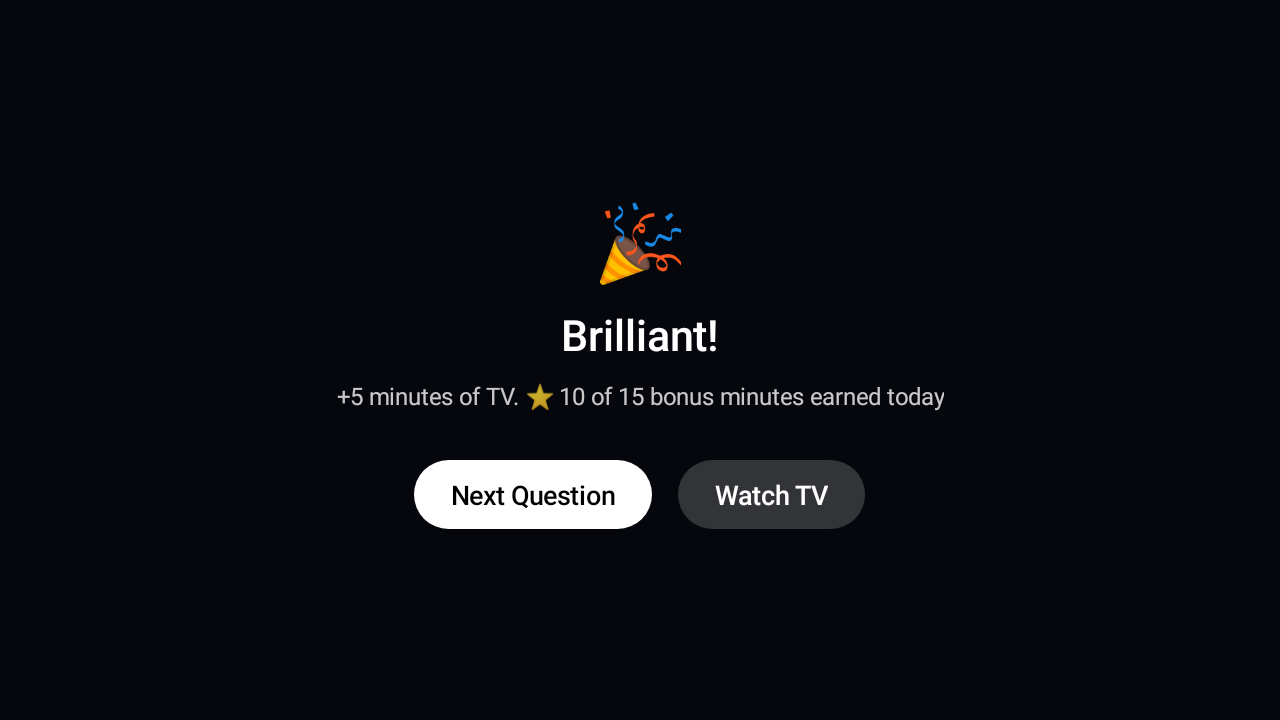
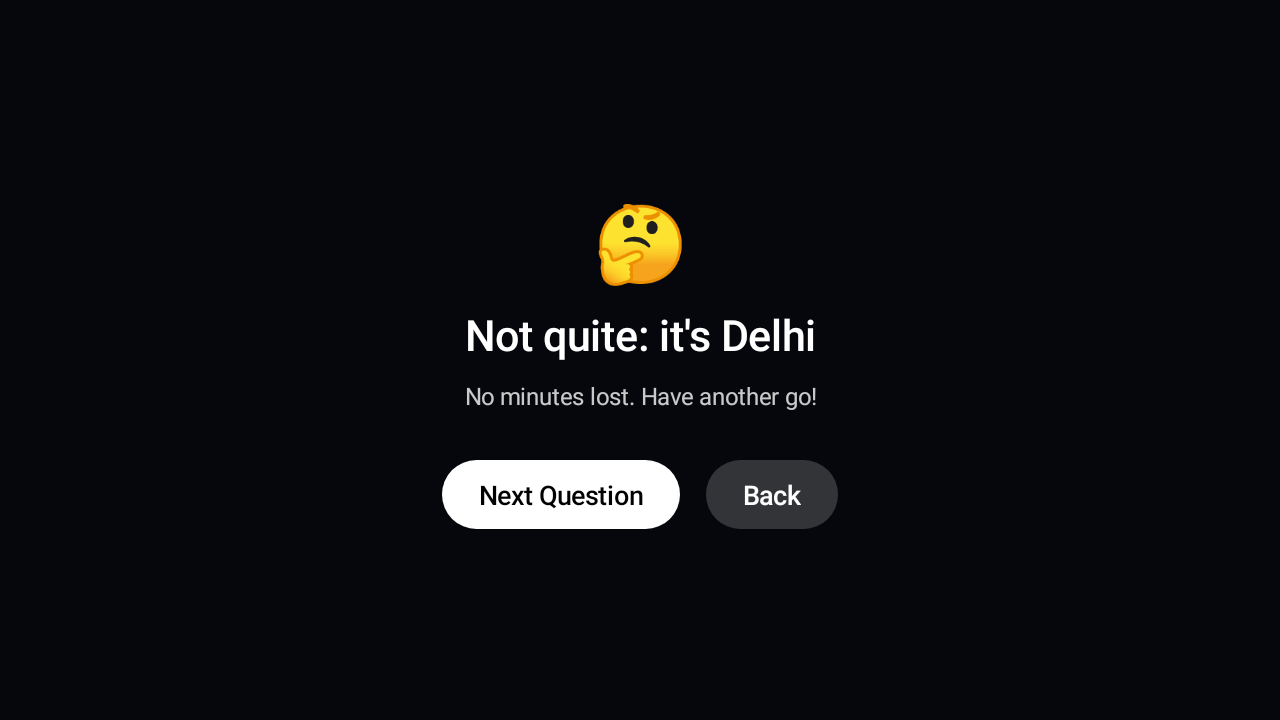
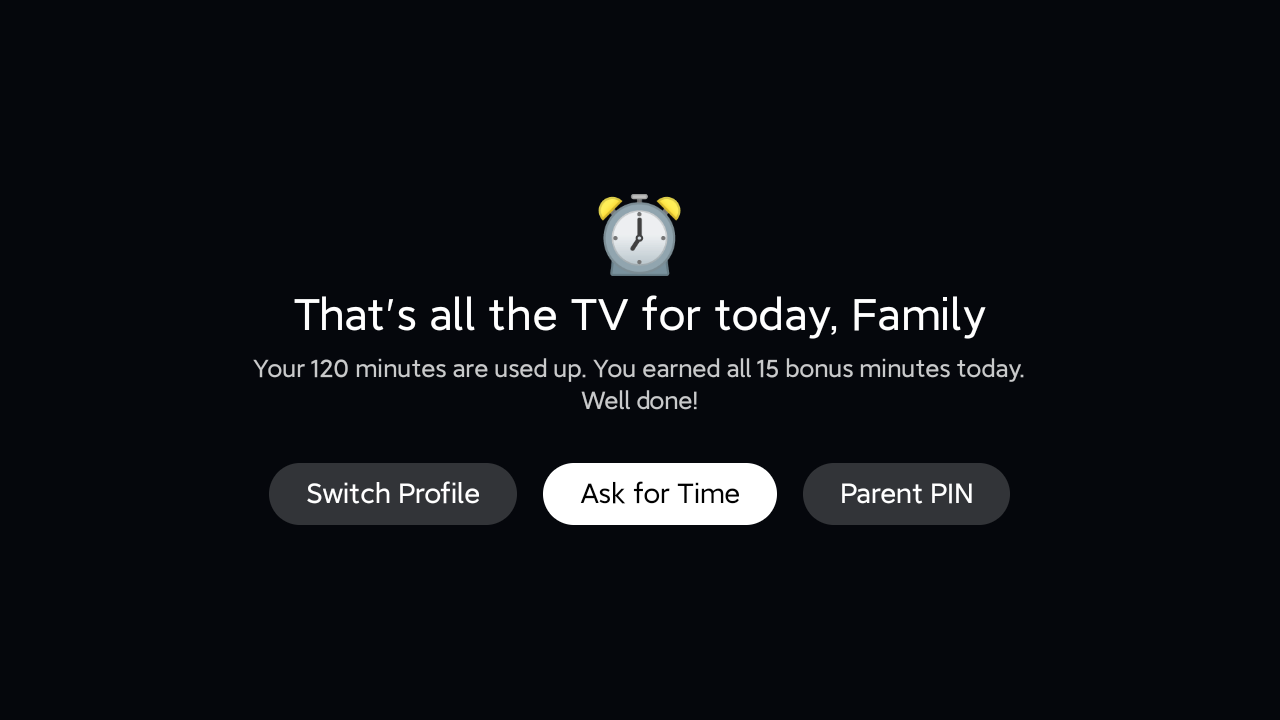
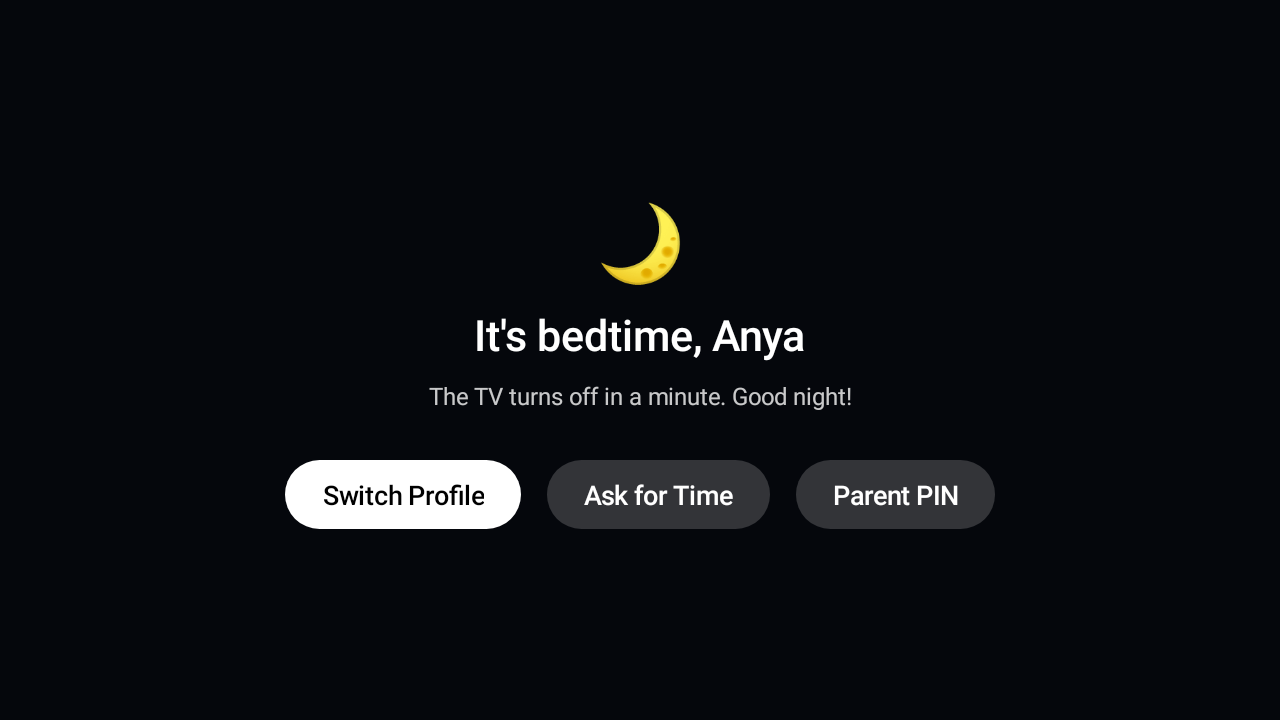
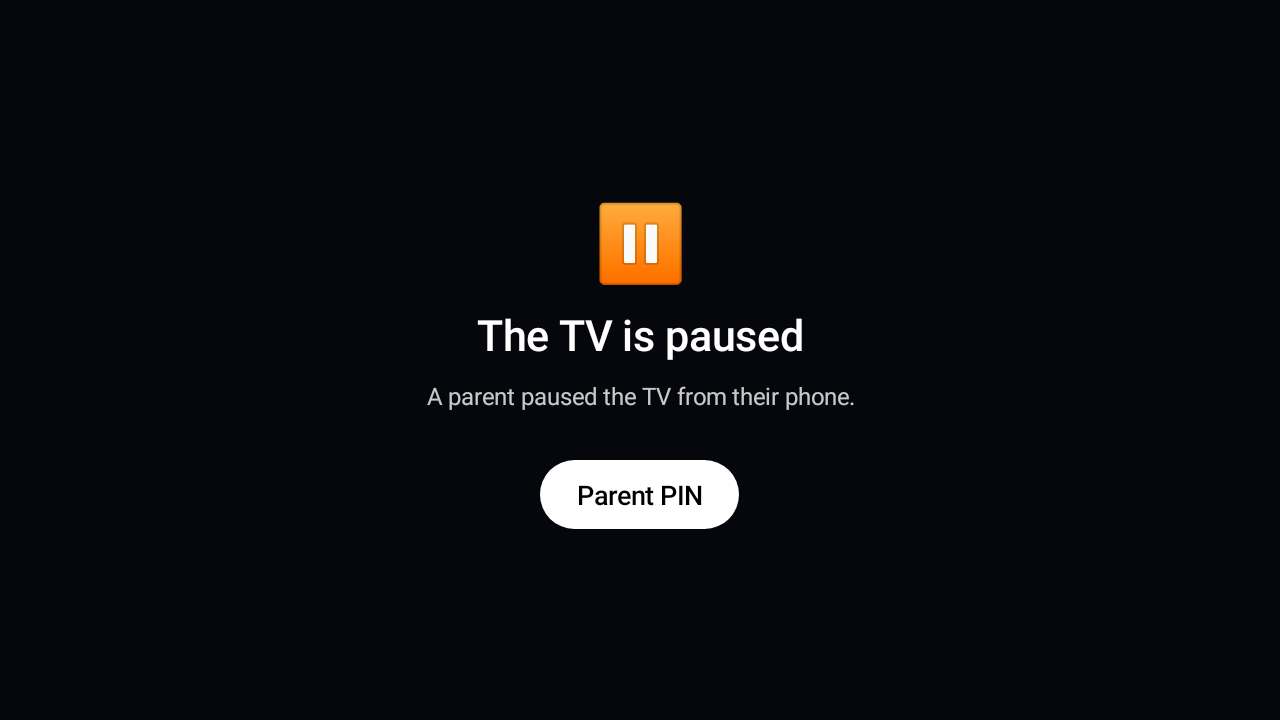
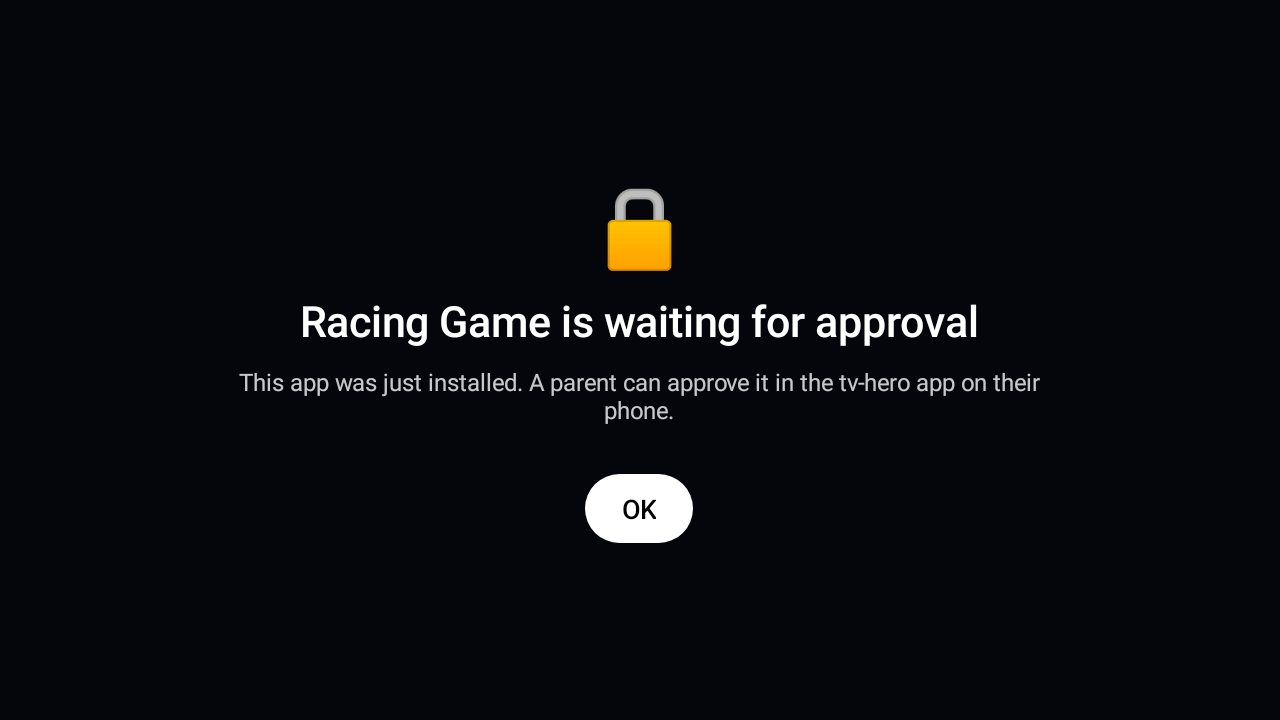
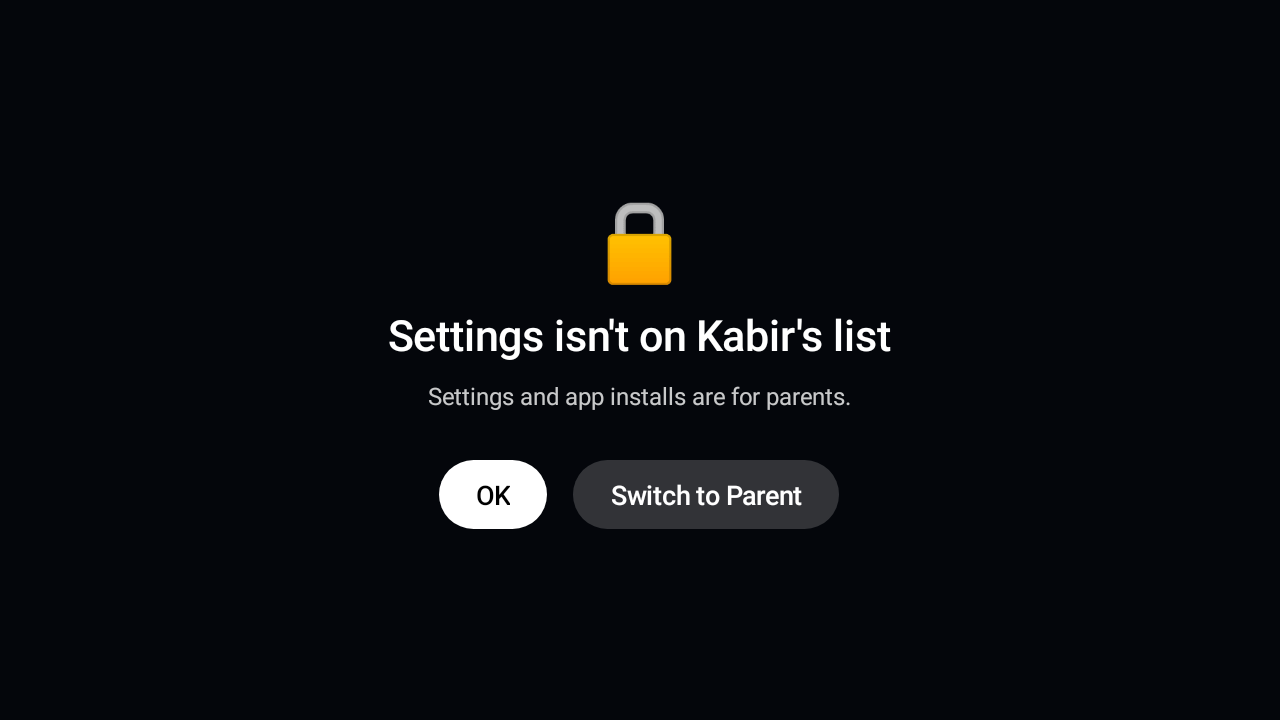
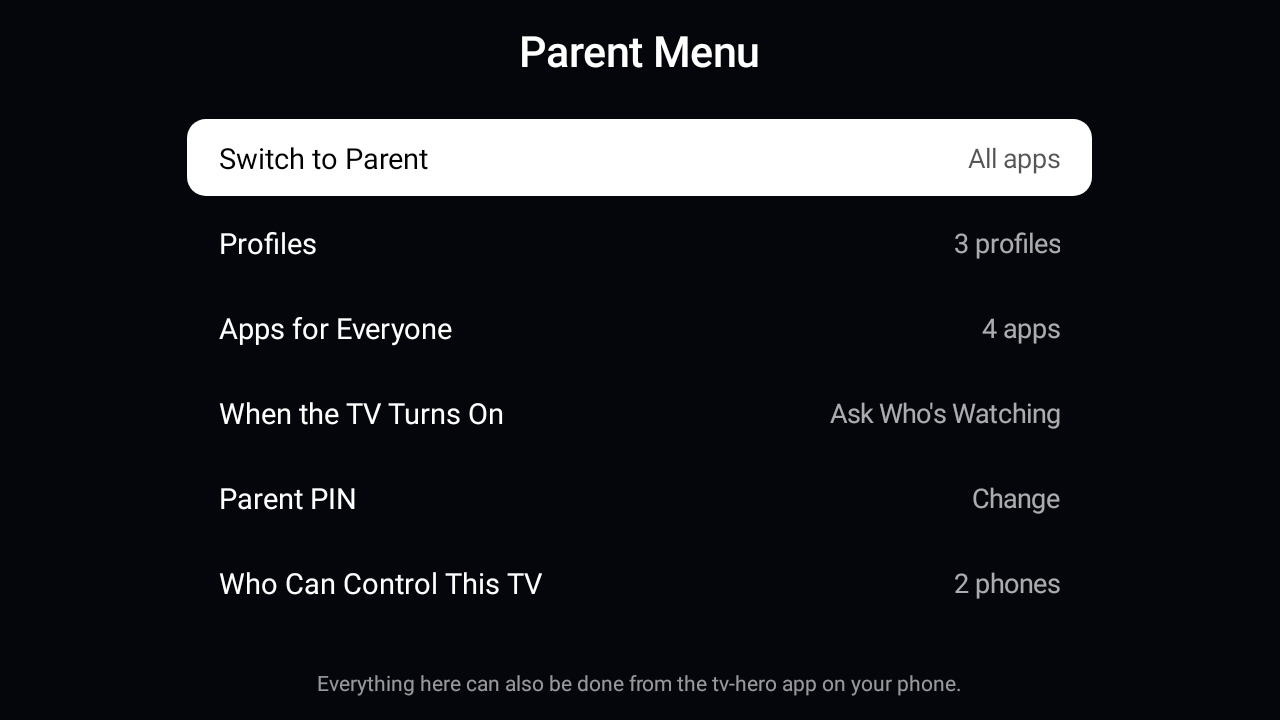
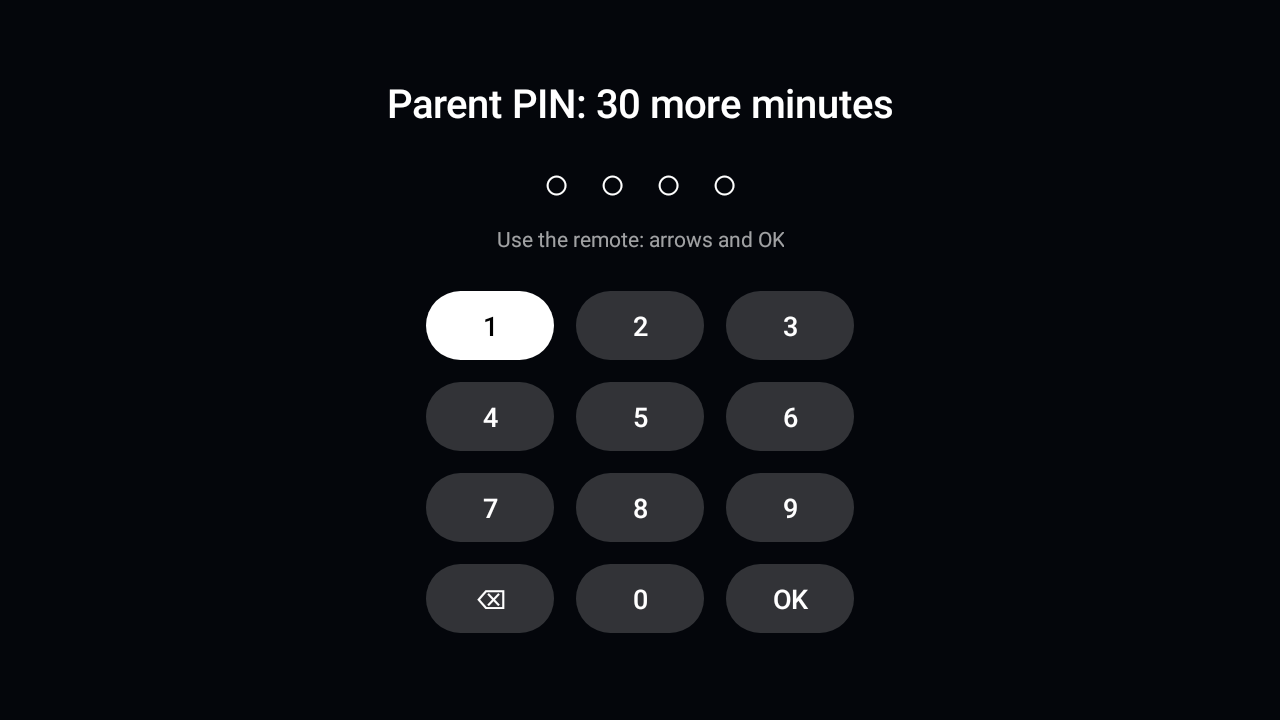
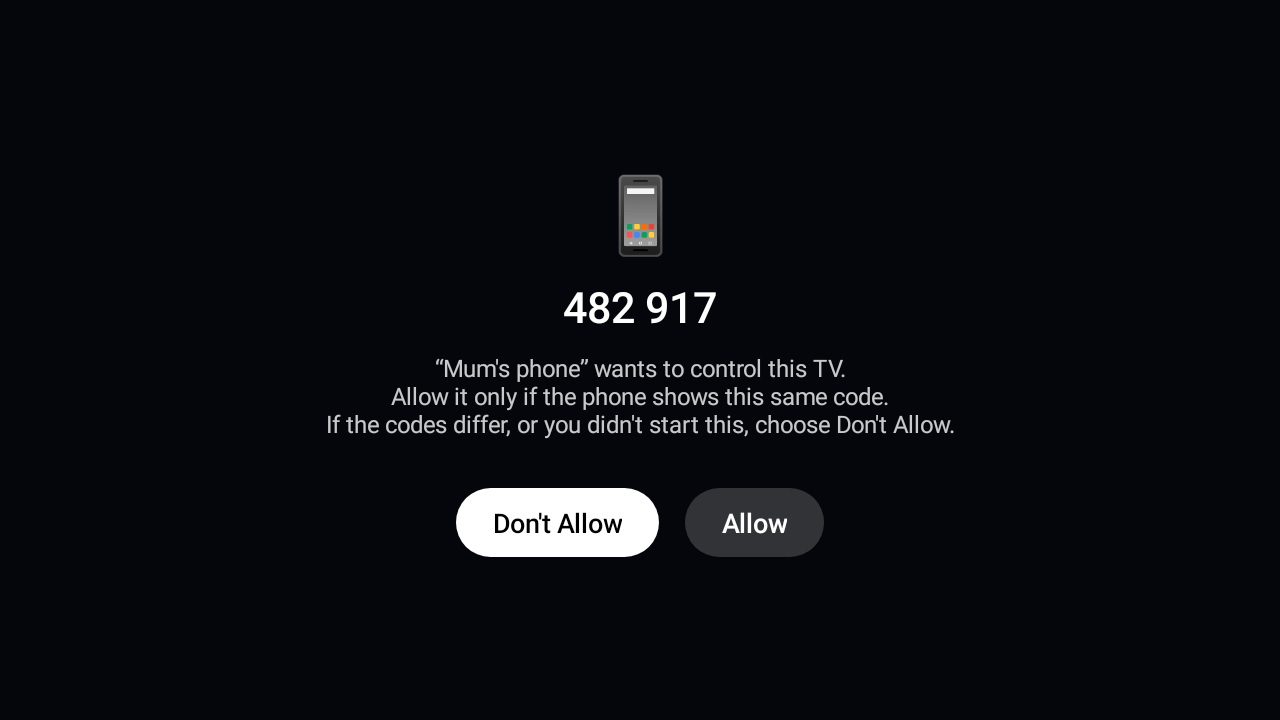
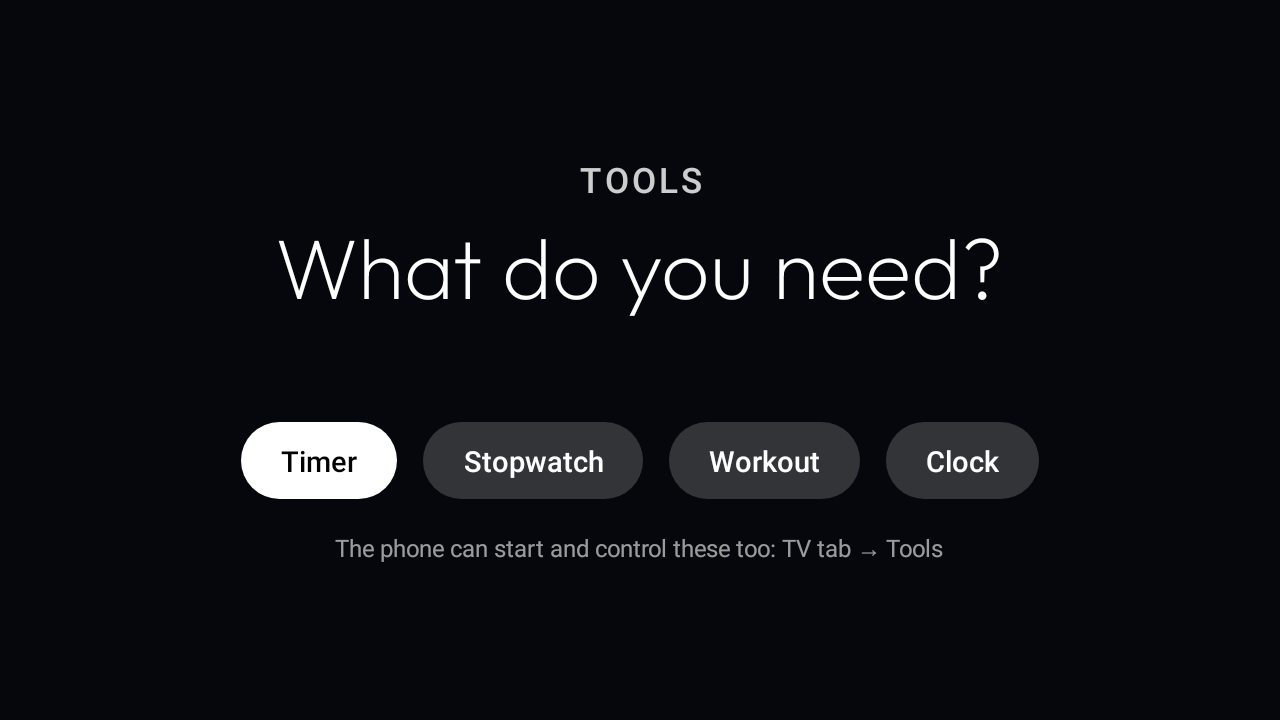
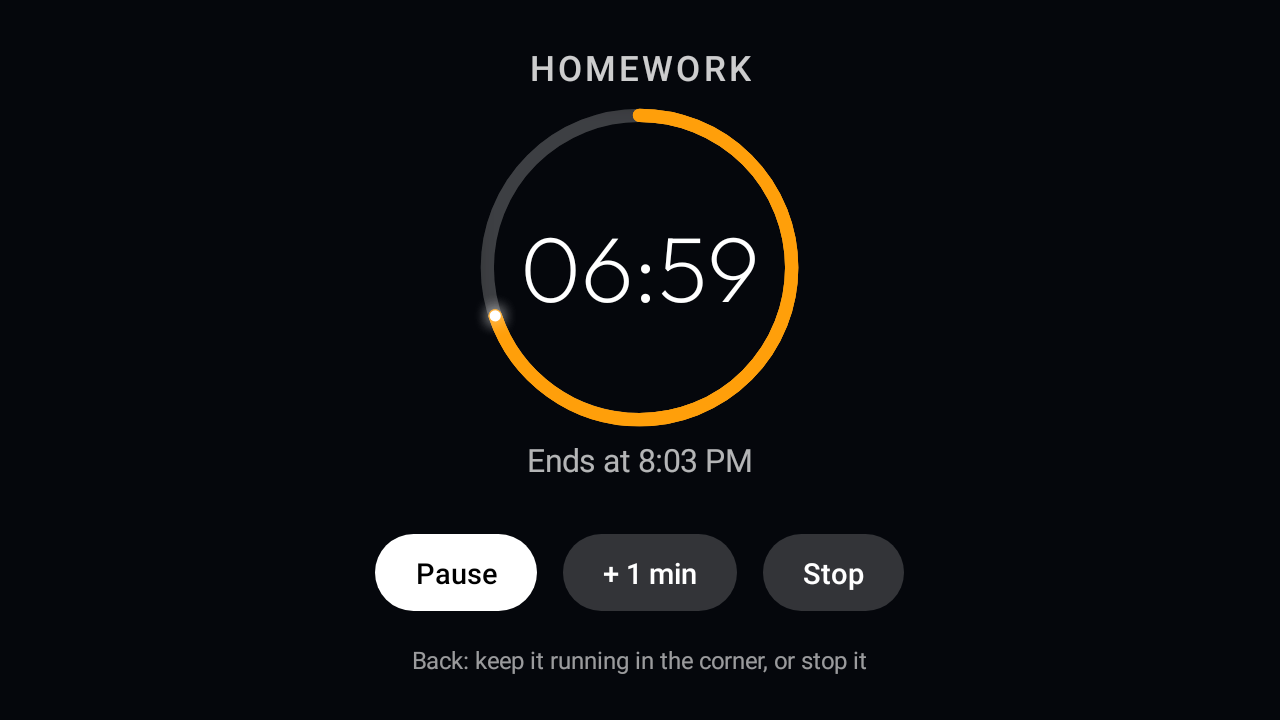
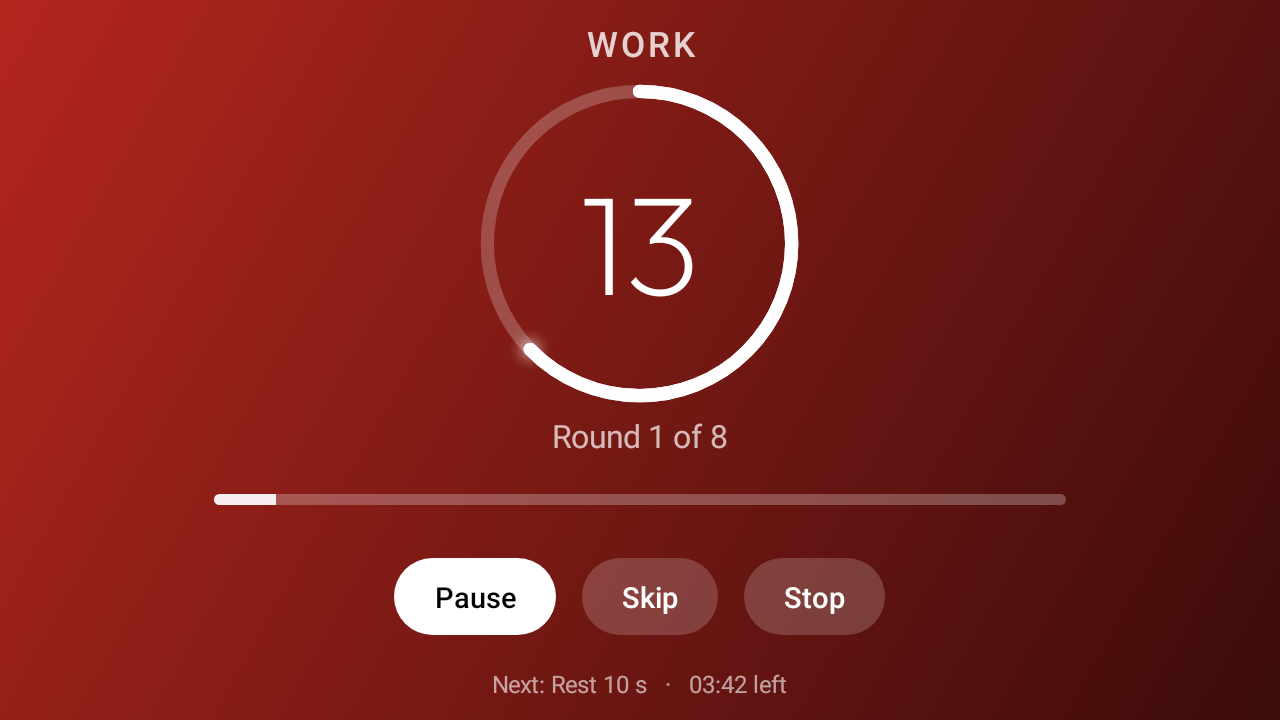
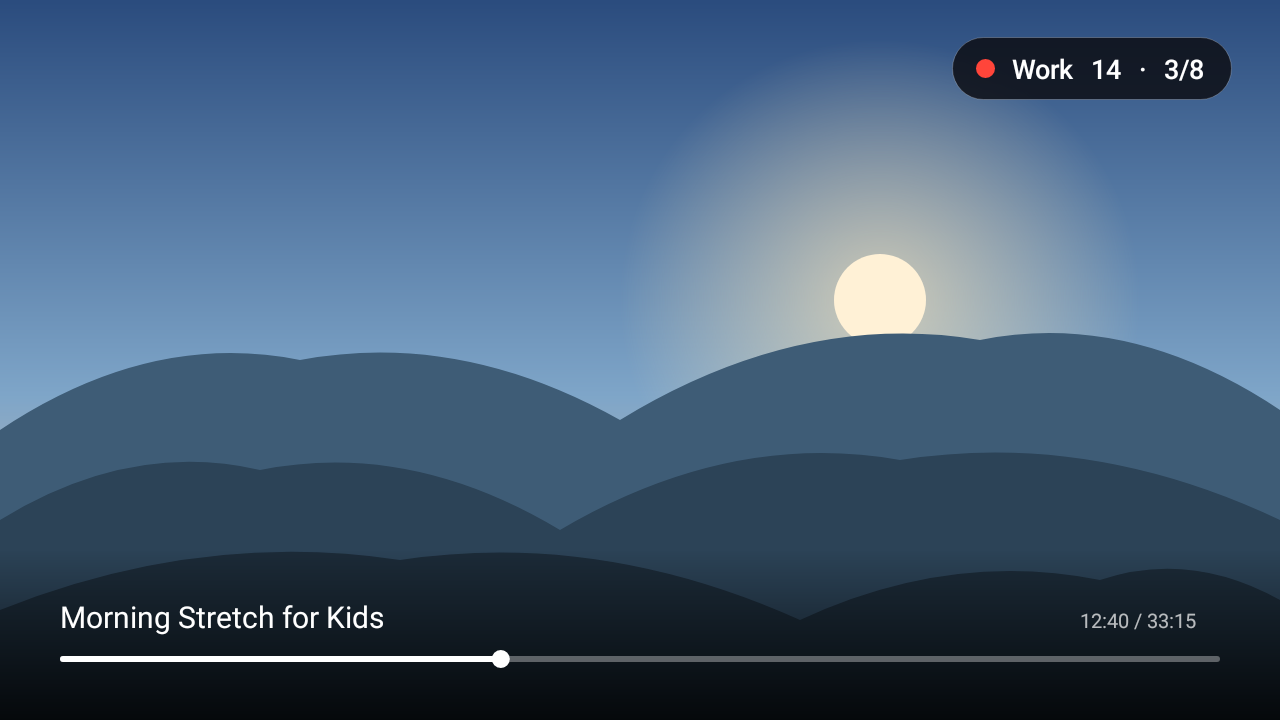
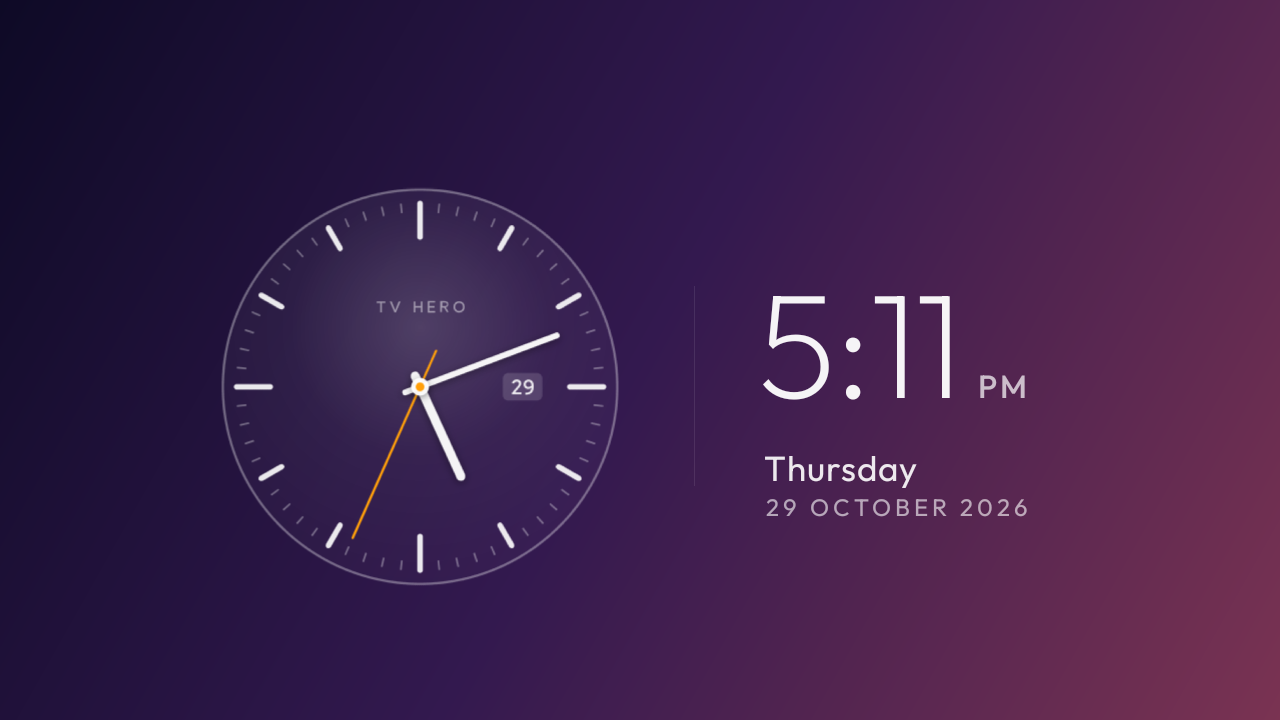
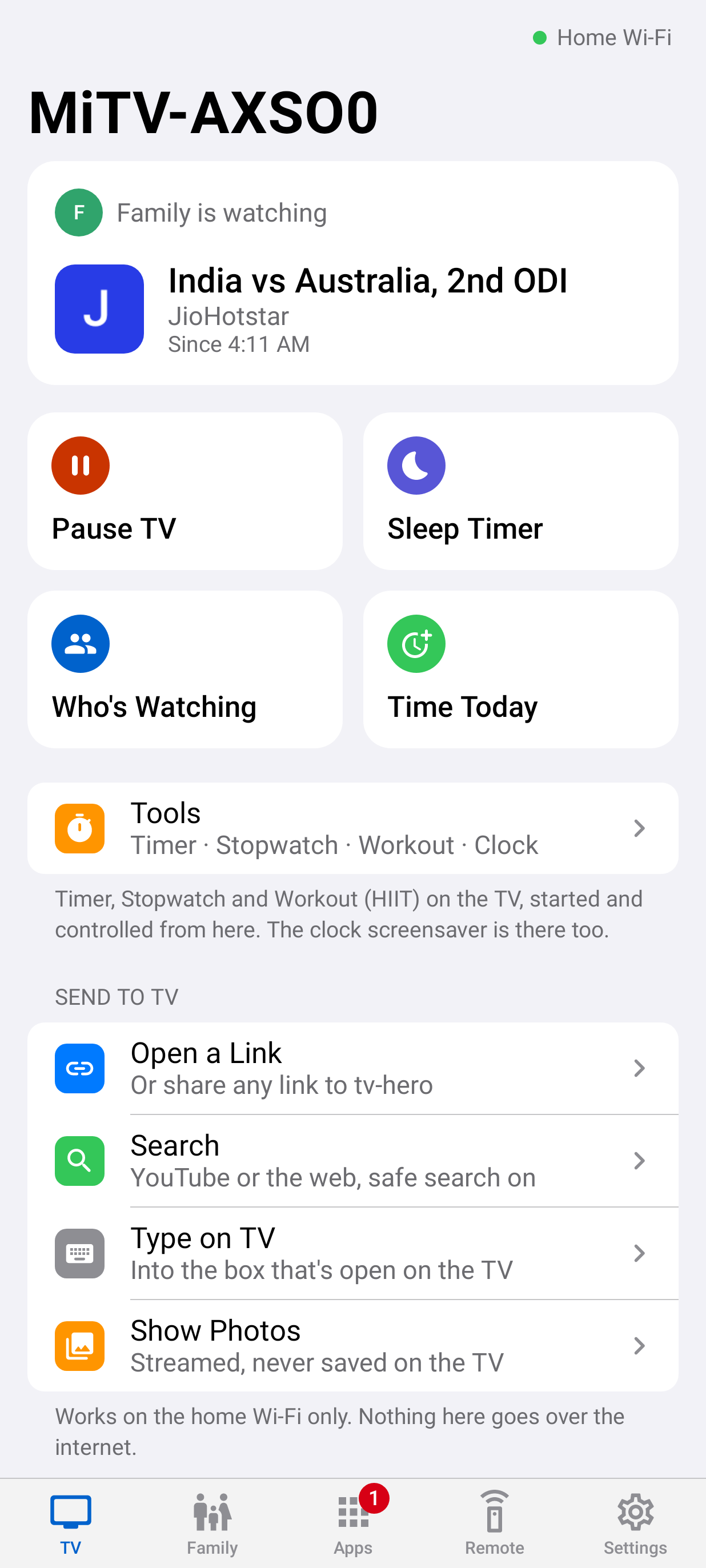
tv-hero on the tv: A calm Home screen. tv-hero's Home screen on an Android TV: the clock, a greeting and only the apps for this profile. No ads, no autoplay rows.A calm Home screenOn the TVtv-hero on the tv: Who's watching?. Each child picks their own profile with the remote. Guest and Parent are there too, and a Parent Menu.Who's watching?On the TVtv-hero on the tv: Time's up, with Earn Time. When the day's TV time is used up the video stops and the app closes. Kids can earn more minutes with questions, or ask a parent.Time's up, with Earn TimeOn the TVtv-hero on the tv: An Earn Time question. Maths, English words, general knowledge, Hindi and puzzles at Easy, Medium or Hard, answered with the remote.An Earn Time questionOn the TVtv-hero on the tv: Right answer: five more minutes. Every right answer adds minutes of TV, up to a daily maximum the parent chooses.Right answer: five more minutesOn the TVtv-hero on the tv: Not quite: no minutes lost. A wrong answer costs nothing; three in a row means a short break, so guessing doesn't pay.Not quite: no minutes lostOn the TVtv-hero on the tv: Every bonus minute earned. After the daily maximum of bonus minutes the TV says well done and stays off until a parent adds time.Every bonus minute earnedOn the TVtv-hero on the tv: Bedtime. At bedtime a good-night screen appears and the TV goes to standby a minute later. One more hour needs a parent.BedtimeOn the TVtv-hero on the tv: Paused from the phone. Dinner time: a parent pauses the whole TV from their phone. Only the Parent PIN unlocks it on the TV.Paused from the phoneOn the TVtv-hero on the tv: New apps wait for approval. Anything newly installed stays blocked until a parent approves it in the phone app.New apps wait for approvalOn the TVtv-hero on the tv: Settings are for parents. In a child's profile, Settings and app installs are parent-only. A parent can switch to Parent right there with the PIN.Settings are for parentsOn the TVtv-hero on the tv: Parent Menu on the TV. Profiles, apps for everyone, the start-up profile, PIN, paired phones, guest time and switch limits, right on the TV.Parent Menu on the TVOn the TVtv-hero on the tv: Parent PIN. A number pad for the remote. Loosening a rule always needs the parent PIN or password; tightening never does.Parent PINOn the TVtv-hero on the tv: Pairing: compare the code. A new phone shows a six-digit code; the TV shows the same code and someone in the room presses Allow.Pairing: compare the codeOn the TVtv-hero on the tv: Tools. Timer, Stopwatch, Workout and a clock, built into the TV and controllable from the phone.ToolsOn the TVtv-hero on the tv: Timer. Big digits and a ring that empties as time runs out, readable from across the room.TimerOn the TVtv-hero on the tv: Workout: Tabata. HIIT presets like Tabata: each phase fills the screen in its own colour, with beeps, rounds and a bar for the whole workout.Workout: TabataOn the TVtv-hero on the tv: Corner timer over any app. Start a workout, open a video: a small timer stays in the corner over the app.Corner timer over any appOn the TVtv-hero on the tv: Watch screensaver. An analogue watch and the date on a gradient that follows the time of day. It never counts as screen time.Watch screensaverOn the TV

On the phone
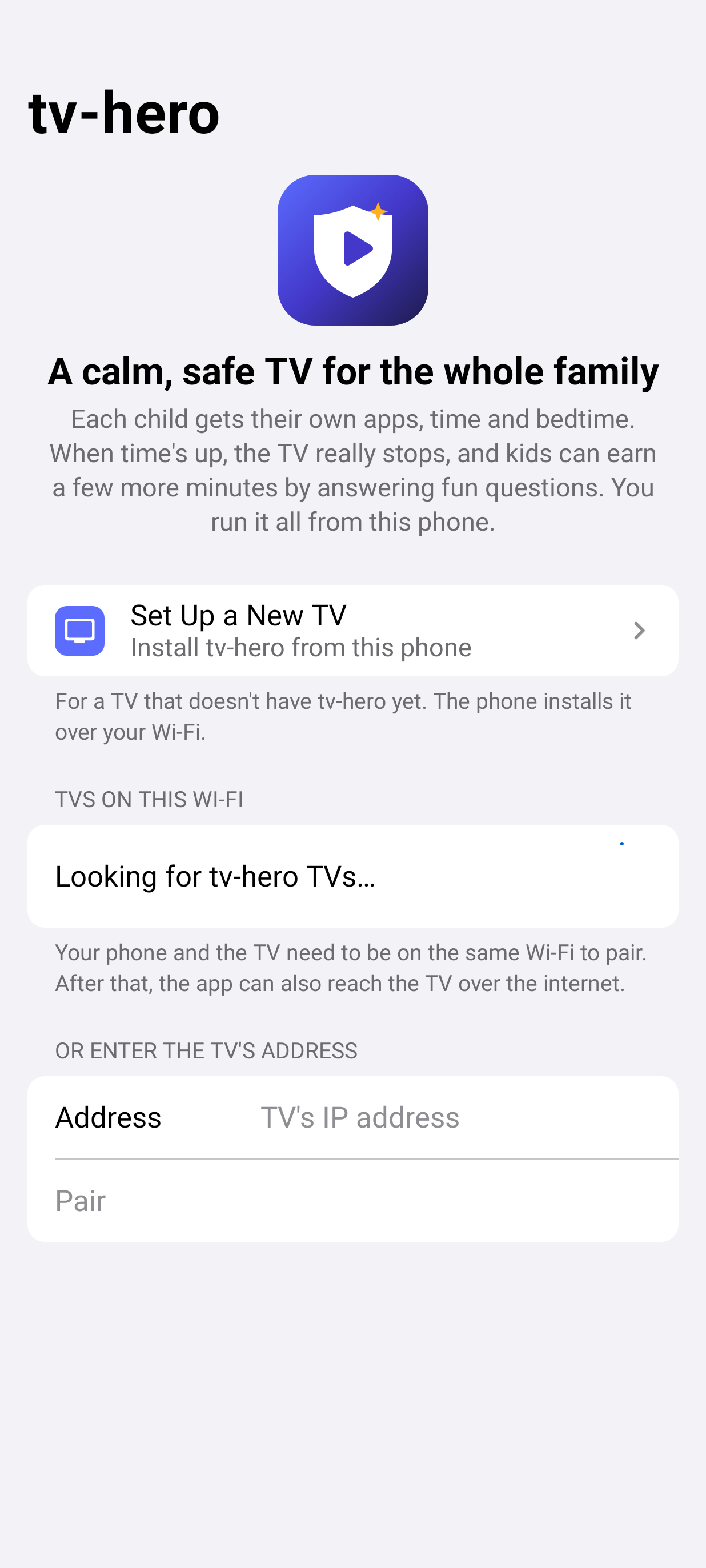
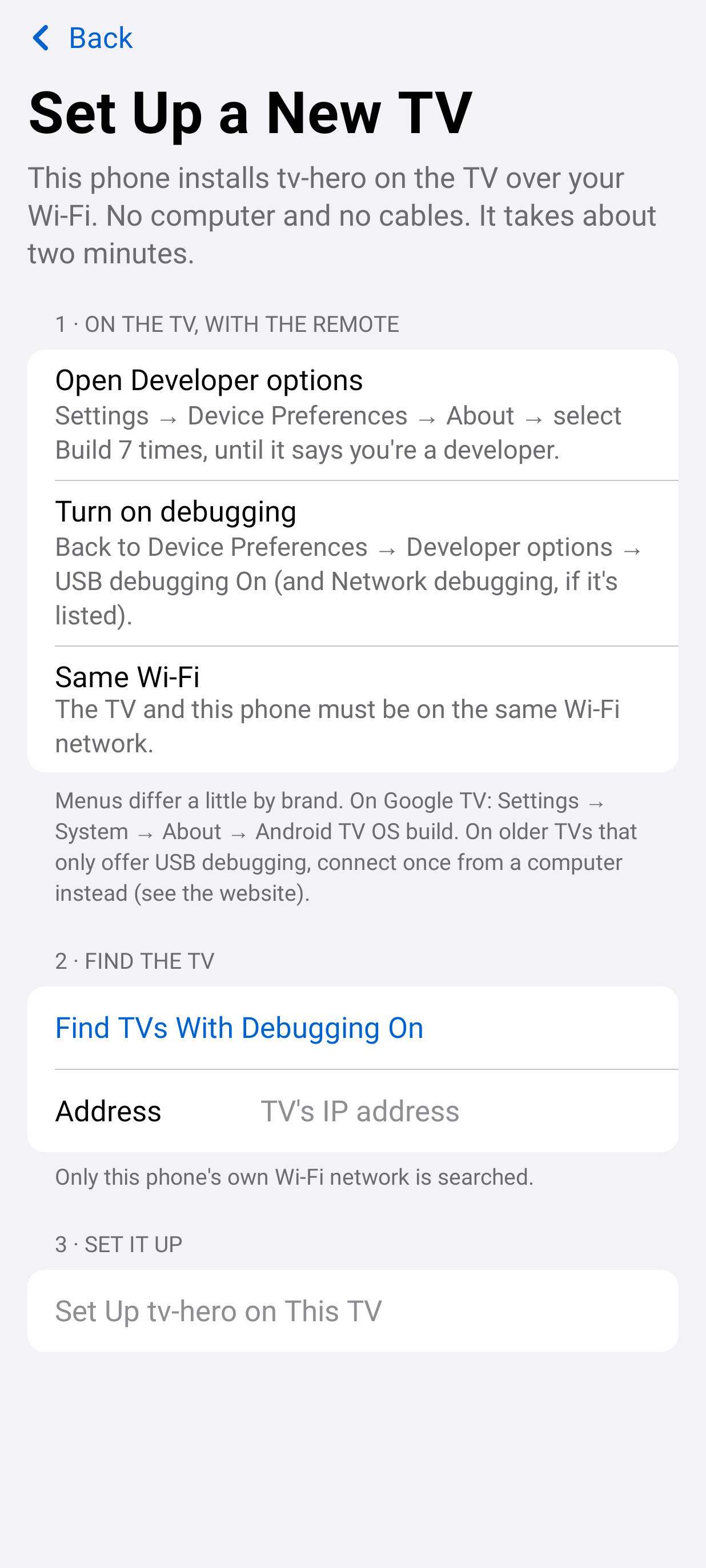
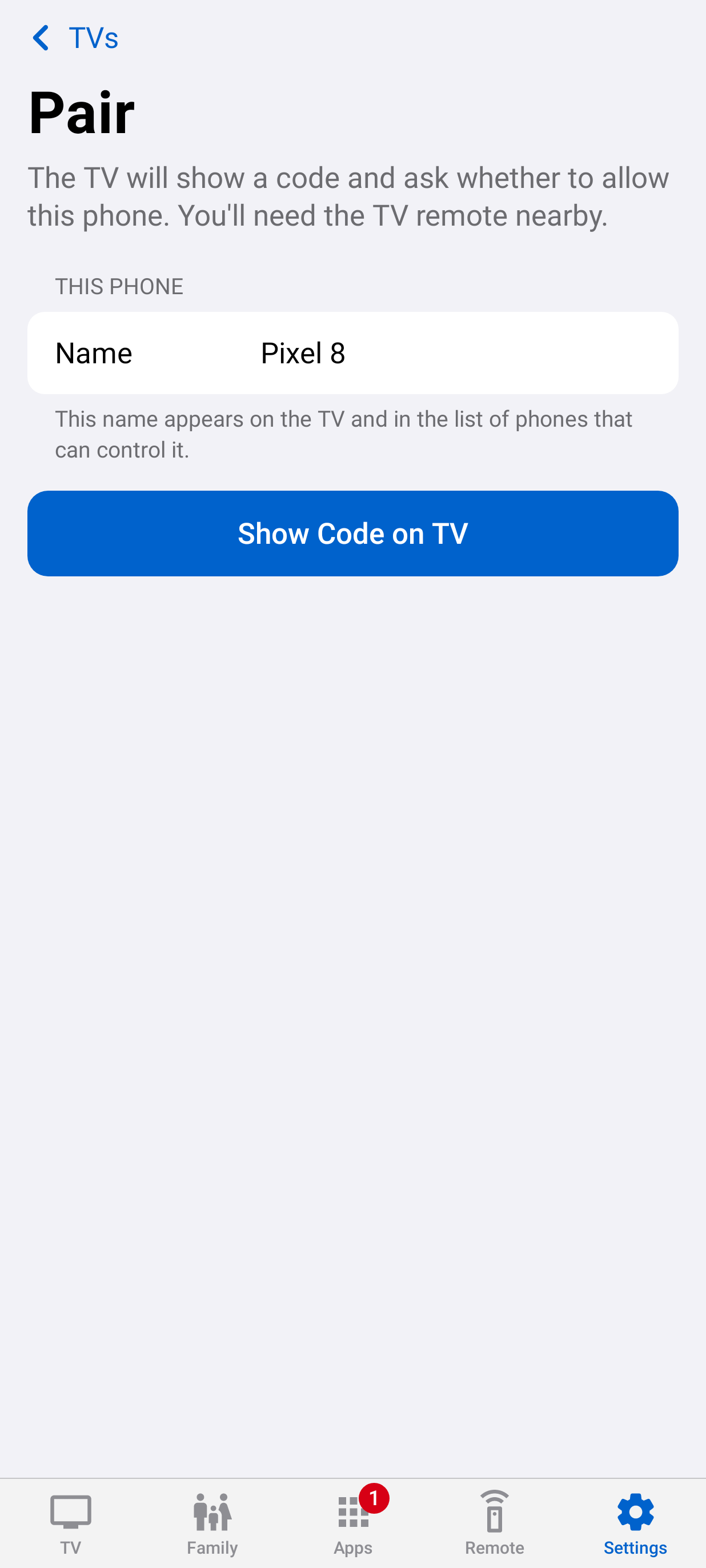
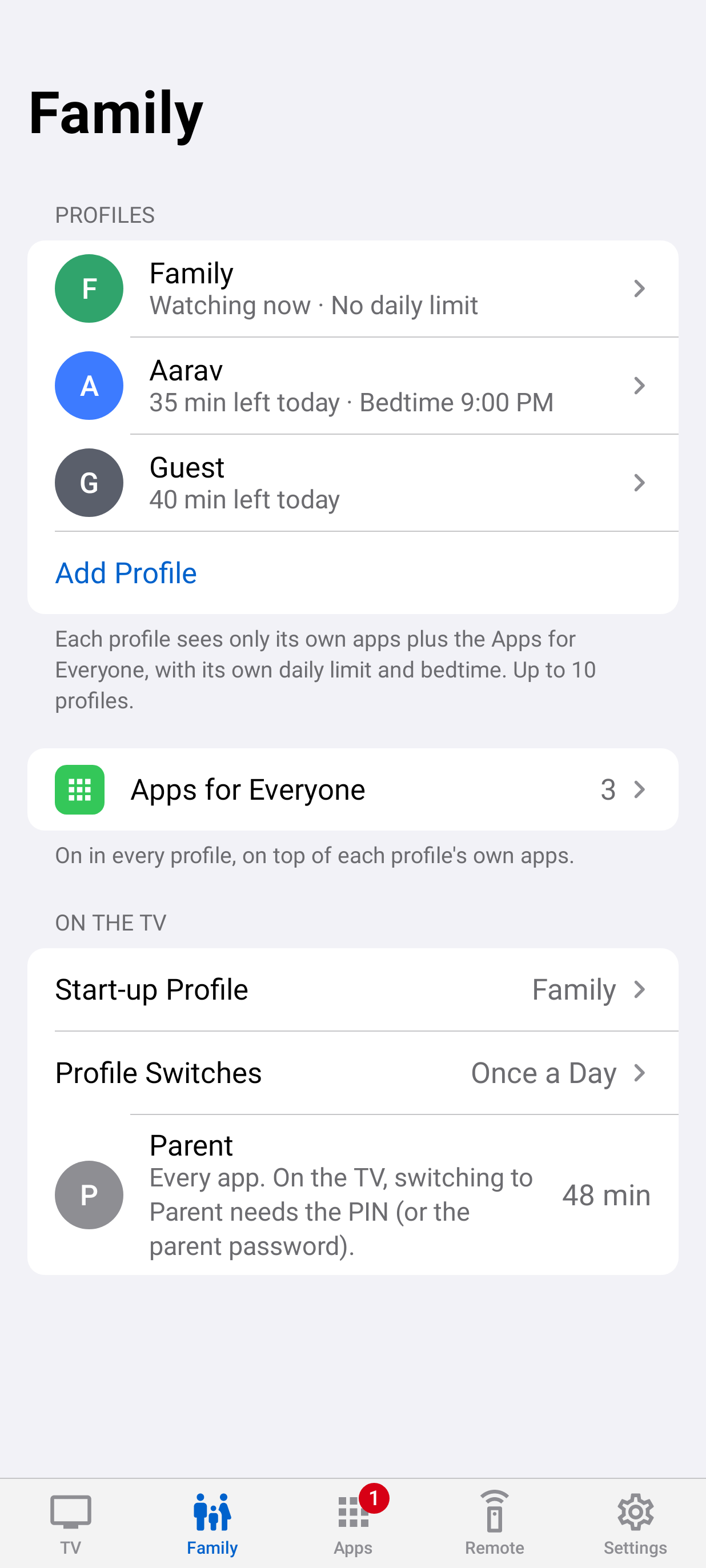
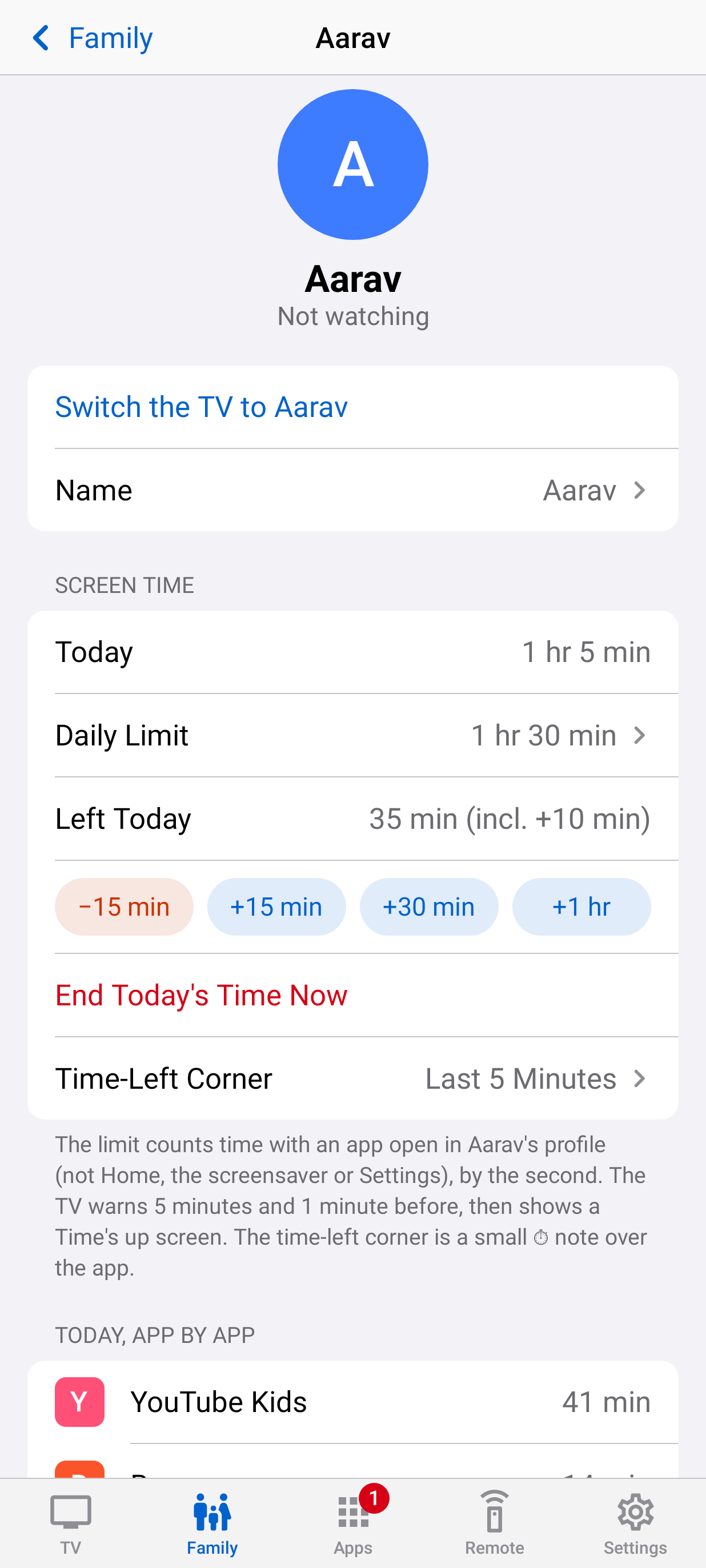
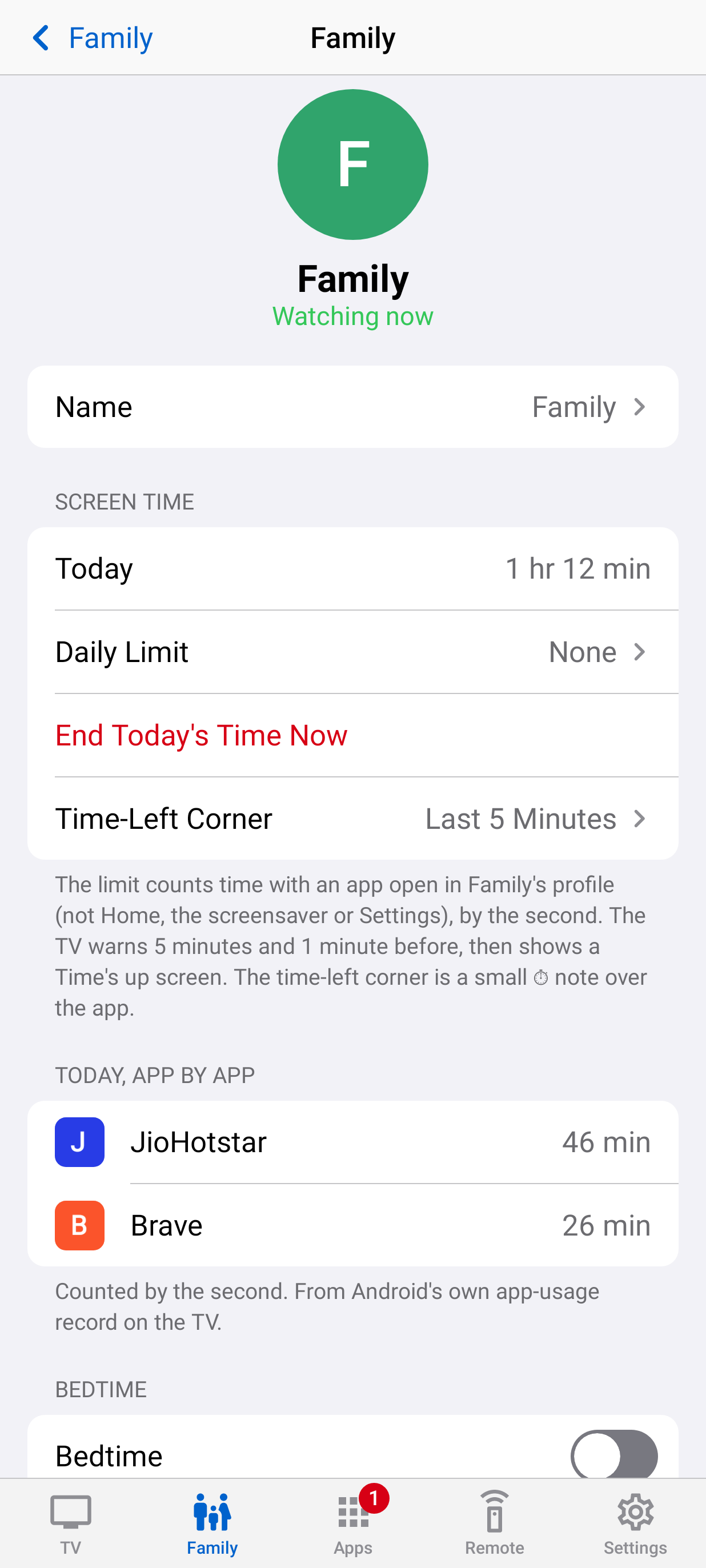
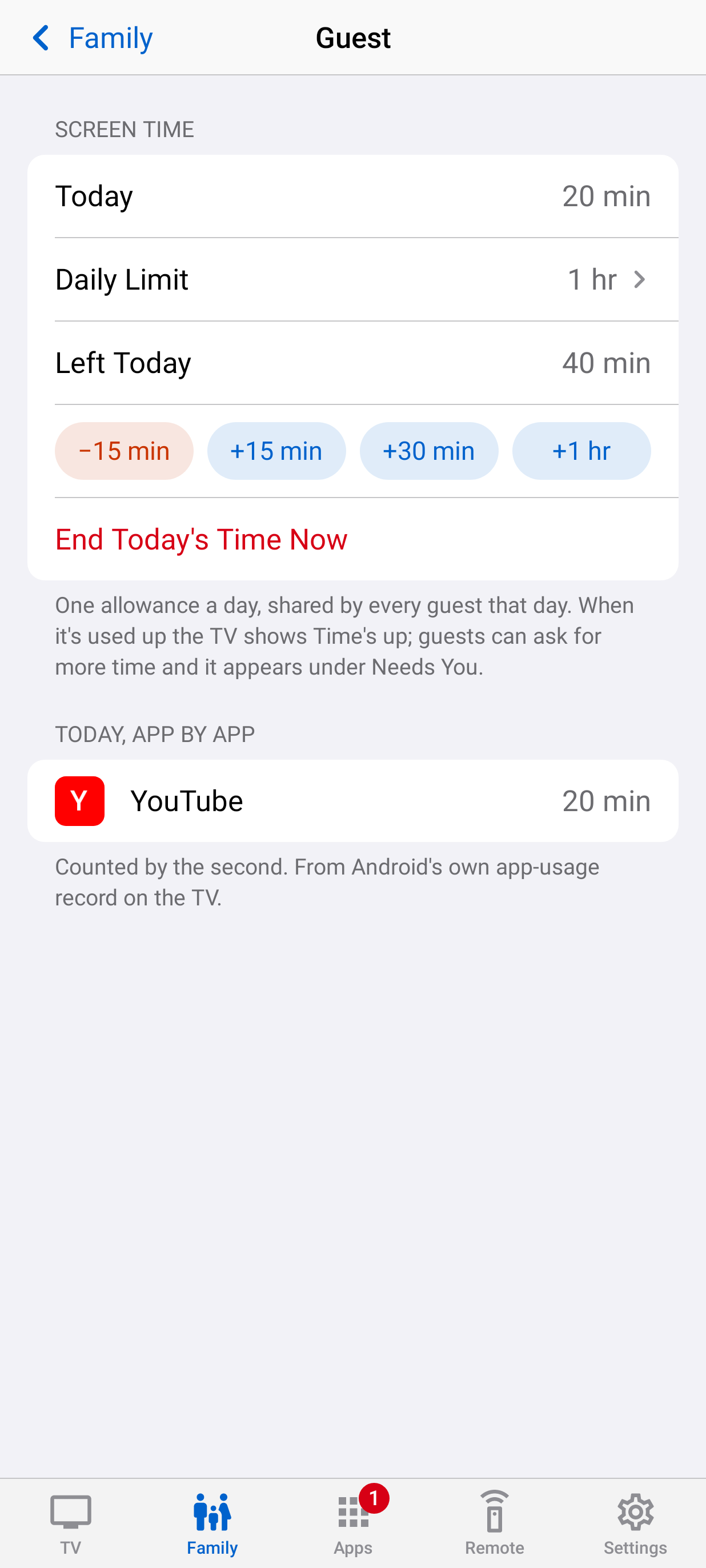
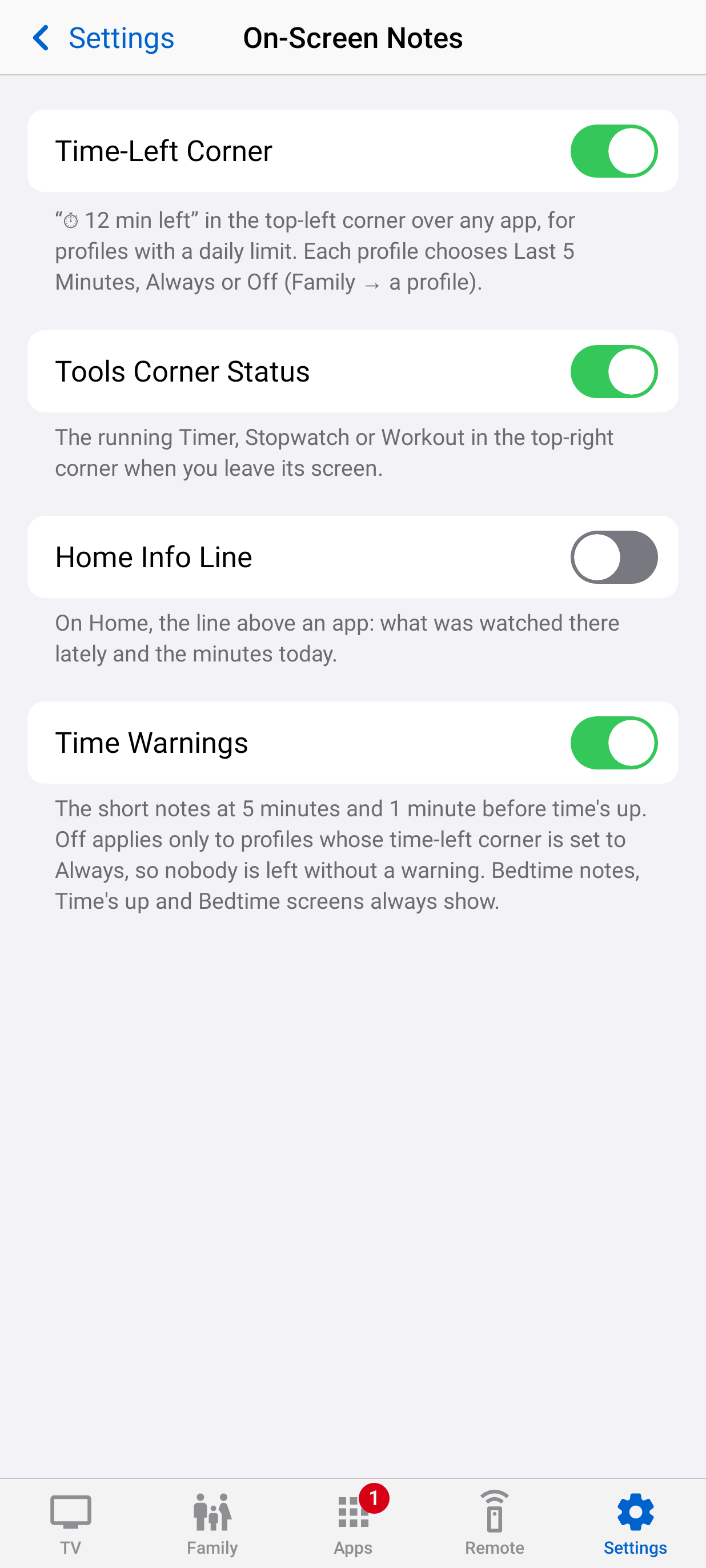
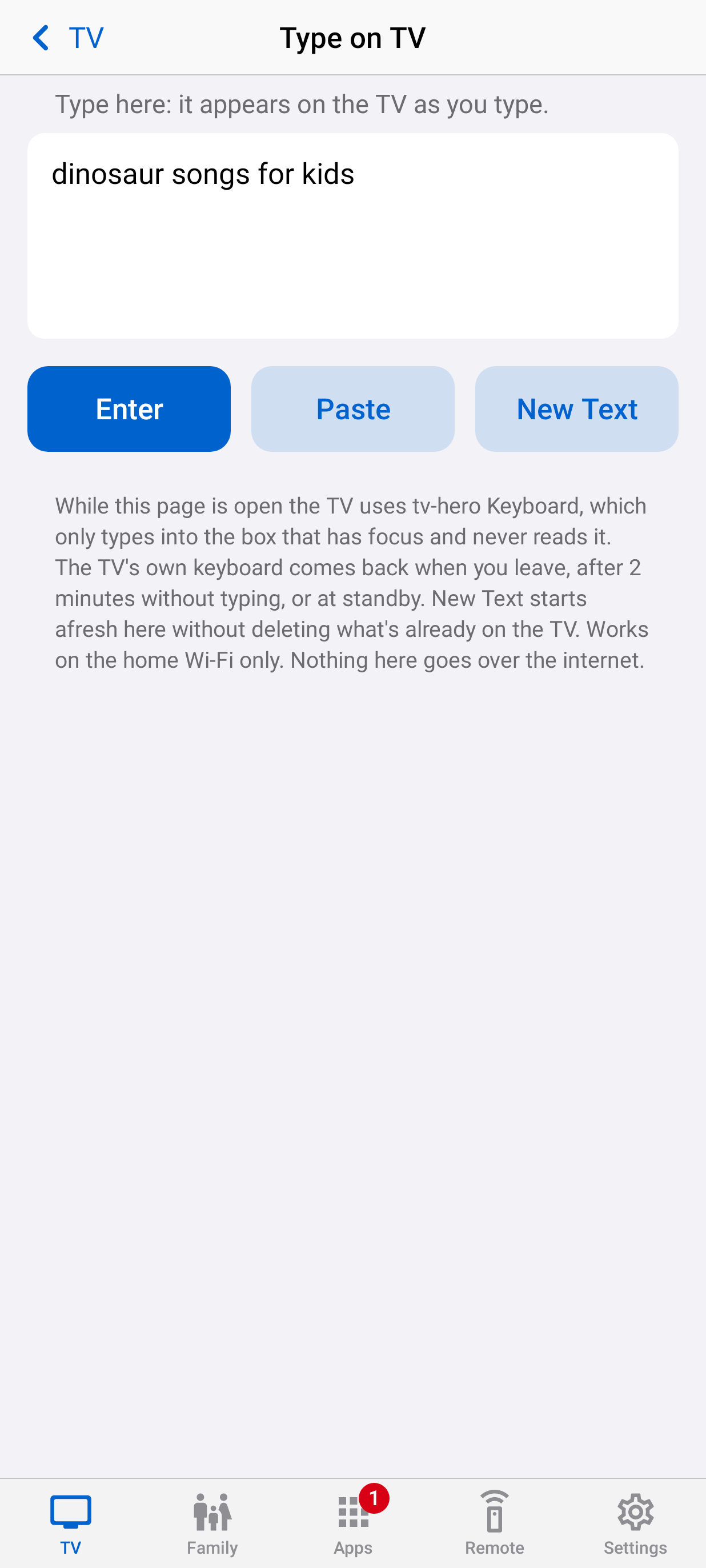
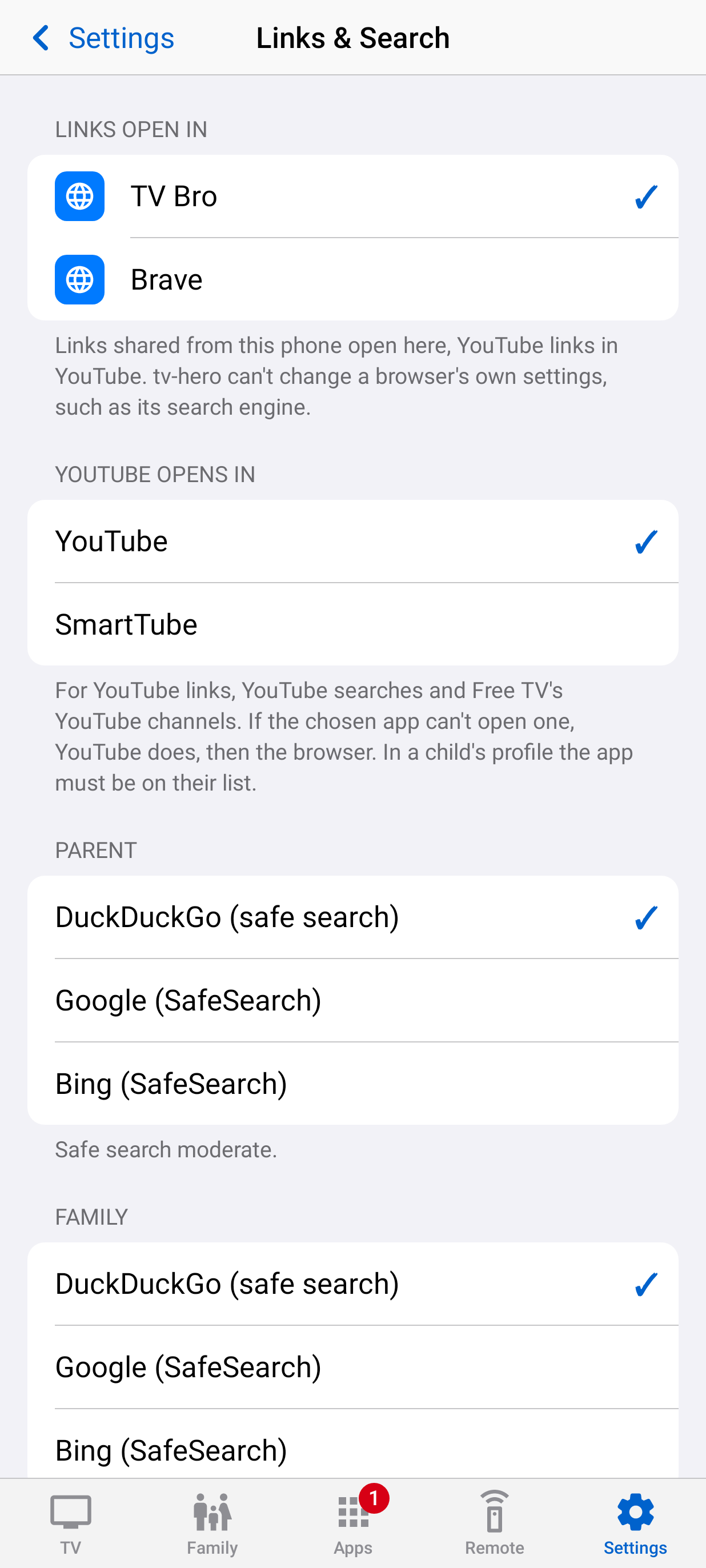
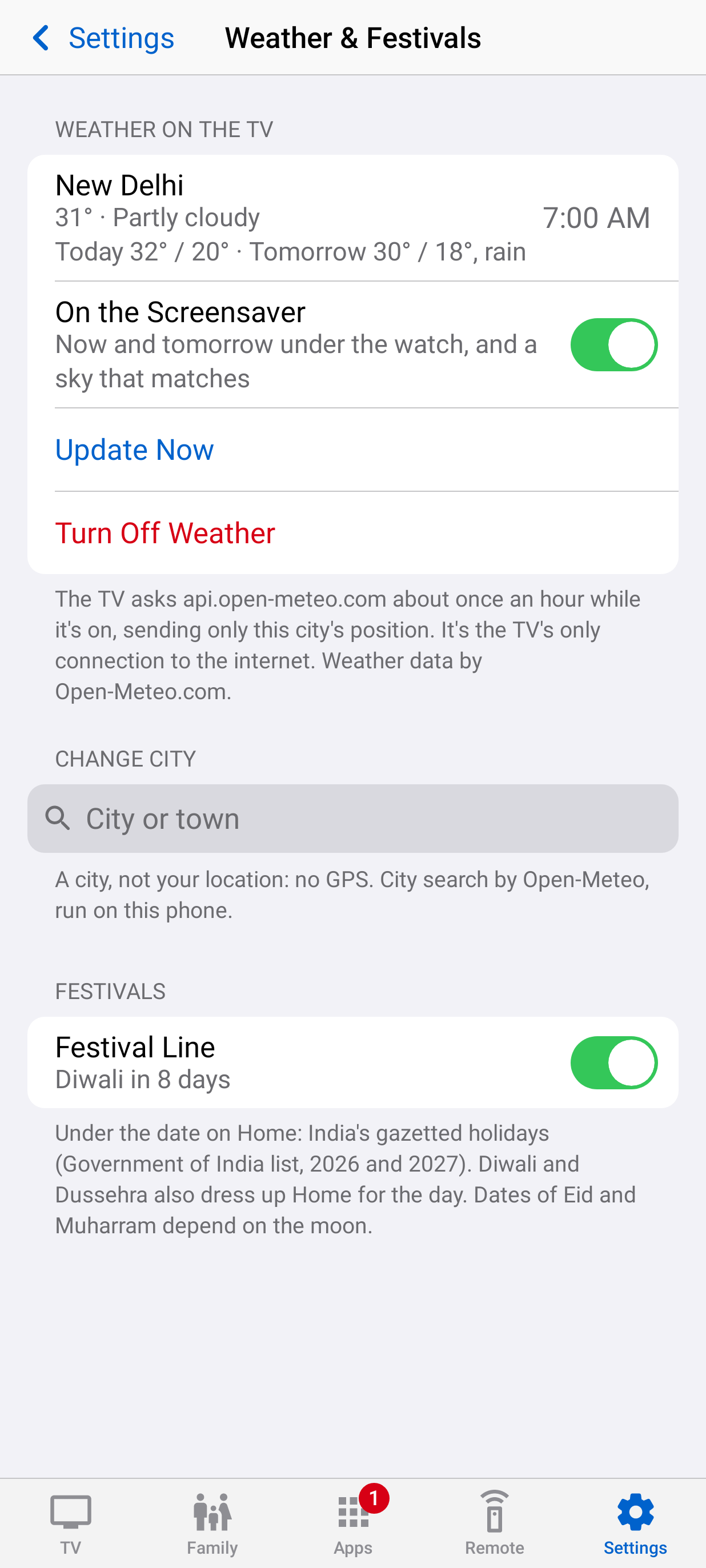
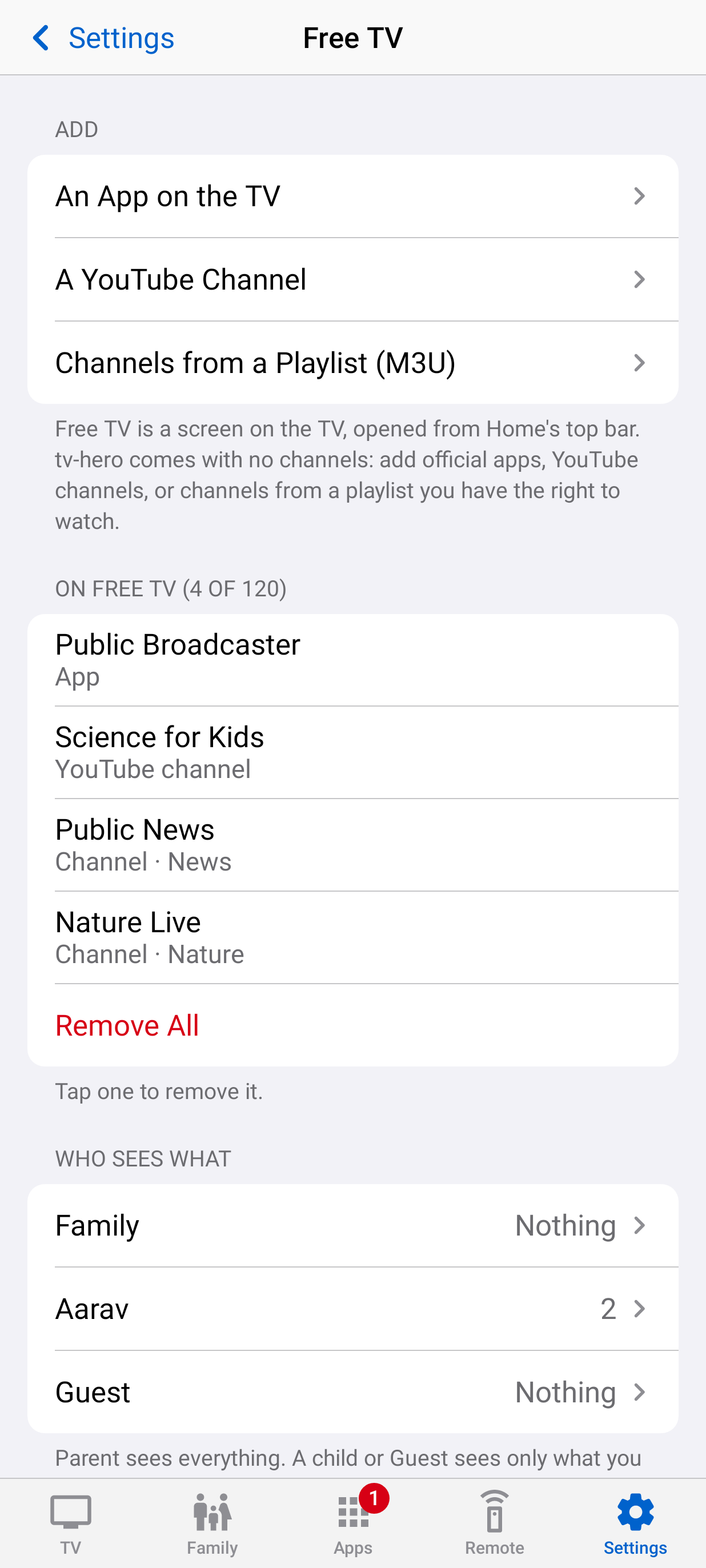
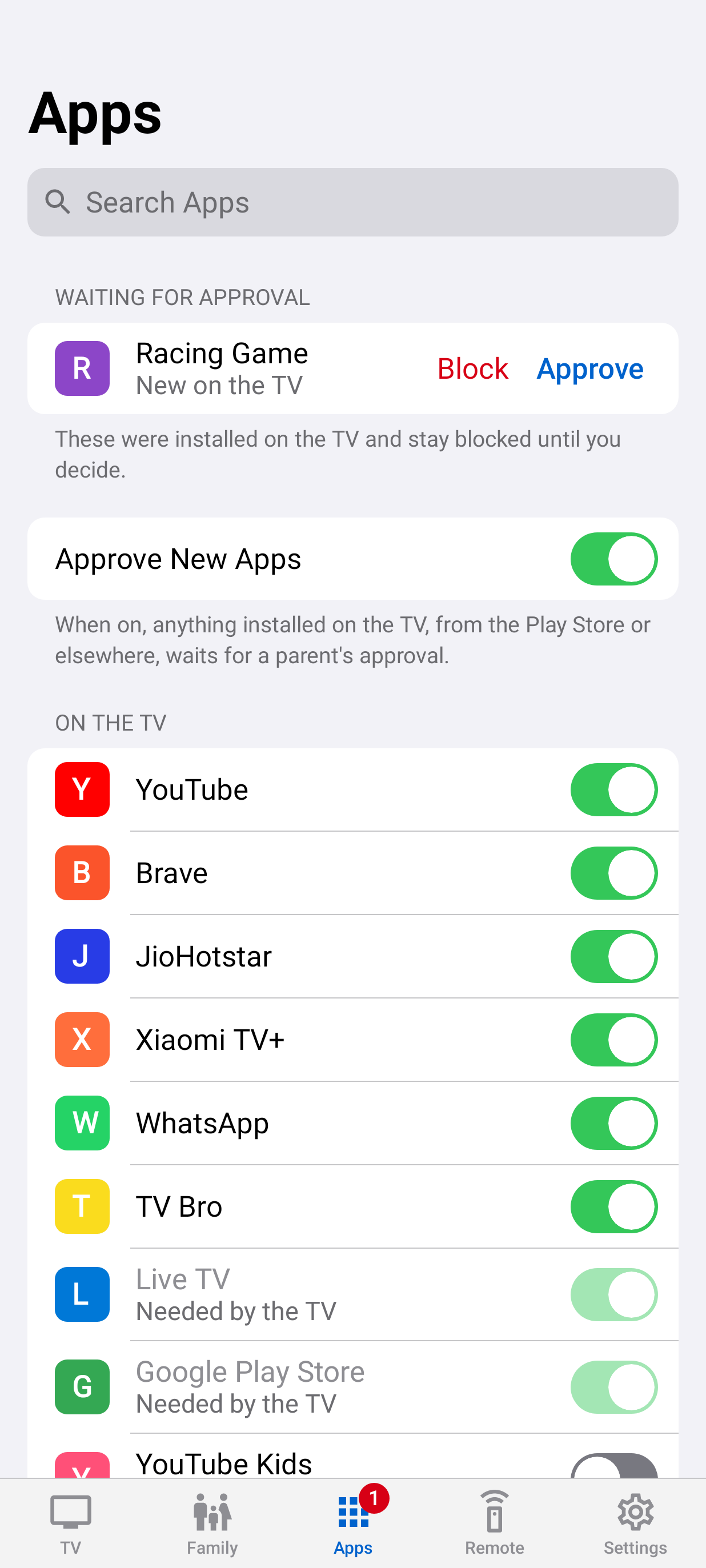
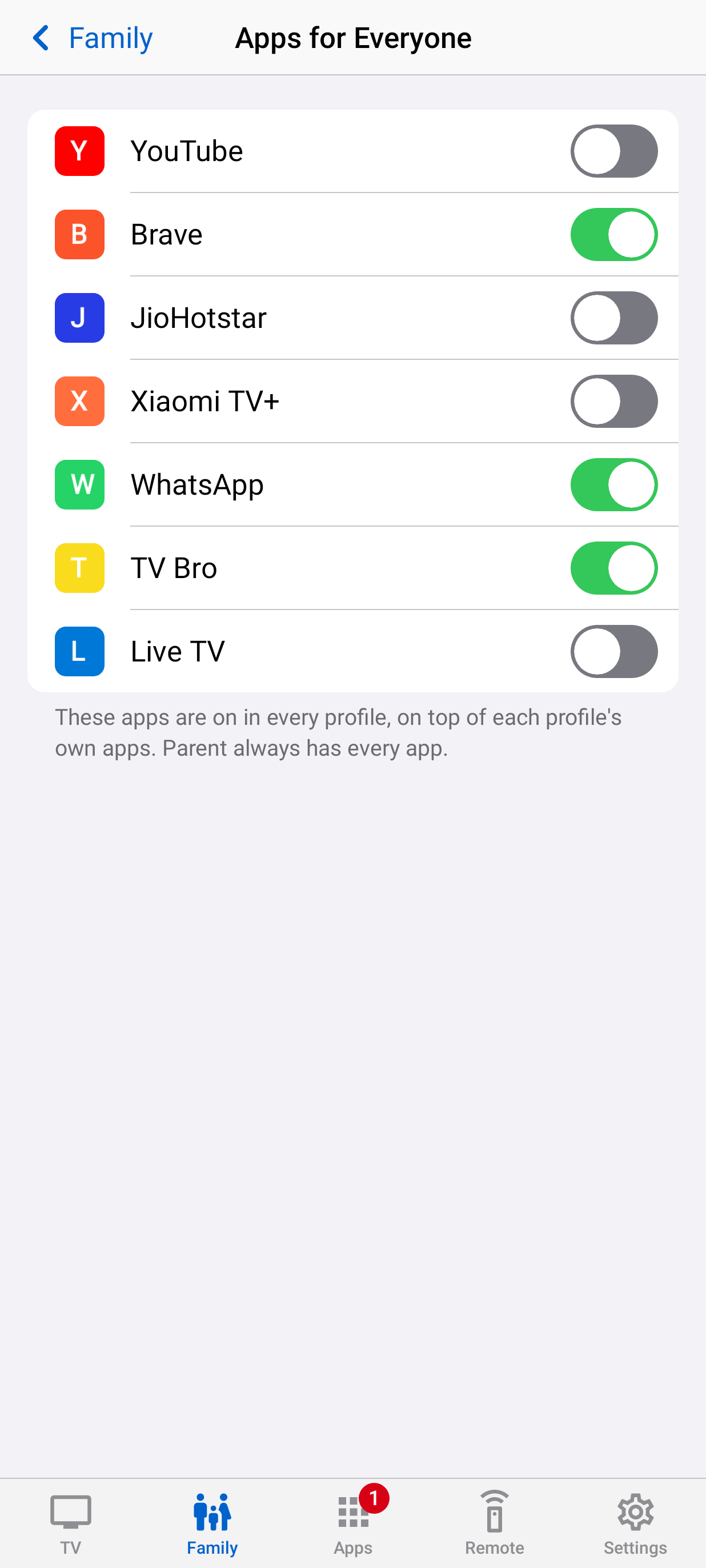
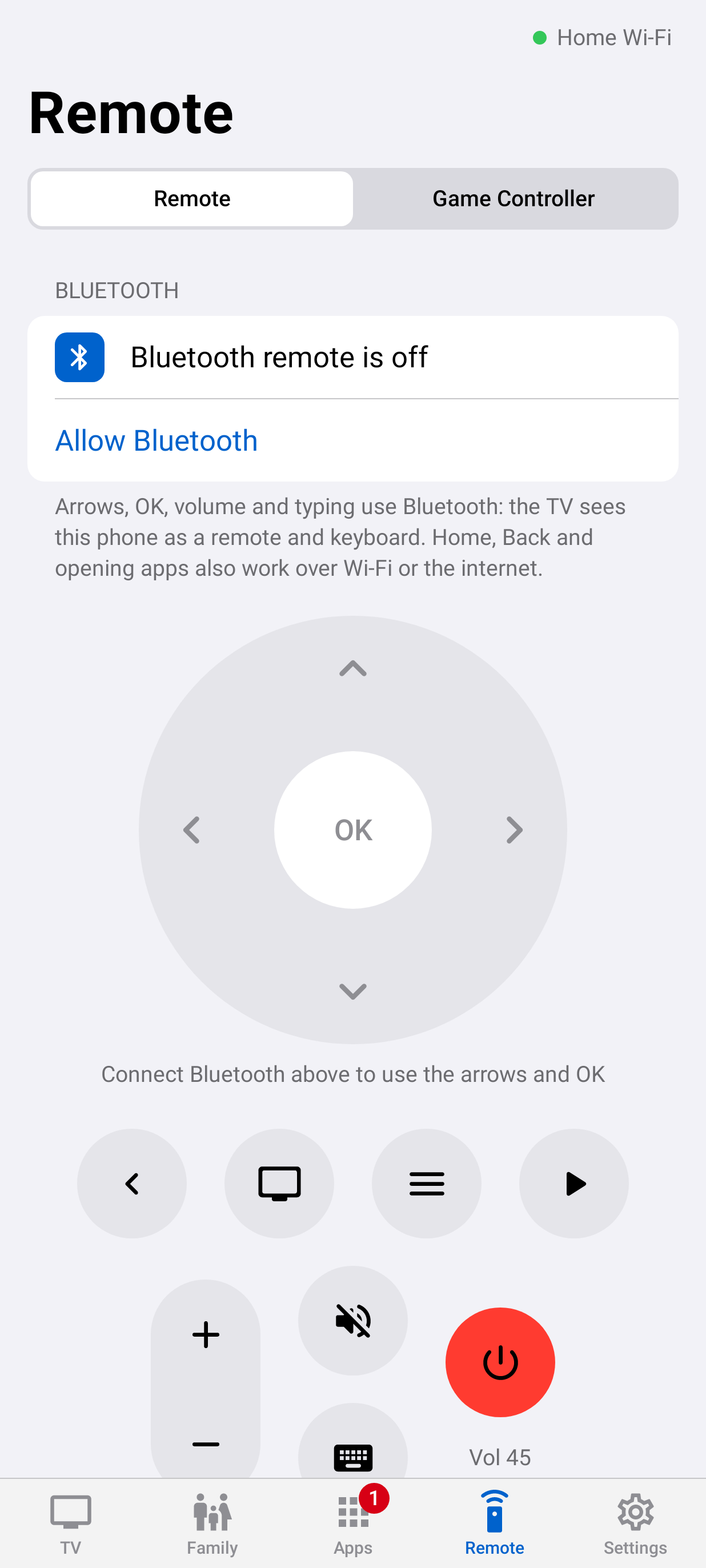
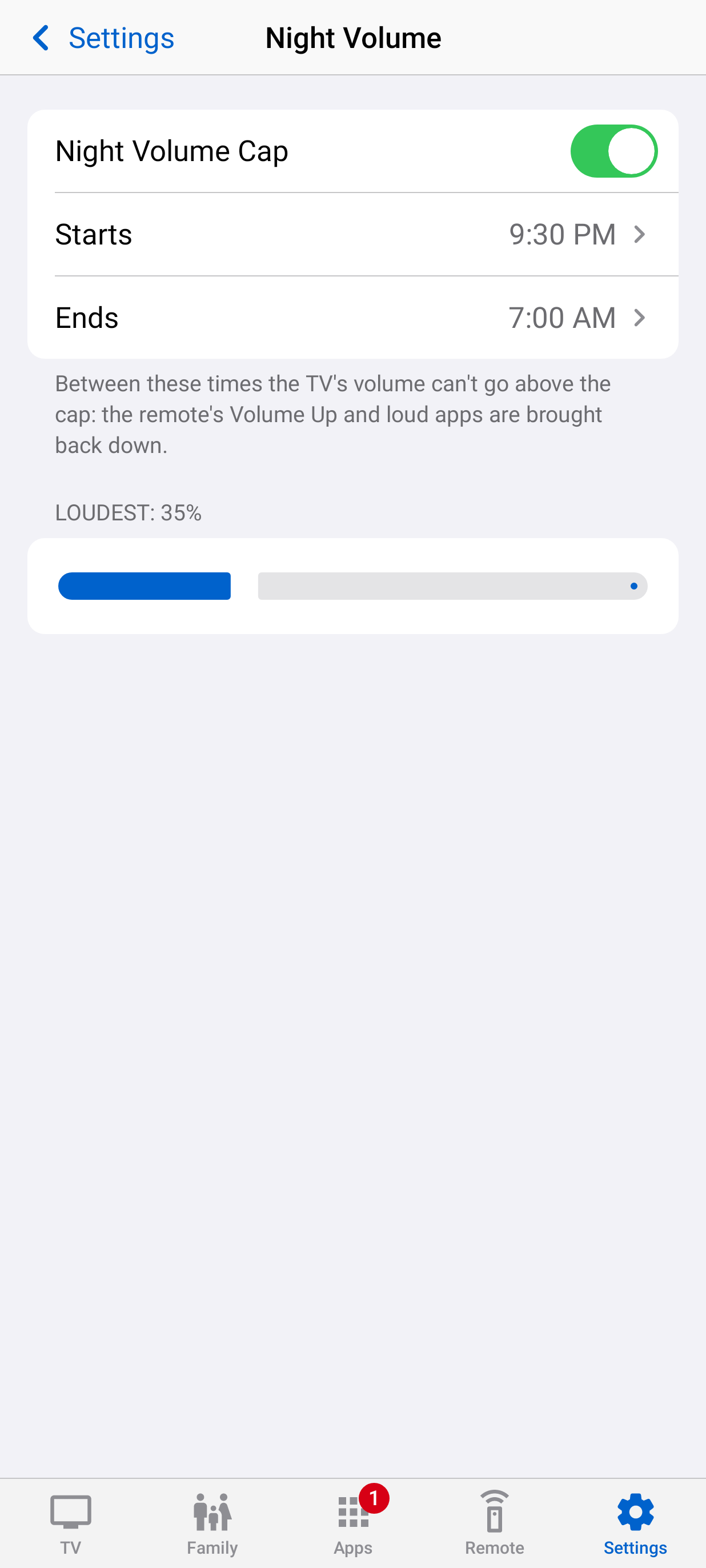
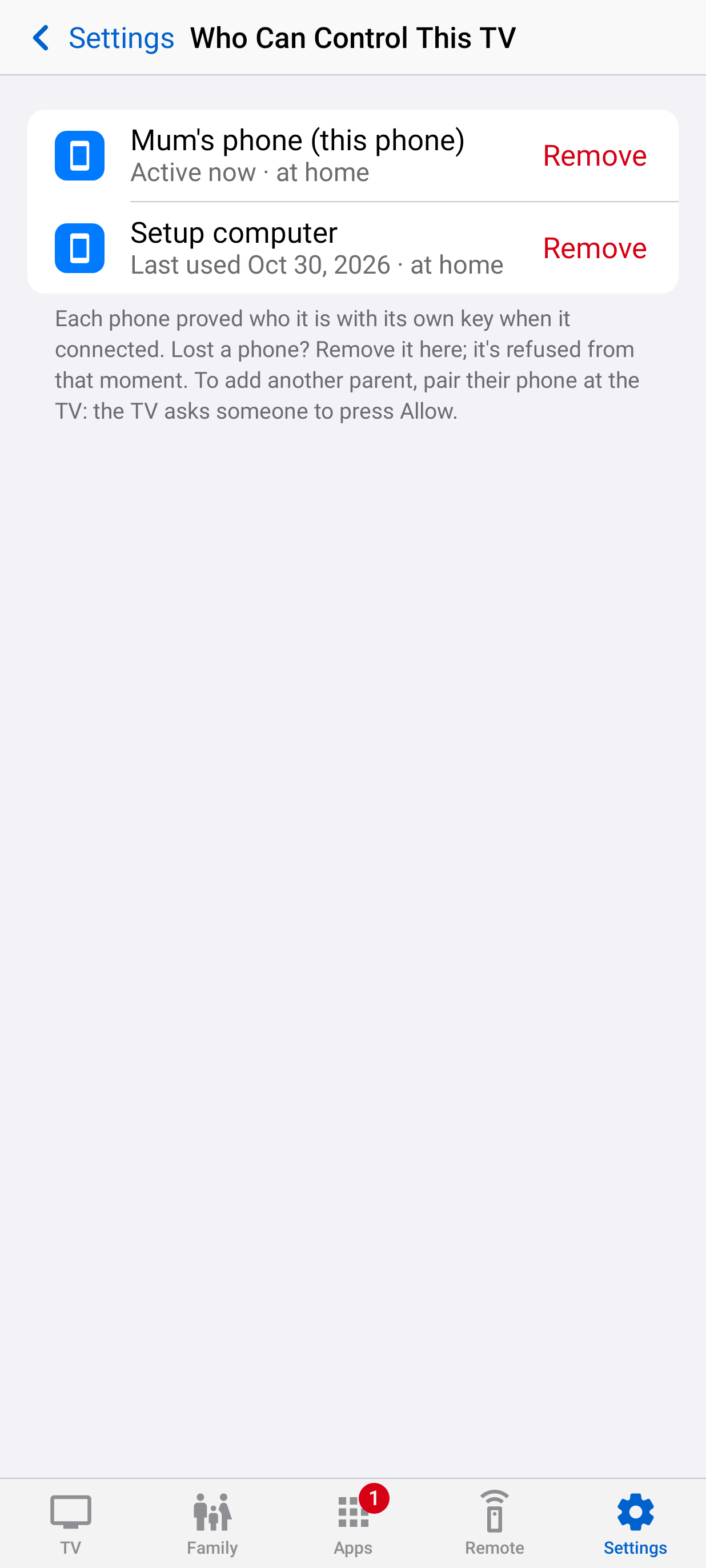
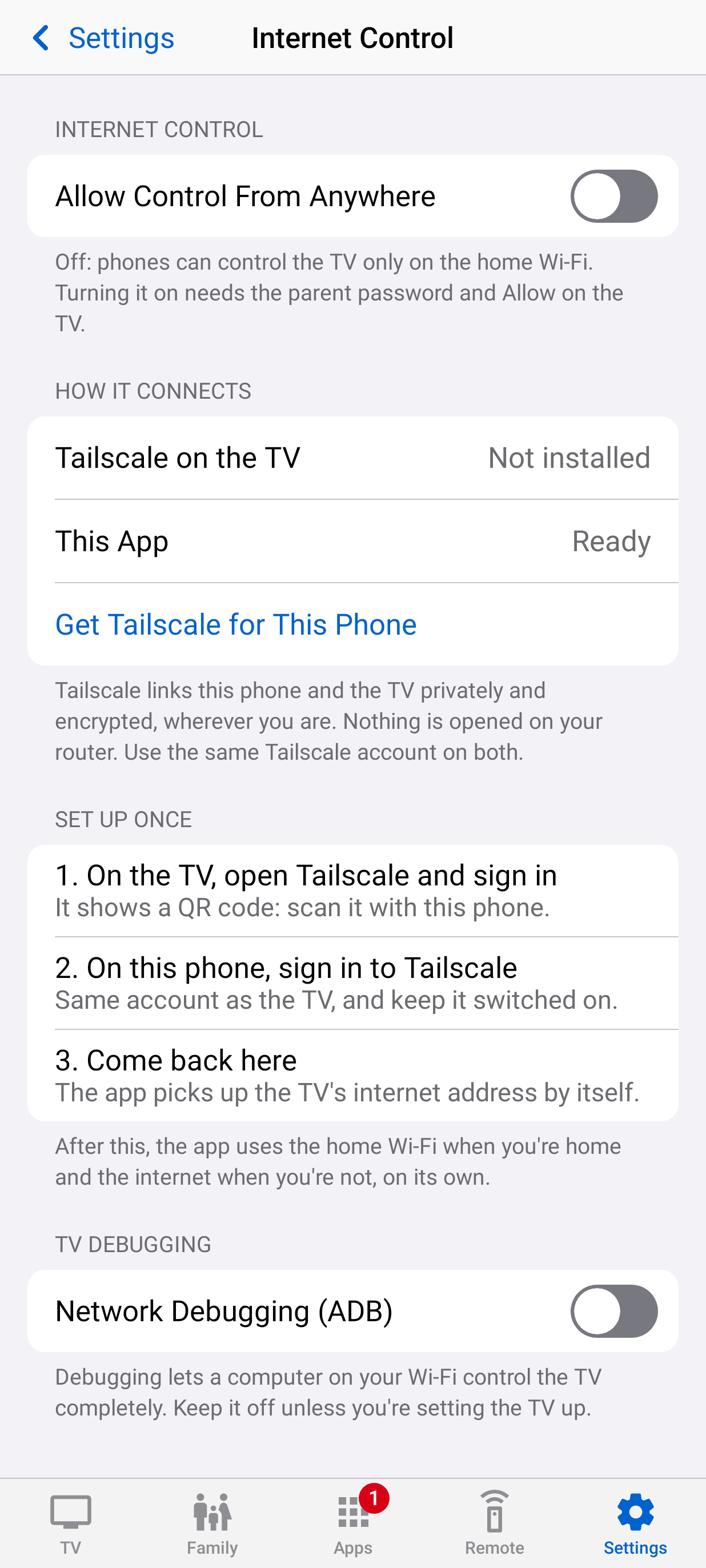
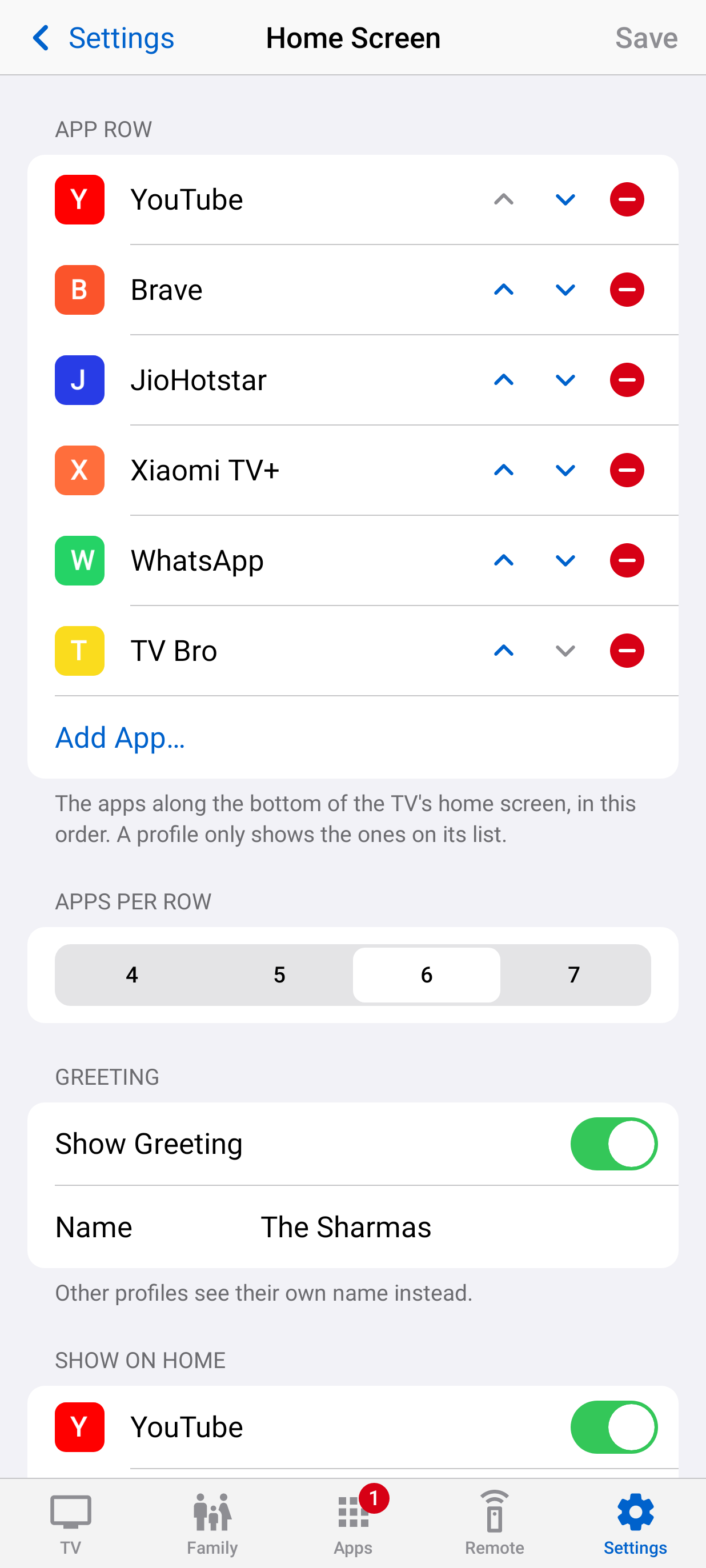
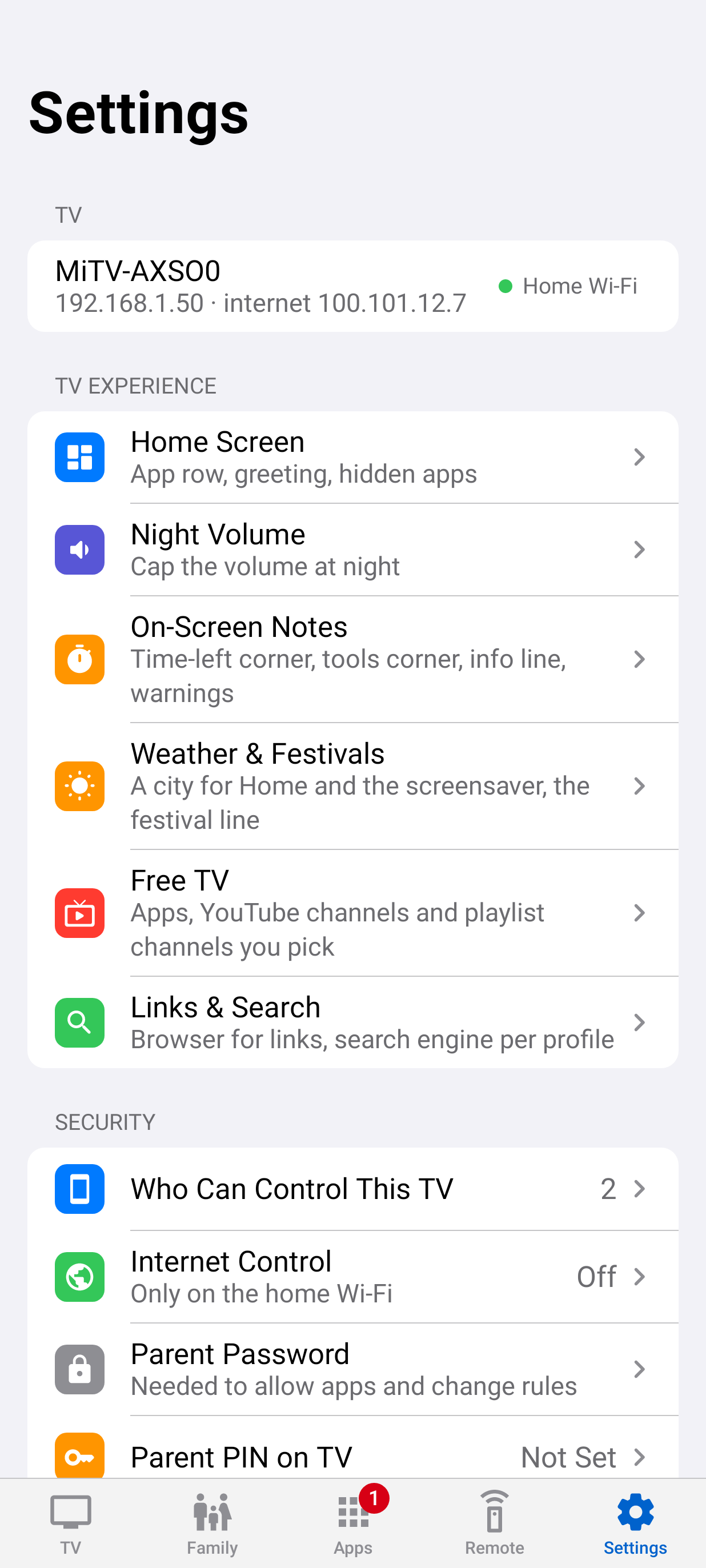
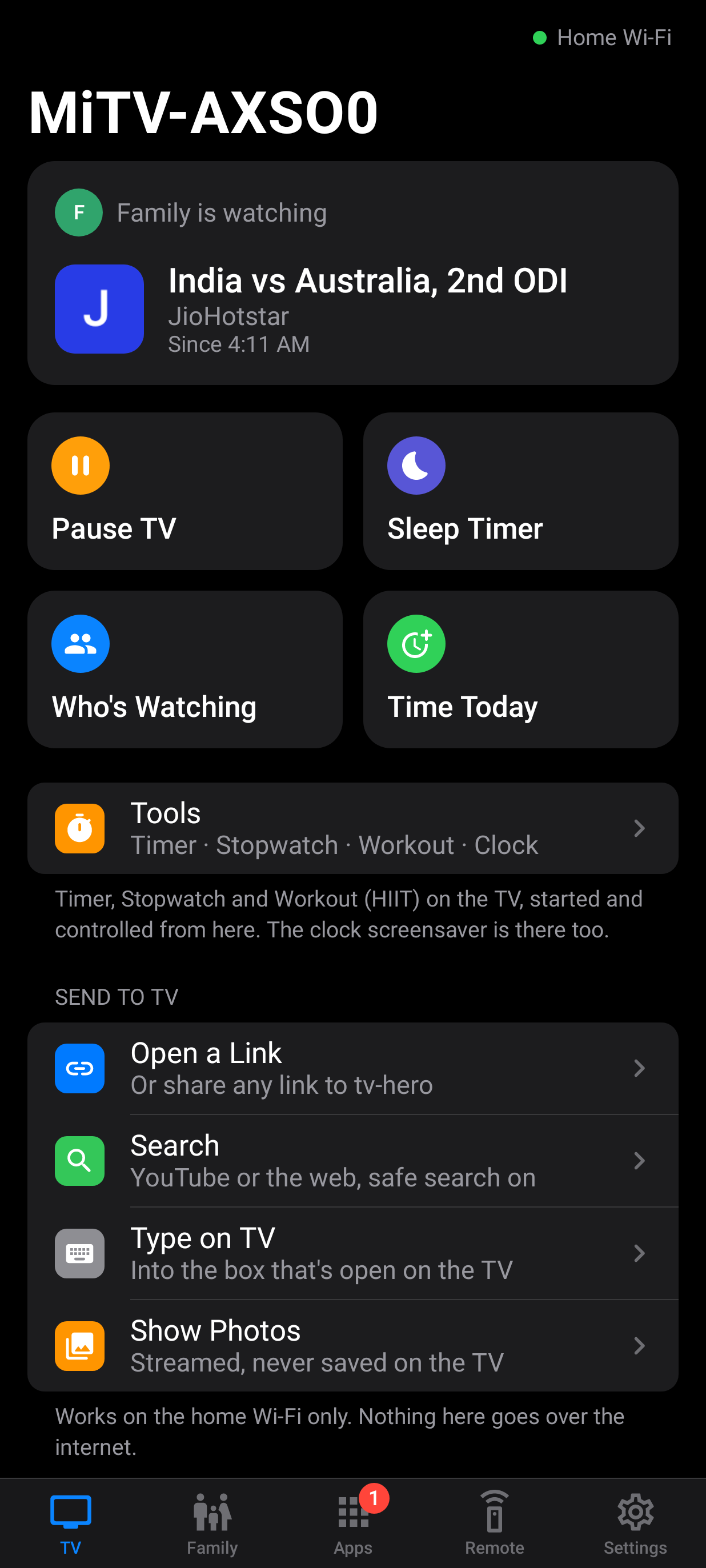
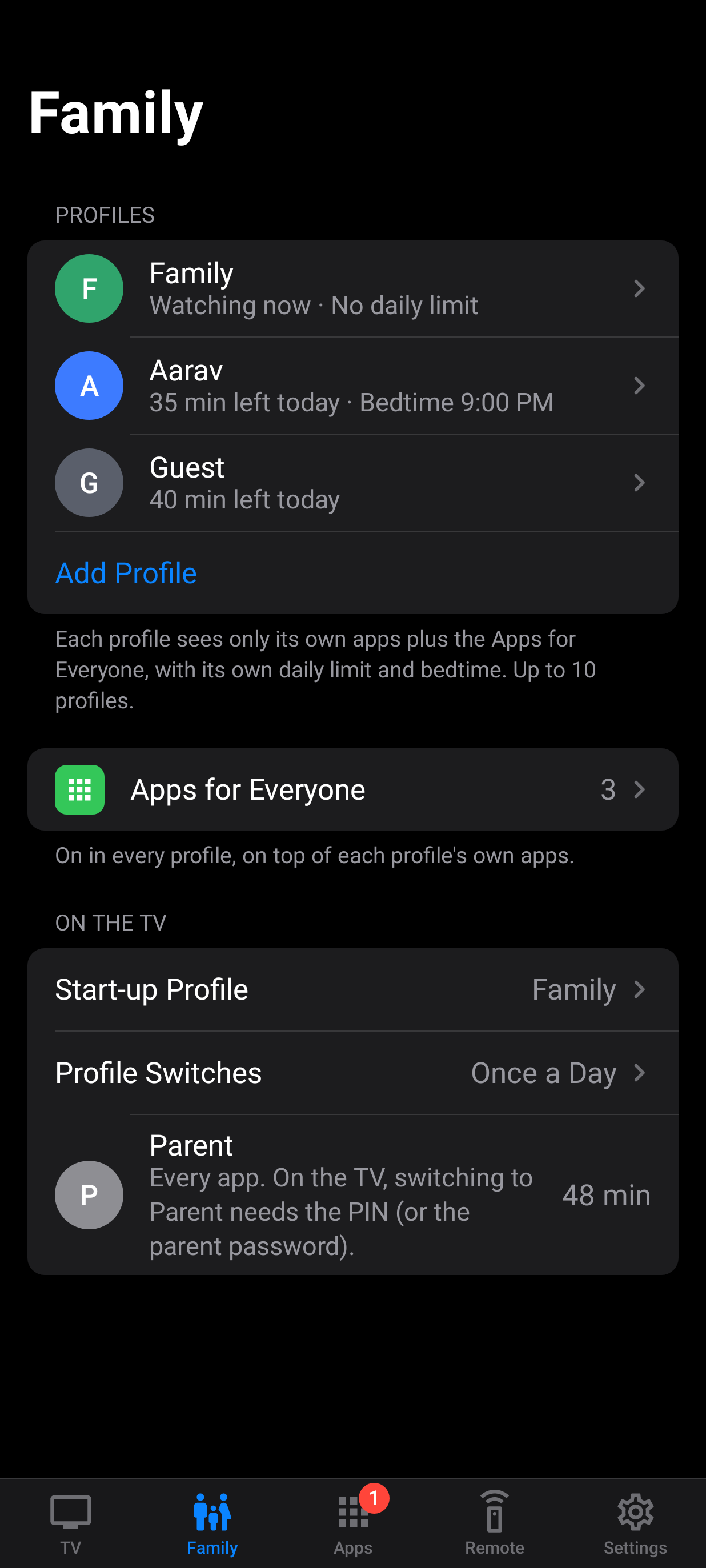
tv-hero on the phone: Welcome. The phone app's first screen: set up a new TV, or connect to one that already runs tv-hero.WelcomeOn the phonetv-hero on the phone: Set Up a New TV. The phone finds the TV on the home Wi-Fi, installs tv-hero and sets it up. No computer, no cables.Set Up a New TVOn the phonetv-hero on the phone: Pair this phone. Pairing asks the TV to show a code; a person compares it and presses Allow on the TV.Pair this phoneOn the phonetv-hero on the phone: What's on, and what needs you. Who's watching, what's playing and how much time is left, with kids' requests under Needs You.What's on, and what needs youOn the phonetv-hero on the phone: Family: profiles and Guest. Every profile with today's time and bedtime at a glance, plus Guest and the start-up profile.Family: profiles and GuestOn the phonetv-hero on the phone: A child's rules. Daily limit, Time Today (give or take minutes, End Now), the time-left corner, today app by app, bedtime and Earn Time for one child.A child's rulesOn the phonetv-hero on the phone: End today's TV now. A profile's screen time today, its daily limit and End Today's Time Now.End today's TV nowOn the phonetv-hero on the phone: Guest Time. Guests get their own daily allowance, shared by everyone who uses Guest that day.Guest TimeOn the phonetv-hero on the phone: On-screen notes. Switch off the time-left corner, the tools' corner status, the Home info line or the warnings, for everyone.On-screen notesOn the phonetv-hero on the phone: Type on TV over Wi-Fi. Type on the phone and it appears in the TV's search box as you type, through tv-hero Keyboard, which never reads the box.Type on TV over Wi-FiOn the phonetv-hero on the phone: Links and search. Where shared links open on the TV, and each profile's search engine, with safe search always on.Links and searchOn the phonetv-hero on the phone: Weather and festivals. A city for the weather on Home and the screensaver (the TV's only internet connection), and the festival line.Weather and festivalsOn the phonetv-hero on the phone: Free TV. Apps, YouTube channels and playlist channels you pick, and what each child sees.Free TVOn the phonetv-hero on the phone: Approve and block apps. New apps wait here for approval; any app can be blocked for everyone.Approve and block appsOn the phonetv-hero on the phone: Apps for Everyone. Apps every profile gets on top of its own list.Apps for EveryoneOn the phonetv-hero on the phone: Remote and game controller. A full remote, typing on the TV and the phone as a game controller.Remote and game controllerOn the phonetv-hero on the phone: Night volume cap. Between set times the TV's volume can't go above a cap.Night volume capOn the phonetv-hero on the phone: Who can control this TV. Every paired phone, when it was last used and from where. Removing one takes effect at once.Who can control this TVOn the phonetv-hero on the phone: Internet control, off by default. Control from outside the home stays off until a parent turns it on at home, with Allow on the TV.Internet control, off by defaultOn the phonetv-hero on the phone: Arrange the Home screen. Order the app row, apps per row and the greeting shown on the TV.Arrange the Home screenOn the phonetv-hero on the phone: Settings. The TV, its Home screen, night volume, security and this phone's app lock.SettingsOn the phonetv-hero on the phone: Dark mode. The phone app follows the phone's light or dark mode.Dark modeOn the phonetv-hero on the phone: Family, in dark mode. Profiles and Guest in dark mode.Family, in dark modeOn the phone

Screens are rendered with made-up sample families. Names, numbers and addresses are not real.