A look inside
Swipe through the states the island can take.
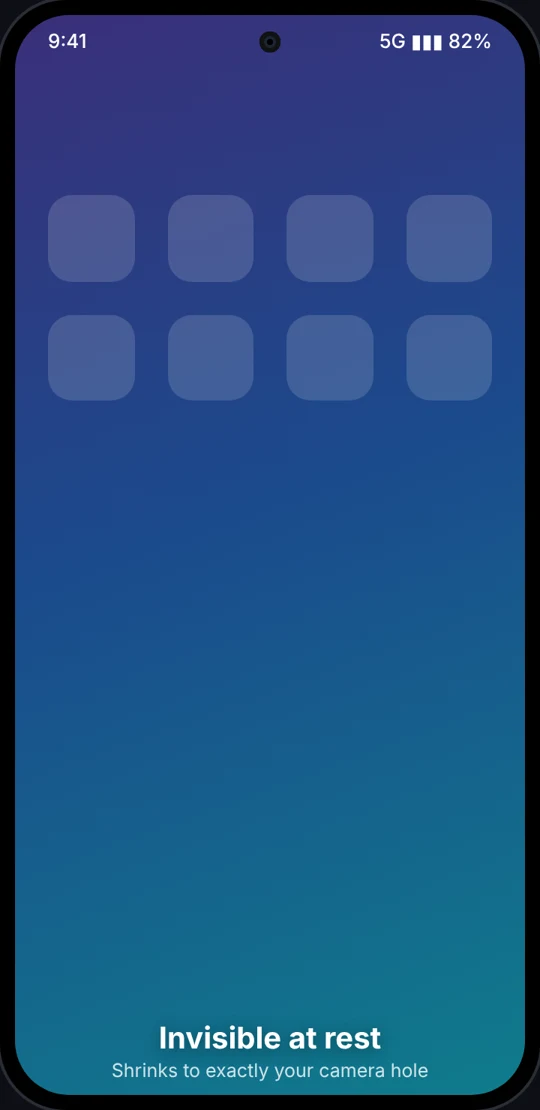
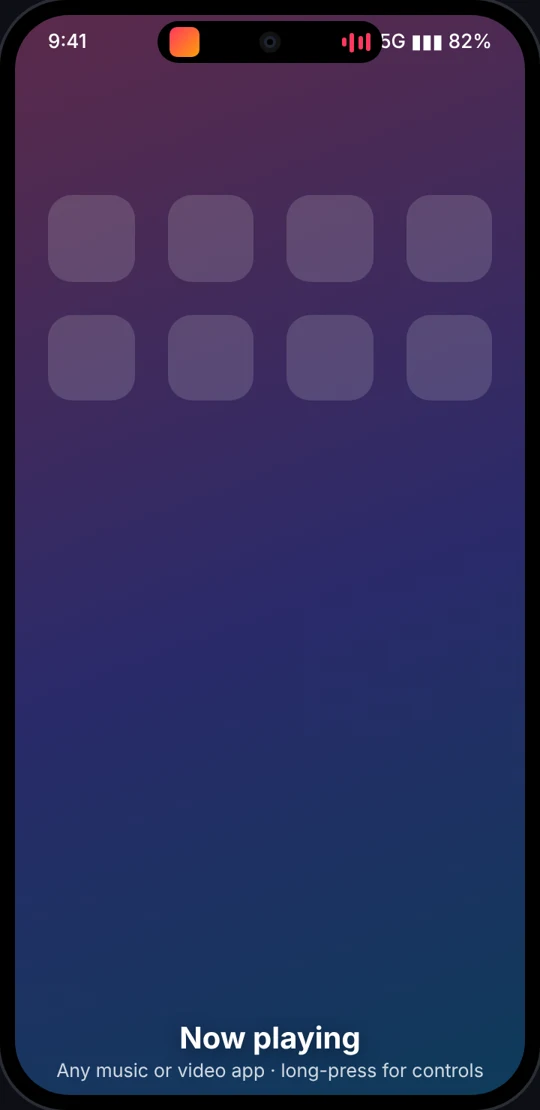
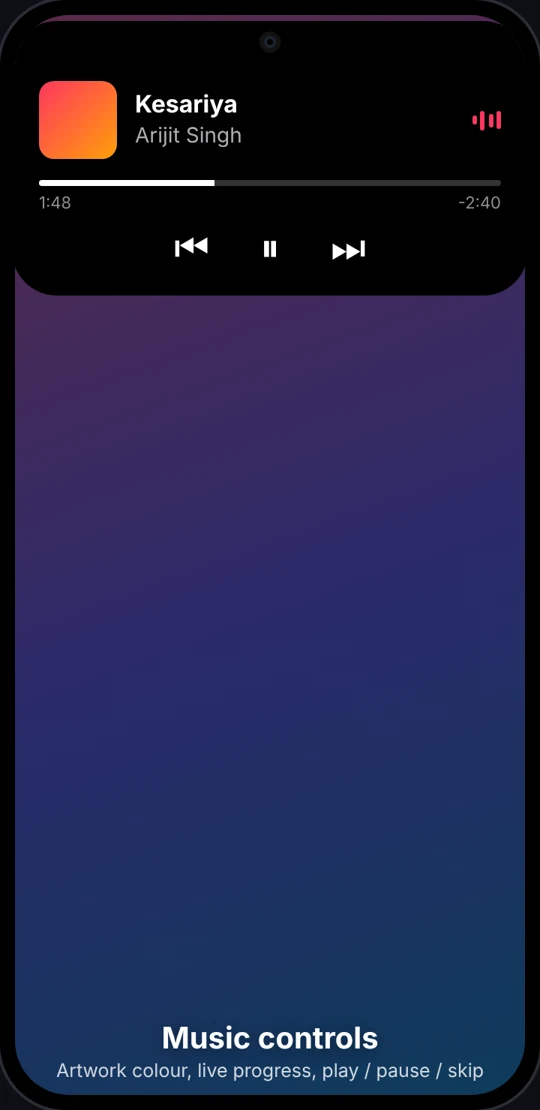
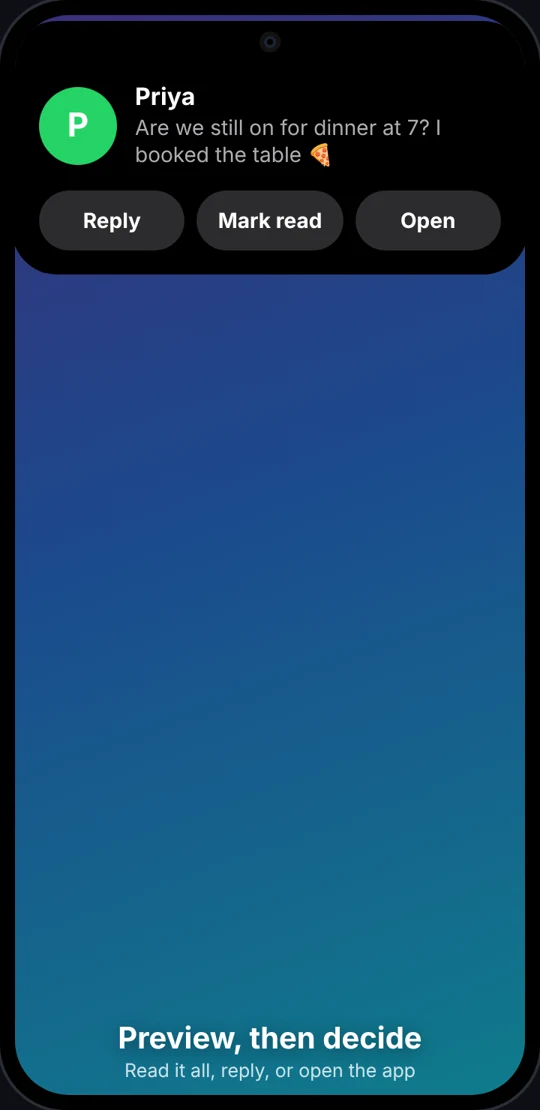
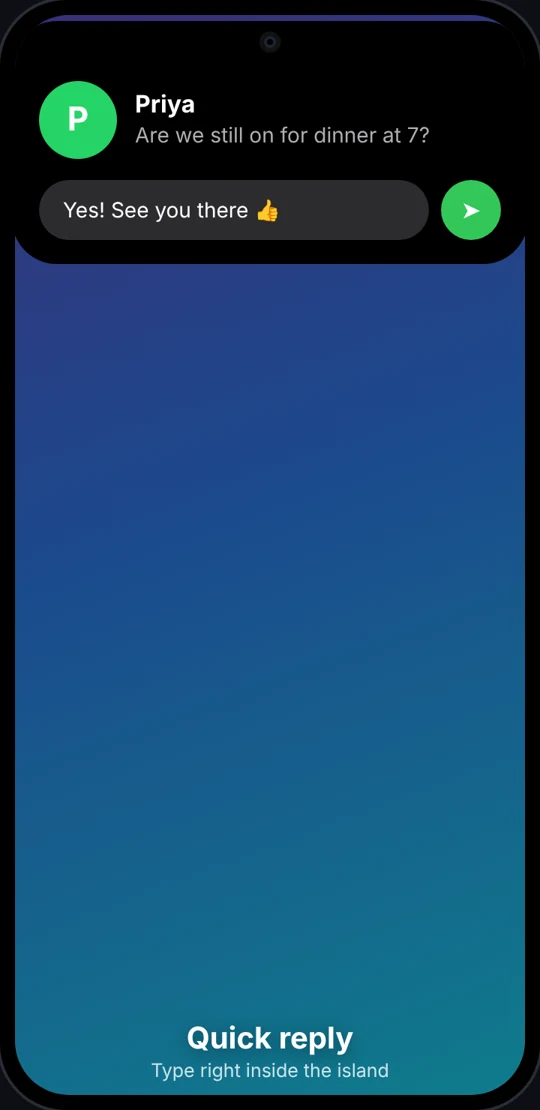
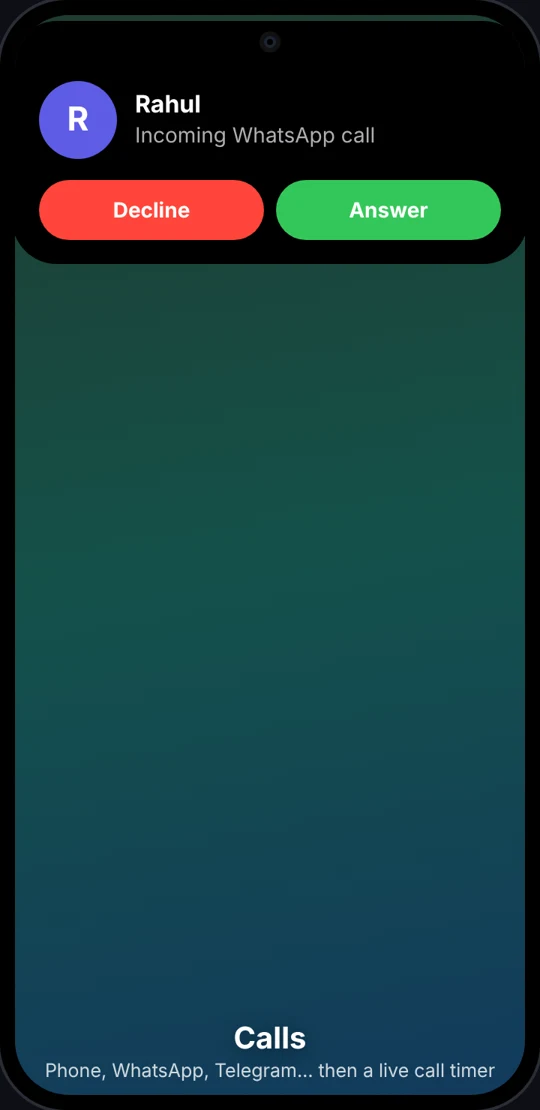
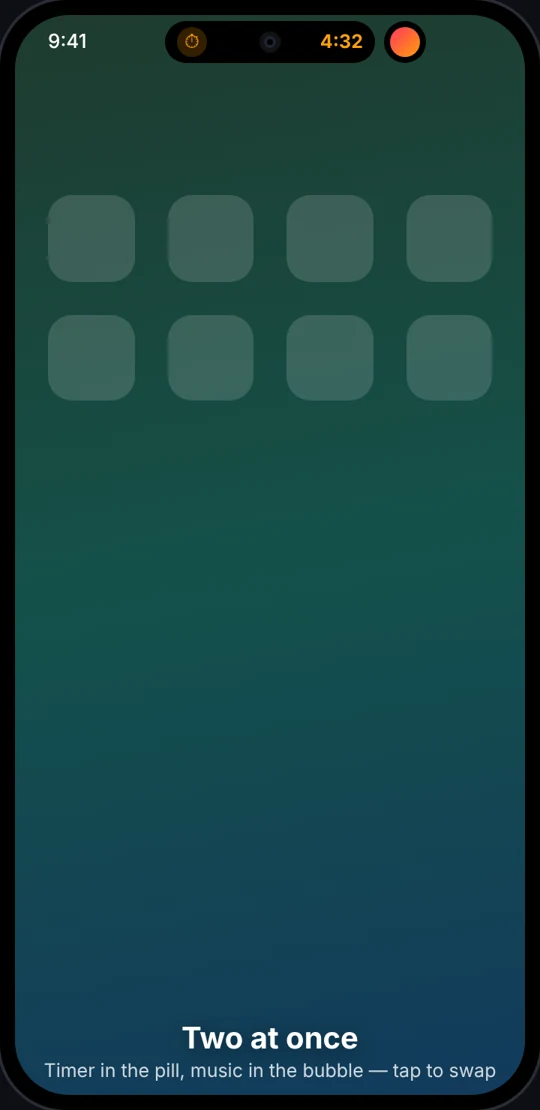
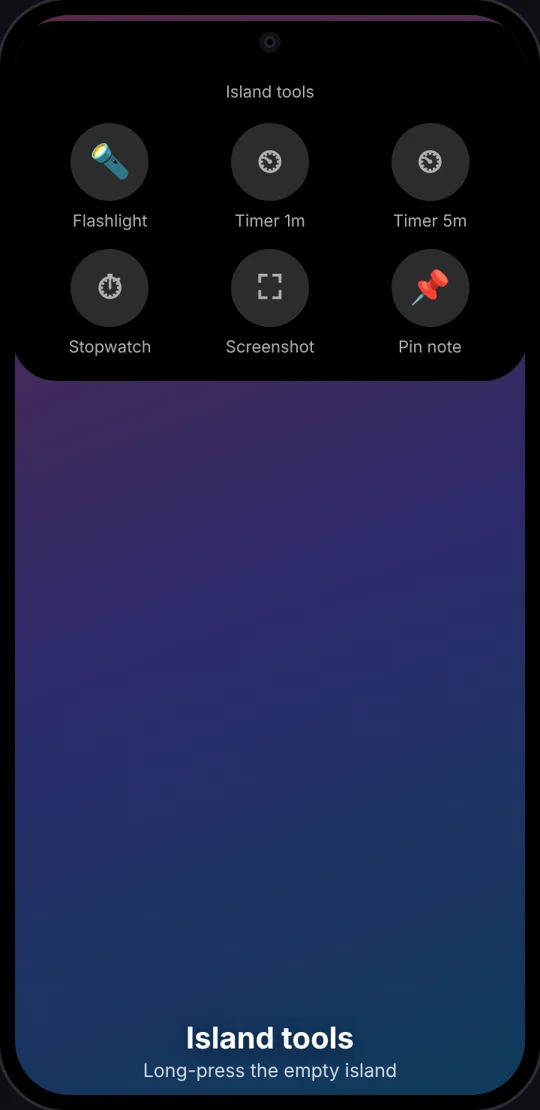
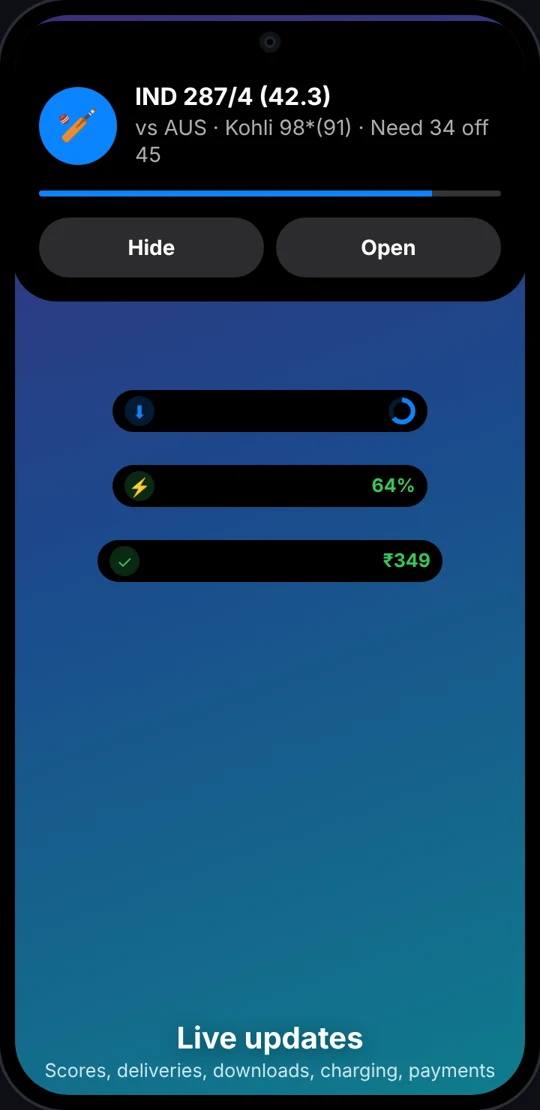
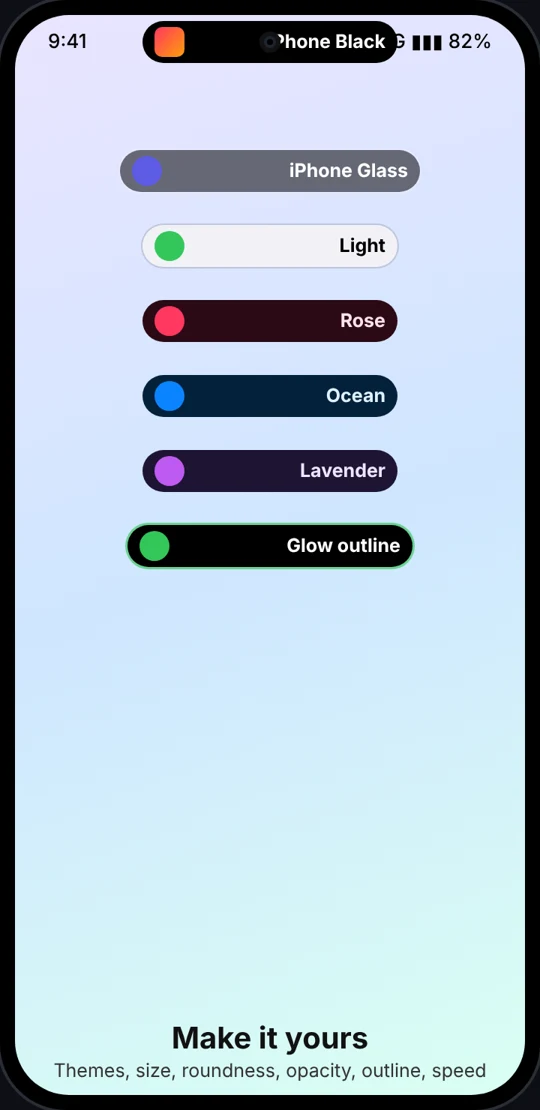
Illustrations of the app's real layouts. Real-device screenshots from the community are welcome.
Music, calls, timers, message previews with quick reply, live scores, deliveries and payments, right around your camera. At rest it shrinks into the camera hole and disappears. Open source, with no internet permission.
Invisible at rest
Built from Apple's Dynamic Island and Android 16 Live Updates, with features neither has.
Shrinks to exactly your camera hole. A calibrate mode helps you fit it pixel-perfect.
Tap to read the whole notification in the island, reply inline, or open the app.
Any music or video app: artwork colour, animated bars, progress, play / pause / skip.
Answer or decline phone, WhatsApp and Telegram calls, then see a live call timer.
Scores, rides, food and grocery delivery, downloads, navigation. Supports Android 16 Live Updates.
A confirmation glimpse for Google Wallet and UPI apps: GPay, PhonePe, Paytm, BHIM, CRED.
Charging, low battery, silent, DND, earbuds + battery, offline / back online, hotspot, NFC, unlock.
Screen / voice recording timer, plus camera and microphone in-use dots.
Long-press the empty island: flashlight, timers, stopwatch, screenshot, pin a note.
The main activity sits in the pill and the second in a bubble. Tap to swap.
7 themes, width, height, roundness, opacity, glow outline, animation speed.
Hides message text on the lock screen and an app's activity while you're in it. Per-app on/off.
Swipe through the states the island can take.
Illustrations of the app's real layouts. Real-device screenshots from the community are welcome.
Works on Xiaomi / Redmi / POCO, Samsung, OnePlus, OPPO, realme, vivo, iQOO, Motorola, Nothing, Pixel and other Android 12+ phones.
adb shell appops set com.ajit.dynamicisland ACCESS_RESTRICTED_SETTINGS allowNo menu option? Use the command above from a computer.
Detailed per-brand guide: INSTALL.md
The app doesn't even request internet access, so it can't send anything anywhere.
| Permission | Used for |
|---|---|
| Notification access | Showing notifications and media in the island, quick reply, playback control: on-device only |
| Accessibility service | Drawing over the status bar and lock screen; knowing which app is open. Screen content is not readable (canRetrieveWindowContent=false). |
| Bluetooth (optional) | Your earbuds' name |
| Internet | Not requested |
Not yet. The project is new and open source. Install the signed APK from GitHub Releases or build it yourself.
It's the only way for a normal app to draw above the status bar and lock screen. The service listens only to "which window is on screen" events and can't read screen content.
It's event-driven: it reacts to notifications and system broadcasts, and animates only while something changes. Nothing polls in the background.
It still works. Use the width/height and offset sliders to place it where you like.
Your phone's battery saver is stopping it. Follow the brand steps in the app (or dontkillmyapp.com).